
Clipping Magic
Automated background removal for imagesRemove image backgrounds with smart editing
Highlights
What you can do with it
- Cropping product images for listings
- Fine hair separation for portrait retouching
- Optimizing e-commerce product display images
How to use it
- 1 Upload your image to the tool.
- 2 Mark the foreground and background areas to guide the cutout.
- 3 Let the tool remove the background automatically.
- 4 Adjust edges, crop, and correct color.
- 5 Download the finished image.
Who it is for
Pros
- Automated removal with manual control tools
- Handles fine edges such as hair
- Some functions are free to use
Limitations
- Free functions are limited and fuller access needs a paid plan
- Busy or low-contrast backgrounds still need manual marking
- Automatic removal is not always accurate on complex images
- Output quality depends on the original resolution
What Clipping Magic is
Clipping Magic is a professional image processing tool that automatically removes backgrounds from images. Beyond one-click removal, it offers adjustment options including cropping, rotating, and color correction, along with foreground and background marking tools that let you guide the cutout. The site highlights precise edge adjustment for difficult areas such as hair and transparent objects, plus quick addition of shadows and reflections. Users can use some functions for free and upgrade to paid services for fuller access, and the tool is positioned as a fast, accurate background removal solution.
What you can do with it
- Upload an image and remove the background automatically.
- Mark foreground and background areas to guide the cutout.
- Refine edges around hair and other fine details.
- Crop, rotate, and correct color on the result.
- Add shadows and reflections for product or portrait shots.
Who it is for
- Designers who need clean cutouts for layouts and composites.
- Photographers who want fine separation around hair and soft edges.
- E-commerce operators who need consistent product images for listings.
- Anyone processing portraits or product shots regularly rather than occasionally.
What to watch out for
The free functions are limited, so regular or batch work will likely require a paid plan. Busy or low-contrast backgrounds still need manual marking to get a clean edge, and fully automatic removal is not always accurate on complex images, so plan time for touch-up. Output quality also depends on the original resolution, so start with the largest file you have rather than a compressed copy. Check the current pricing before you plan a workflow around it. Behavior may vary across browsers and devices, so test before production use and consult the help docs if errors appear.
FAQ
What does Clipping Magic do?
It automatically removes image backgrounds and provides adjustment options such as cropping, rotating, and color correction, along with edge tools for hair and transparent objects.
Is it free?
The site says users can use some functions for free and upgrade to paid services for more.
Can it handle hair and fine edges?
The site highlights precise edge adjustment and foreground and background marking tools for difficult areas such as hair.
Who uses it?
The site lists designers cropping product images, photographers doing fine hair separation, and e-commerce operators optimizing product displays.
Why it is free
What the official page says: for free
Free limits, trial length and features are decided by the official site and can change at any time.
Product preview
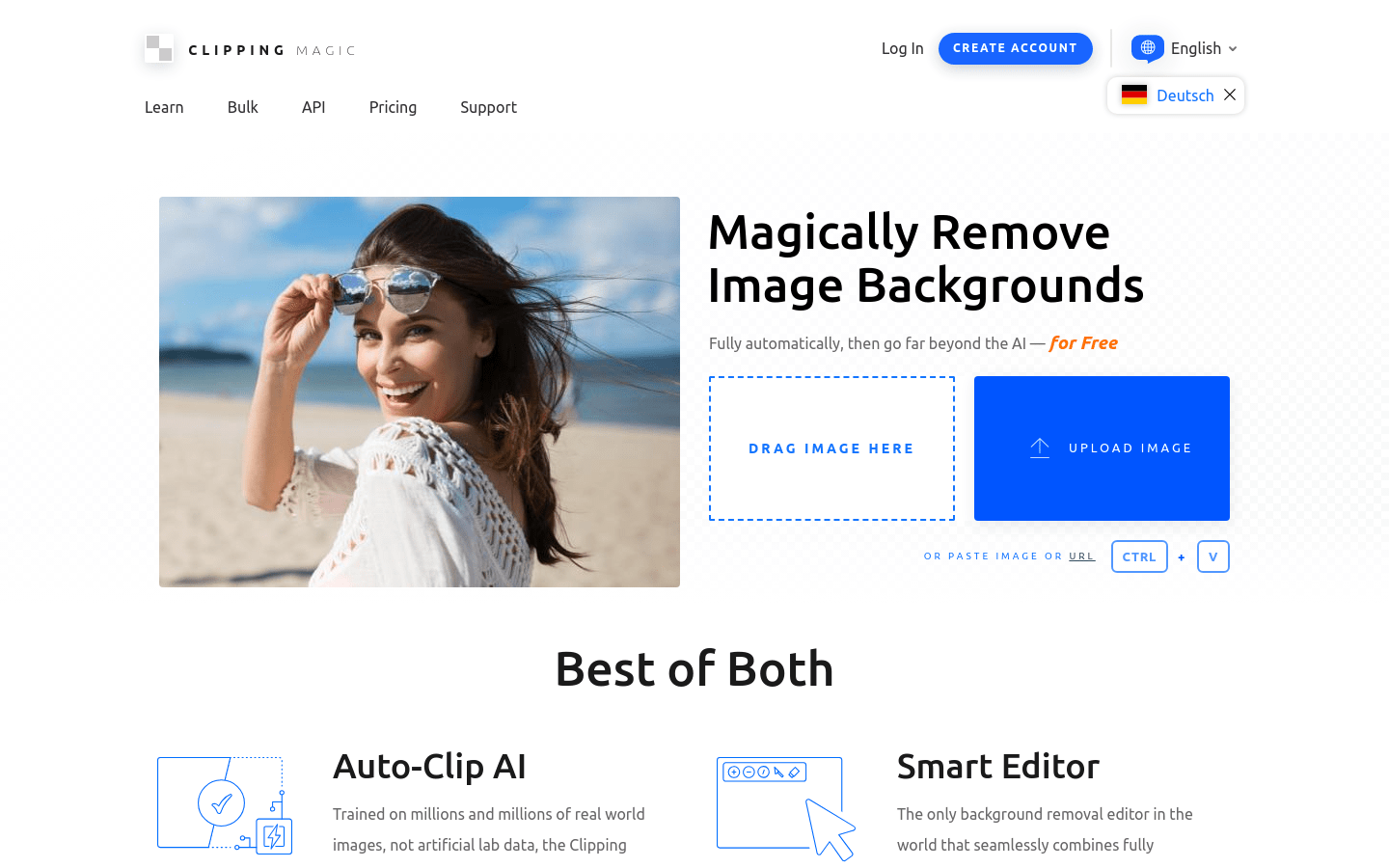
Screenshot archived from the listing page, for preview only.











