
Clidey WhoDB
Multi-database data exploration toolExplore and manage databases in one place
Highlights
What you can do with it
- Data analysts running complex queries and analysis
- IT teams unifying management of multiple databases
- Developers visualizing schemas and editing data during builds
How to use it
- 1 Visit the WhoDB website and register an account
- 2 Download and install the WhoDB desktop client
- 3 Launch the client and connect to your database
- 4 Query and manage data through the interface
- 5 Use in-line editing and schema visualization
- 6 Run complex queries in the notebook environment
- 7 Upgrade to a paid plan if you need more features
Who it is for
Pros
- Free core functionality
- Supports many database types in one tool
- Fast performance powered by GoLang
Limitations
- Advanced features require a paid plan
- Desktop client installation is required
- Site status was unreachable during the last check
What Clidey WhoDB is
Clidey WhoDB is a data exploration tool that offers an intuitive user interface for working with multiple databases. It supports PostgreSQL, MySQL, SQLite, MongoDB, and Redis, letting users manage different systems from one place. The tool is built on GoLang, which gives it a fast and responsive feel during database operations. WhoDB also includes a Jupyter notebook-like query environment, interactive schema visualization, and seamless in-line editing. It is aimed at enterprises and individuals who need efficient database management, with free core functionality and paid service options for businesses of various sizes.
What you can do with it
- Connect to and manage PostgreSQL, MySQL, SQLite, MongoDB, and Redis
- Run queries in a notebook-style environment
- Visualize database schemas through interactive charts
- Preview and edit data directly without switching tools
- Work with major large language models like Anthropic
Who it is for
- Data analysts running complex queries and analysis
- IT departments unifying management of multiple databases
- Developers visualizing schemas and editing data during development
What to watch out for
Advanced features are locked behind paid plans, so the free tier has limits. A desktop client must be downloaded and installed, which adds setup steps compared to pure web tools. The site was unreachable during the last check, so verify availability before relying on it for production work. Database credentials and connections should always be handled with standard security care. For team use, agree on naming and editing conventions in advance to avoid version conflicts or duplicated work. Name and archive exported files consistently so you can find and reuse them, and keep a backup copy of key data.
FAQ
Which databases does WhoDB support?
It supports PostgreSQL, MySQL, SQLite, MongoDB, and Redis.
Is WhoDB free?
It offers free core functionalities with paid service options for businesses.
Does it work with AI models?
Yes, it is compatible with major large language models like Anthropic.
Why it is free
What the official page says: 免费
Free limits, trial length and features are decided by the official site and can change at any time.
Product preview
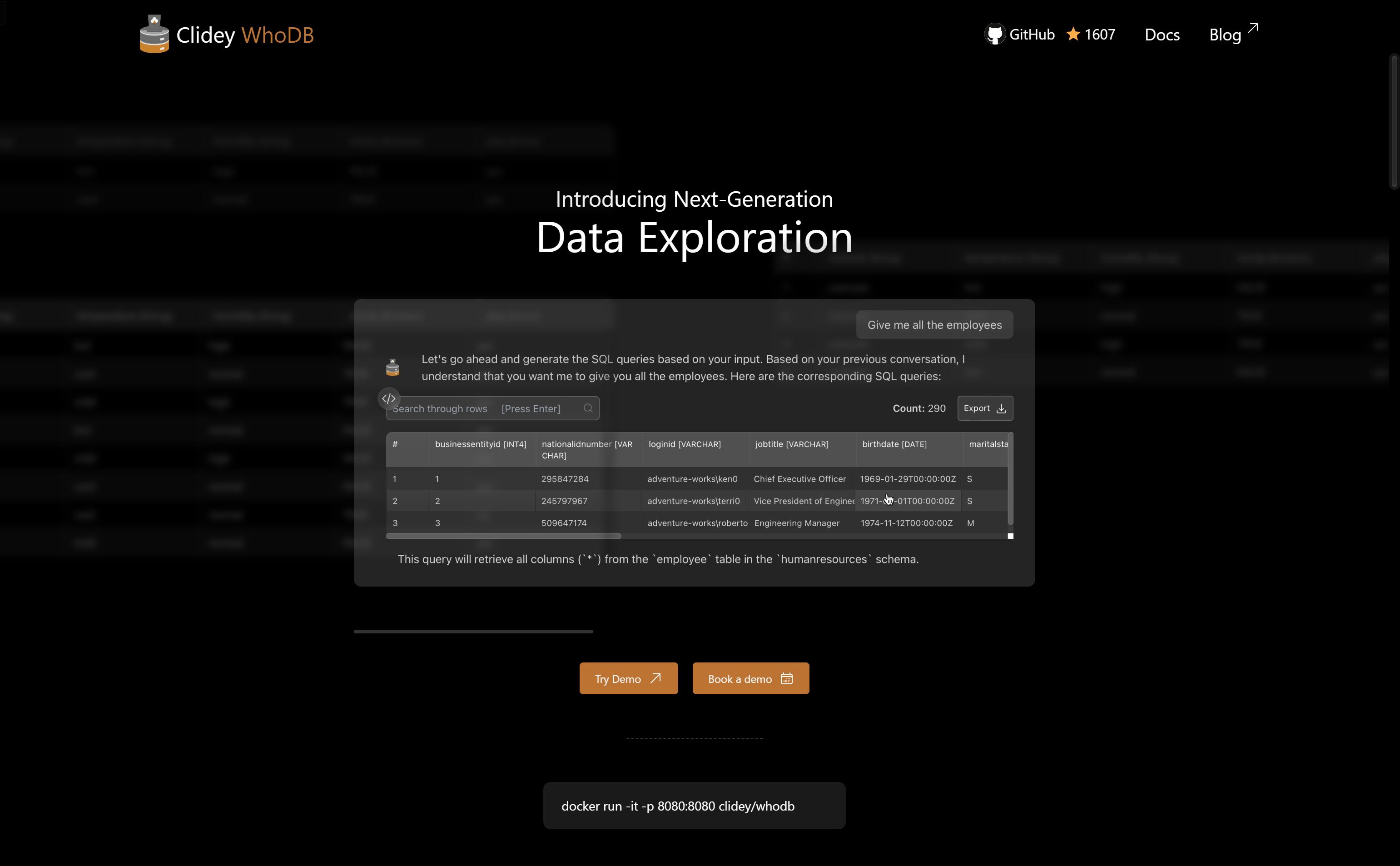
Screenshot archived from the listing page, for preview only.











