
Clico
AI writing browser add-onAI help inside any text box
Highlights
What you can do with it
- Draft a reply in Gmail using the email context
- Summarise a long article before you comment
- Write a LinkedIn post with suggestions on screen
How to use it
- 1 Install the extension from the Chrome Web Store.
- 2 Open a page that has a text box.
- 3 Press the shortcut in the box to open Clico.
- 4 Highlight text for an explanation, or hold the key for dictation.
Who it is for
Pros
- Free to install and use
- Context aware, which saves copying between tabs
- One shortcut covers writing, explaining, and summarising
Limitations
- It reads page content, so review the privacy policy before using it on sensitive documents
- Browser extension permissions vary and deserve a check
- Free status and shortcut behaviour can change
What Clico is
Clico is a free browser extension that adds AI writing help directly inside text boxes. Instead of opening a separate chat window, you press a shortcut while your cursor is in the box and Clico writes or rewrites a reply based on the page you are already looking at. Highlight any text and it explains it, double tap and it produces a structured summary of the page, and holding a key turns your speech into text. It is operated by SOPHIAPRO PTE LTD, listed as free, and works across the sites where people write most, including Gmail, Google Docs, Notion, Slack, Discord, LinkedIn, Reddit, and Substack.
What you can do with it
- Write or rewrite a reply without leaving the page.
- Highlight a paragraph and get an explanation in place.
- Summarise a long article into key points and action items.
- Dictate text hands free and have it transcribed as you speak.
Who it is for
- Professionals who spend the day answering email.
- Students and researchers reading and annotating online material.
- Content creators posting across several platforms from one browser.
What to watch out for
Because the extension reads visible page content, read the privacy policy carefully before using it on confidential documents, client work, or anything under a non-disclosure agreement. Browser extensions ask for permissions that can be broad, so check what Clico requests and remove it if you are not comfortable. A free extension can change its pricing or shortcuts at any time, and AI suggestion quality varies, so treat output as a draft you edit rather than a final answer you send unread. Features and interface details may change between versions, so review the latest notes on the page before you start.
FAQ
Where does it work?
Google Docs, Gmail, Notion, Slack, Discord, LinkedIn, Reddit, Substack, and other sites with text boxes.
Does it read the page?
Yes. It reads visible page content to understand context, so you do not need to copy and paste.
Who runs it?
The description says it is operated by SOPHIAPRO PTE LTD.
Why it is free
What the official page says: for free
Free limits, trial length and features are decided by the official site and can change at any time.
Product preview
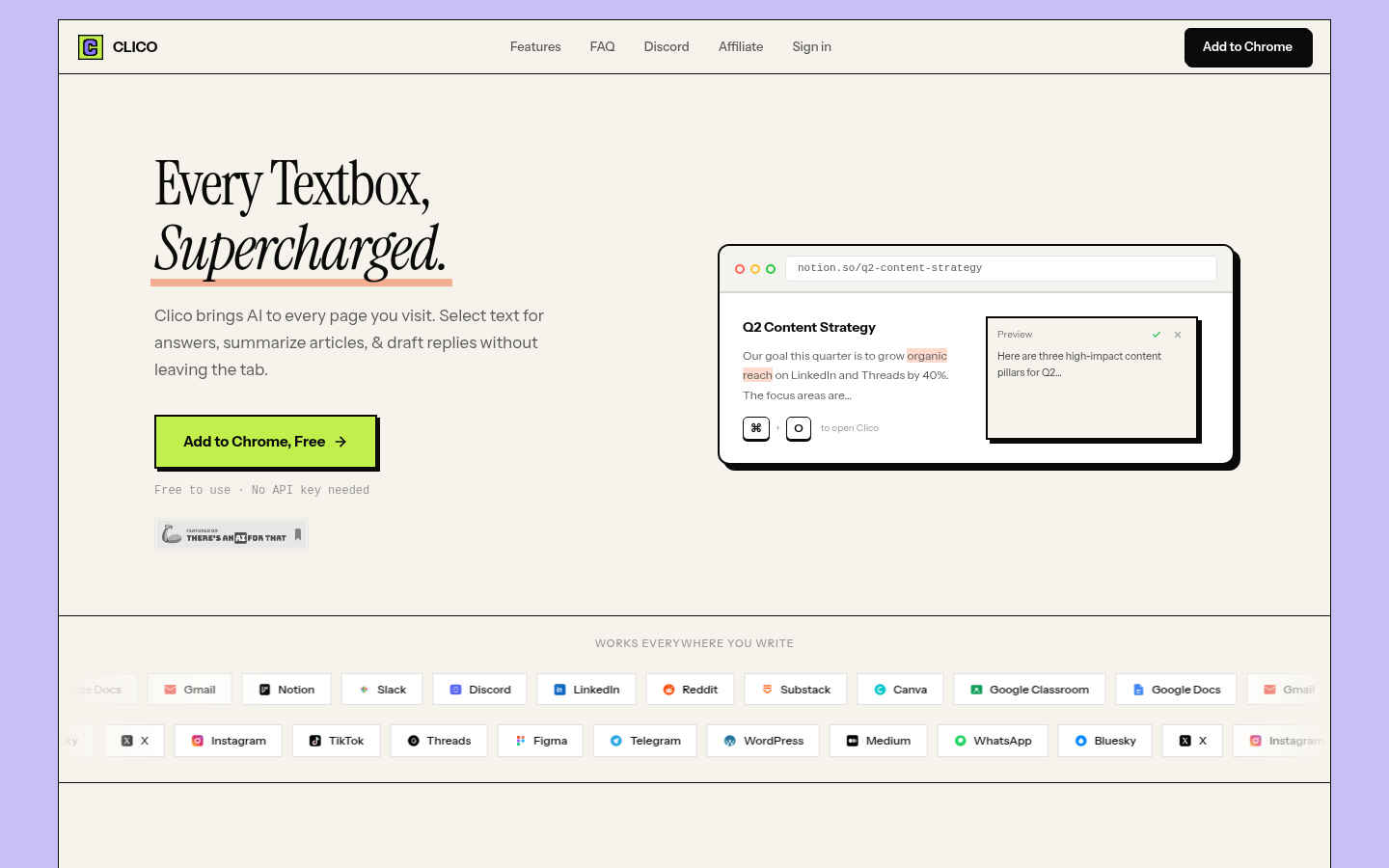
Screenshot archived from the listing page, for preview only.











