
Cliclic AI
AI background editor for product photosNew backgrounds for product photos in a few clicks
Highlights
What you can do with it
- Build clean listing images for electronics products
- Place food products in appetizing scenes
- Create fashion shots without a studio setup
How to use it
- 1 Open cliclic.ai and sign in
- 2 Upload a product photo
- 3 Pick a preset scene or adjust the background elements
- 4 Set the output size and generate the image
Who it is for
Pros
- No studio or photo shoot needed for backgrounds
- Free plan to try the editor
- Output sizes can be matched to each channel
Limitations
- Free plan is limited and paid tiers are needed for heavier use
- Results depend on the source photo and the scene you choose
- Pricing and plan rules can change at any time
What Cliclic AI is
Cliclic AI is an image editor built for product photography. You upload a product photo, replace the background with a preset scene or custom elements, and set the size you need for each sales channel. The site lists preset scenes, custom sizes and unlimited image generation as core features. Plans come in free, basic and premium versions, so the free option is a way to test the workflow before you pay for a subscription.
What you can do with it
- Swap a product photo background in a few clicks
- Choose from preset scenes or adjust scene elements
- Set custom output sizes for different channels
- Generate batches of images for a product line
Who it is for
- Online sellers who need listing images
- Small brands shooting their own product photos
- Marketing staff preparing channel-specific creatives
What to watch out for
The free plan is limited and heavier use means a paid tier. Results depend heavily on the source photo: a clean cutout and even lighting give far better backgrounds than a cluttered original shot. Pricing and plan rules can change at any time, and although the site advertises unlimited generation, read the current terms to see exactly how that applies to the plan you pick. Check the final image closely before it goes live, since small artefacts around edges are easy to miss on a phone screen. For best results, start with a small test file and review the output carefully before working on anything important. Free tiers can change over time, so it is worth checking the current limits on the official page before you rely on the tool daily.
FAQ
Is there a free version?
Yes, the site lists free, basic and premium plans.
Do I need design skills?
No, the workflow is upload a photo, choose a scene, then generate.
Can I set custom sizes?
Custom sizes are listed as a supported feature.
Why it is free
What the official page says: 免费版免费
Free limits, trial length and features are decided by the official site and can change at any time.
Product preview
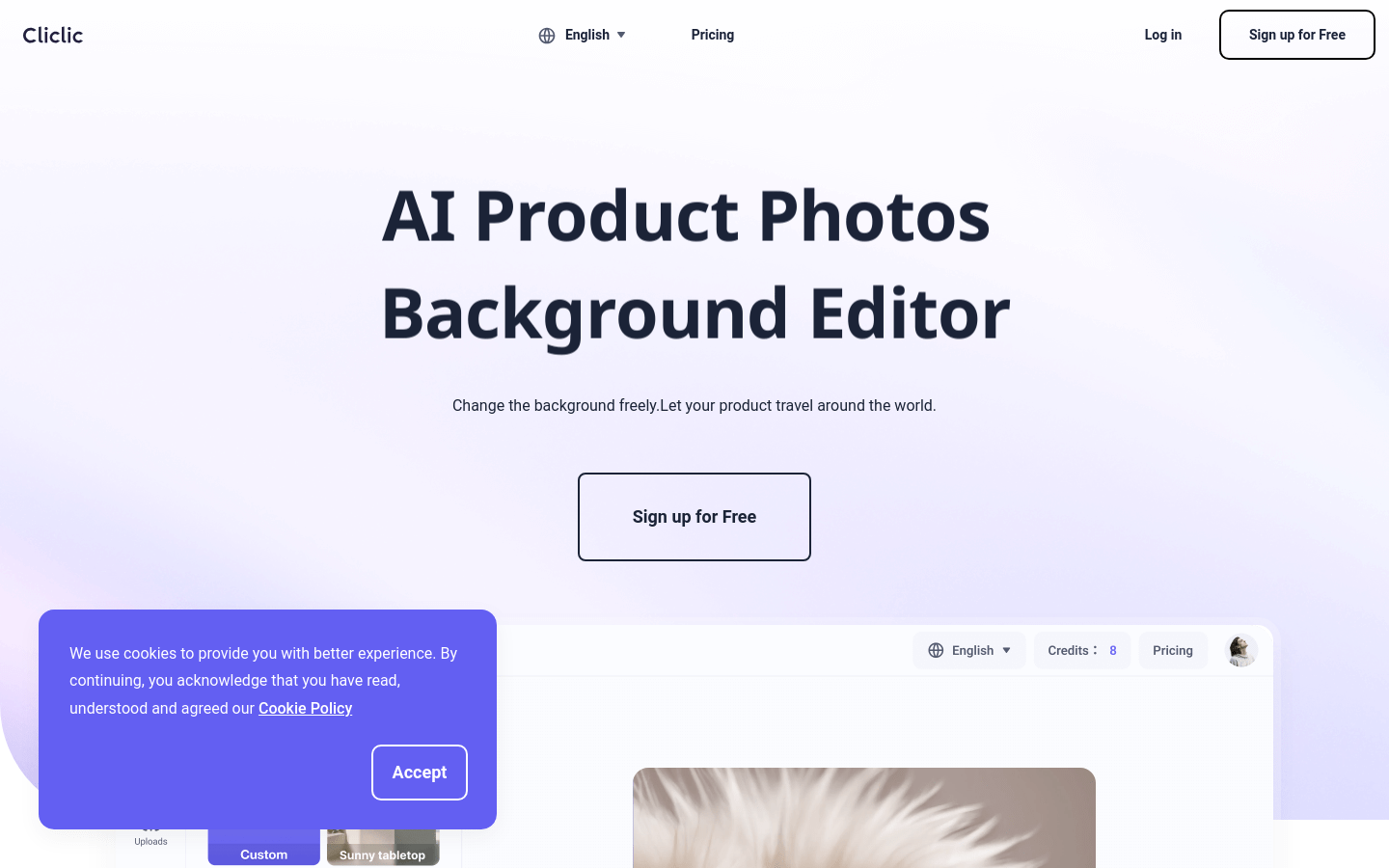
Screenshot archived from the listing page, for preview only.











