
CleverSchool AI
Free AI teaching tools for lesson plans and gradingLesson plans, rubrics and grading in one place
Highlights
What you can do with it
- A middle school Chinese teacher grades compositions and writes comments
- A primary math teacher builds rubrics for different grades
- A training instructor creates large sets of English practice questions
How to use it
- 1 Open the site and sign up free
- 2 Choose the module you need, such as lesson plans or essay scoring
- 3 Enter the course topic or paste the student work
- 4 Generate, then review and edit the draft
- 5 Apply the result in your teaching
Who it is for
Pros
- The platform states it is always free to use
- Covers several repetitive teaching tasks in one place
- Output is an editable draft rather than a fixed result
Limitations
- Generated results still need teacher review for accuracy
- It depends on the website staying online
- A free service can change features or terms at any time
What Clever School AI is
Clever School AI is an AI platform designed for teachers. It bundles the repetitive parts of teaching into generators: lesson plans built from a course topic, essay scoring against criteria you set, teaching reports such as student performance and learning progress, assessment rubrics with clear criteria and weights, and multiple choice questions for quizzes and exams. The stated goal is to free teachers from tedious work so they can focus on teaching itself. Sign up is free and the site says the platform is always free to use, which makes it low risk to try in a classroom.
What you can do with it
- Generate a detailed lesson plan from a course topic
- Score submitted essays and produce student comments
- Build rubrics that keep assessment consistent across a grade
- Create multiple choice questions and teaching reports
Who it is for
- Frontline teachers who spend hours on preparation and grading
- School administrators wanting a clearer view of learning
- Training institution instructors who need plans and assessments fast
What to watch out for
Generated output is a draft, not a finished product. Scoring and comments should be checked before they reach students, and lesson plans still need to match your actual curriculum. The service runs on a website, so it needs a connection and the site needs to stay up. Because it is free, the feature set and terms can change without notice, so keep your own copies of anything important. Name and archive exported files consistently so you can find and reuse them, and keep a backup copy of key data. When quality matters, export a small draft first to confirm the result before producing the final file.
FAQ
Is it free?
Yes, registration is free and the site says the platform is always free to use.
What can it generate?
Lesson plans, essay scores, teaching reports, rubrics and multiple choice questions.
Do I need to edit output?
Yes, review and adjust content before you use it with students.
Why it is free
What the official page says: free to use
Free limits, trial length and features are decided by the official site and can change at any time.
Product preview
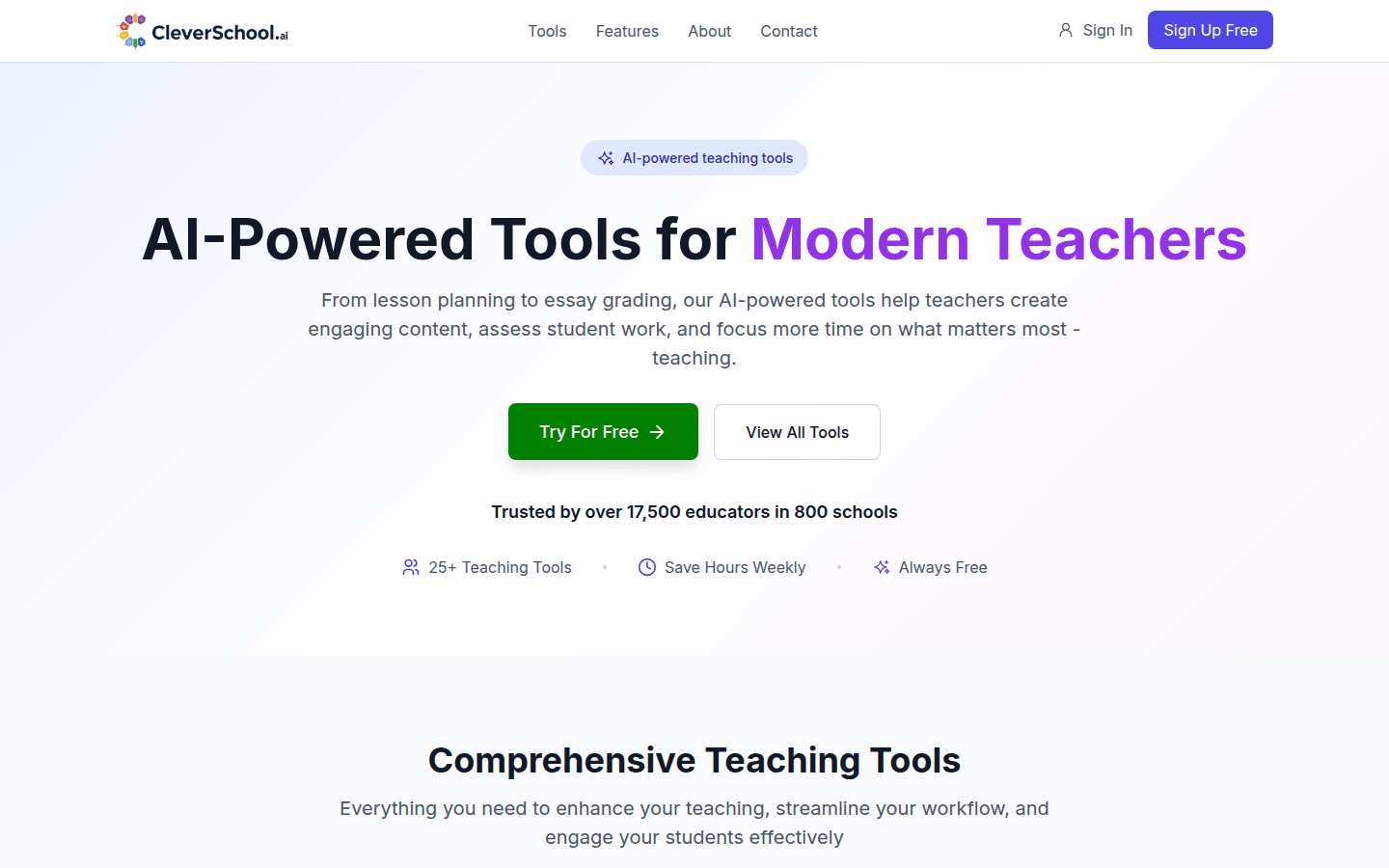
Screenshot archived from the listing page, for preview only.











