
Clay Filter AI
Turn photos into clay-style artClay animation look in 10 to 20 seconds
Highlights
What you can do with it
- An artist showing artwork in a clay style
- A designer adding playful stickers to product designs
- A social media user creating a unique avatar or post
How to use it
- 1 Log in to your account and upload a portrait photo
- 2 Click Submit and wait about 10 to 20 seconds
- 3 Download your clay-style image
Who it is for
Pros
- Free to use
- Very fast, finishing in 10 to 20 seconds
- Personalized results based on facial features
Limitations
- You must log in and upload a photo to use it
- Focused on portraits, so other subjects may not fit
- A smaller tool, so stability and access can change
What Clay Filter AI is
Clay Filter AI is an AI tool that converts your photos into clay-animation-style images. By analyzing facial features, it produces a realistic, personalized clay look rather than a flat filter. The process is quick: you upload a portrait, submit it, and in about 10 to 20 seconds you have a clay-style image you can use as a sticker or an avatar. It also offers flexible editing so you can adjust the result. The service states it protects your data, and it is free to use. It is aimed at artists, designers, and social media users who want a playful, handmade visual style without any manual modeling.
What you can do with it
- Turn a portrait photo into a clay-animation-style image.
- Get a personalized result based on your own features.
- Make realistic, shareable stickers.
- Edit and tweak the generated image afterward.
- Create a unique avatar or social post in seconds.
Who it is for
- Artists who want to show work in a clay style.
- Designers adding playful elements to product designs.
- Social media users making standout avatars and posts.
- Anyone who wants a fun, fast photo transformation.
What to watch out for
You have to log in and upload a portrait to use it, which is a step beyond fully anonymous tools. It is focused on portraits, so non-face subjects may not convert as well. Because it is a smaller free tool, availability, speed, and data practices can change, so review the current terms before uploading anything sensitive. When quality matters, export a small draft first to confirm the result before producing the final file.
FAQ
Is Clay Filter AI free?
Yes, it is free to use.
How long does it take?
After you upload a photo and submit, you get a clay-style image in about 10 to 20 seconds.
What kind of photos work best?
It is built for portrait photos, since it analyzes facial features to shape the result.
Why it is free
What the official page says: free to use
Free limits, trial length and features are decided by the official site and can change at any time.
Product preview
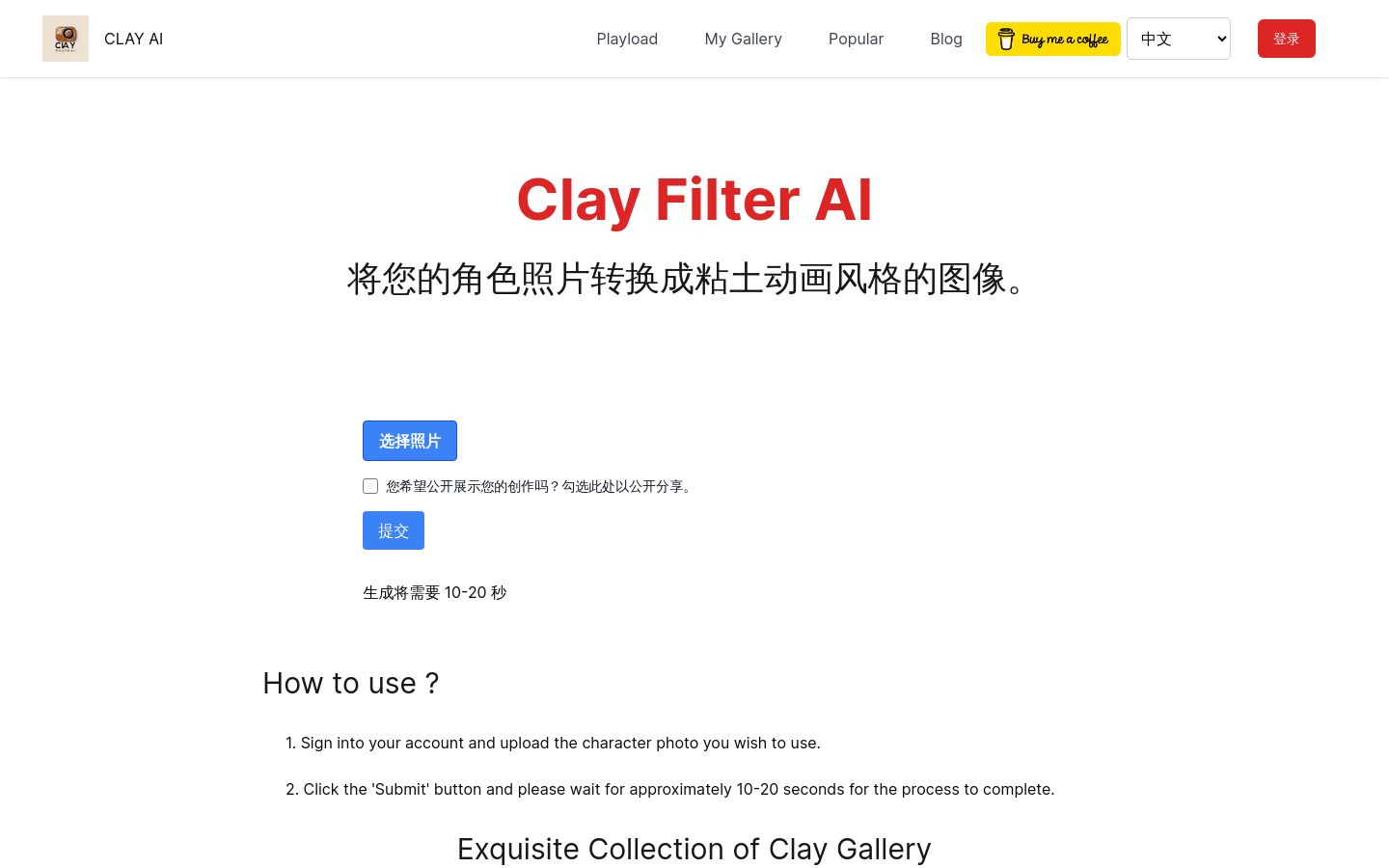
Screenshot archived from the listing page, for preview only.











