
ClawSecure
AI agent security scanner and monitorScan AI agents for injection and data leaks
Highlights
What you can do with it
- Scan a new agent skill before it is deployed to catch injection and data leaks
- Let the AI CISO configure and protect a development environment automatically
- Monitor a live agent estate and get alerts in the team's messaging app
How to use it
- 1 Go to the ClawSecure website
- 2 Click Start Your Free Scan
- 3 Paste a GitHub link, upload a skill file or paste a ClawHub URL
- 4 Wait about 30 seconds for the scan result
- 5 If you need monitoring and automated protection, pick a paid plan such as the Founding Member lock
Who it is for
Pros
- The free scan needs no account and no card, so it is quick to try
- No deep security background required to get a usable first read
- Covers agent lifecycle stages from install to runtime, not just one snapshot
Limitations
- The free scan is a one-off check; continuous monitoring sits behind paid plans
- A clean scan is not proof of safety, since agent behaviour changes as tools and prompts change
- Newer standards such as agent security frameworks are still evolving, so coverage will shift
What ClawSecure is
ClawSecure is a security product aimed at AI agents, operated by what the vendor describes as the first AI CISO. The problem it targets is real: agents call tools, read files and hold credentials, so a single prompt injection or an over-permissioned skill can leak data or take an unintended action. The entry point is deliberately simple. You paste a GitHub link, upload a skill file or provide a ClawHub URL, and the free scan runs with no registration and no credit card, returning results in roughly 30 seconds. Paid tiers then add automated configuration, runtime monitoring and deeper behavioural analysis across the whole agent environment.
What you can do with it
- Run a free pre-deployment scan on an agent skill from a GitHub link, file or ClawHub URL
- Let the AI CISO set up and protect the environment without hiring a security specialist
- Block prompt injection at the source before install and at the agent-to-tool layer at runtime
- See every agent, MCP server, skill, file and credential in one view
- Receive findings and fixes straight into Slack, Telegram, WhatsApp and similar channels
Who it is for
- Enterprises with many agents and sensitive data behind them
- Developers shipping agents who want a check before something goes live
- Security teams that need runtime visibility rather than a single point-in-time report
- Teams adopting agent standards such as the OWASP agent security guidance
What to watch out for
A clean scan is a snapshot, not a certificate. Agent behaviour changes the moment you swap a tool, edit a prompt or add a credential, so a scan from last week says little about today's risk. The free tier is a one-off check, while continuous monitoring, automated protection and behavioural alerts sit behind paid plans, and those plan terms are not published on the page. Agent security guidance is also still settling, so expect the checks and the terminology to move as the field matures.
FAQ
Is the ClawSecure scan really free?
Yes. The scan needs no registration and no credit card, and you can start from a GitHub link, a skill file or a ClawHub URL.
How long does a scan take?
The vendor says results come back in about 30 seconds.
What does the paid version add?
Paid tiers add the AI CISO setup and protection, multi-layer prompt injection defence, runtime monitoring and full environment visibility.
Where do I see the findings?
Claw can report issues, fixes and items needing attention in messaging apps such as Slack, Telegram and WhatsApp.
Why it is free
What the official page says: 免费
Free limits, trial length and features are decided by the official site and can change at any time.
Product preview
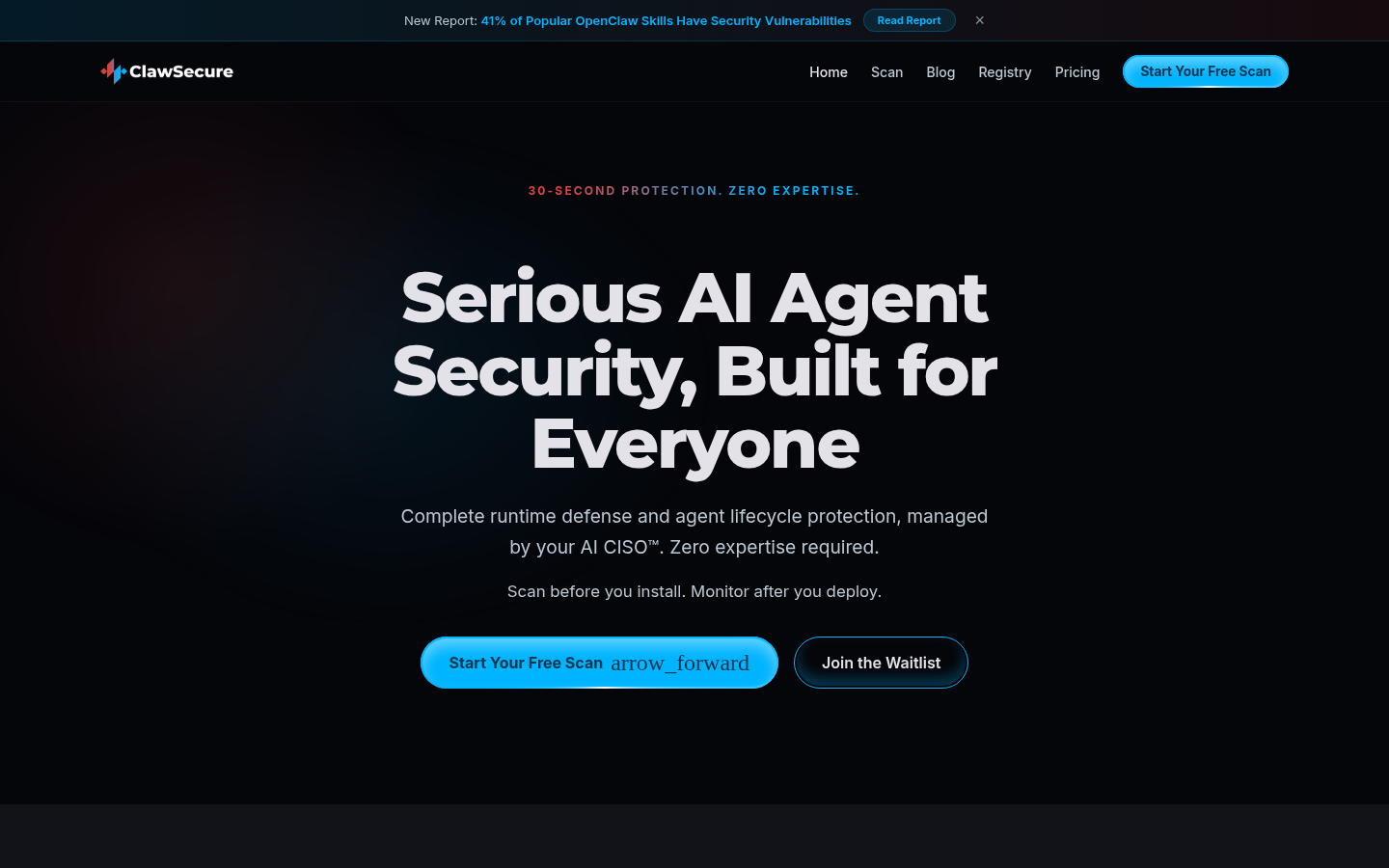
Screenshot archived from the listing page, for preview only.











