
clawpk
Open-source AI agent frameworkA digital employee that runs tasks locally
Highlights
What you can do with it
- Automating file processing workflows
- Generating code during development
- Embedding an agent into company workflows
How to use it
- 1 Visit the OpenClaw official site
- 2 Download and install the framework
- 3 Configure the models and platforms you need
- 4 Create automated tasks and skills
- 5 Launch and let the agent run tasks
Who it is for
Pros
- Free under an MIT license
- Broad platform and model support
- Large community skill library
- Runs locally, which supports data control
Limitations
- Self-hosting means you handle setup and security
- Local system permissions are powerful and risky
- Skill quality varies across a community library
What clawpk is
clawpk distributes OpenClaw, an open-source AI agent framework created by Peter Steinberger in 2025. The idea is to turn a chat model into something closer to a digital employee. By combining the reasoning of large language models with local system permissions, OpenClaw can process files, send email, write code, and control a browser instead of only producing text. It supports more than 50 messaging platforms and more than 8 large models, so it can meet users where they already talk. The project uses an MIT license, meaning it is free to modify and distribute, and it works across platforms for both local and cloud operation. Security and data privacy are listed as design priorities.
What you can do with it
- Automate file processing and email sending
- Generate and edit code during development
- Control a browser to complete multi-step tasks
- Connect to 50+ messaging platforms
- Install from 26,000+ community skills
Who it is for
- Developers who want to automate local work
- Teams building internal agents and workflows
- Anyone who prefers a self-hosted assistant
What to watch out for
Self-hosting means you own the setup, updates, and security configuration, which takes real effort and ongoing maintenance. Granting an agent local system permissions is powerful and risky, so scope what it can access and test in a controlled environment first, because a mistaken instruction can delete files or send the wrong email. Community skills vary widely in quality and safety, so review code before installing anything unfamiliar. The framework itself is free under the MIT license, but running it still costs compute, and any model API you connect may charge separately. Keep backups before letting an agent operate on important data.
FAQ
What is OpenClaw?
An open-source AI agent framework that pairs large models with local system permissions so the agent can perform real tasks.
How much does it cost?
The framework is free and distributed under an MIT license.
What can it do?
Process files, send email, write code, control browsers, and connect to 50+ messaging platforms.
Who maintains it?
It was developed by Peter Steinberger in 2025, and the community contributes skills, with over 26,000 available.
Why it is free
What the official page says: 免费
Free limits, trial length and features are decided by the official site and can change at any time.
Product preview
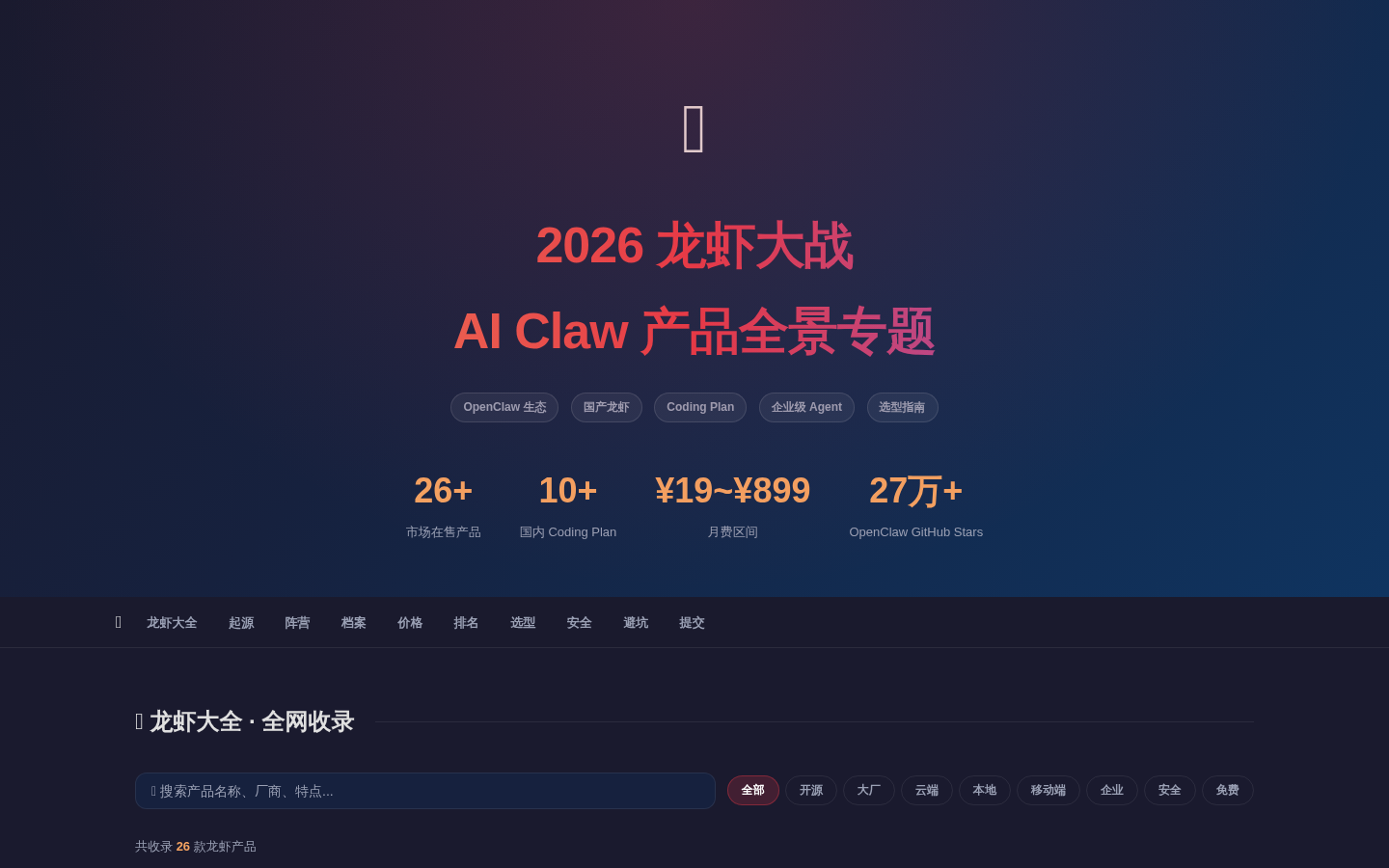
Screenshot archived from the listing page, for preview only.











