
ClawDeploy AI
One click OpenClaw robot deploymentDeploy a personal chatbot without servers
Highlights
What you can do with it
- A team runs PR review and code feedback through Telegram
- Support copilots connect Slack and Telegram
- Home and device control workflows via the robot
How to use it
- 1 Visit clawdeploy.com and open the deployment form
- 2 Select a default model such as Claude, GPT, or Gemini options
- 3 Pick a message channel such as Telegram or Discord
- 4 Click Deploy OpenClaw to start one click deployment
- 5 Follow the guided pairing and track progress in the console
Who it is for
Pros
- No coding or server setup needed
- Guided pairing makes setup approachable
- Failed steps can be retried without a restart
- Free trial to test deployment
Limitations
- Full use likely needs a paid subscription
- Channel support is limited, with some apps not yet available
- Security depends on safe handling of your tokens and keys
- Model and channel options may change over time
What ClawDeploy AI is
ClawDeploy AI is a platform for quickly deploying personal OpenClaw robots with one click, no coding or server setup required. It lowers the barrier so non technical users can own a chatbot. The platform offers a guided Telegram pairing process, visible configuration progress in the console, and the ability to retry only a failed step instead of restarting. It provides production safe default models and channels, secure key handling in a dedicated console, and subscription aware configuration. You can use it for tasks like PR review, support copilots, and home device control. It offers a free trial and is aimed at both non technical and technical users.
What you can do with it
- Deploy a personal OpenClaw robot in minutes with one click
- Pair safely with Telegram through a guided process
- Track configuration progress and retry only a failed step
- Use safe default models and channels to start fast
- Manage credentials and keys in a dedicated console
Who it is for
- Non technical users who want a chatbot without setup
- Developers building a quick test environment
- Teams and automation enthusiasts running workflows
What to watch out for
Full use likely needs a paid subscription, so review pricing before relying on it. Channel support is limited, and some apps are not available yet, so confirm your preferred channel works. Security depends on safe handling of your tokens and keys, so follow the console guidance and do not share credentials. Model and channel options may change over time, so check current availability before you build a workflow around it. Run one full task end to end first, then expand once you are comfortable with the workflow and the result quality.
FAQ
Do I need coding or server skills?
No. ClawDeploy deploys a personal OpenClaw robot with one click and guided pairing.
Is there a free trial?
Yes. ClawDeploy offers a free trial to test the deployment.
Which channels can I use?
Options include Telegram and Discord, though some channels like WhatsApp are not available yet.
Why it is free
What the official page says: free trial
Free limits, trial length and features are decided by the official site and can change at any time.
Product preview
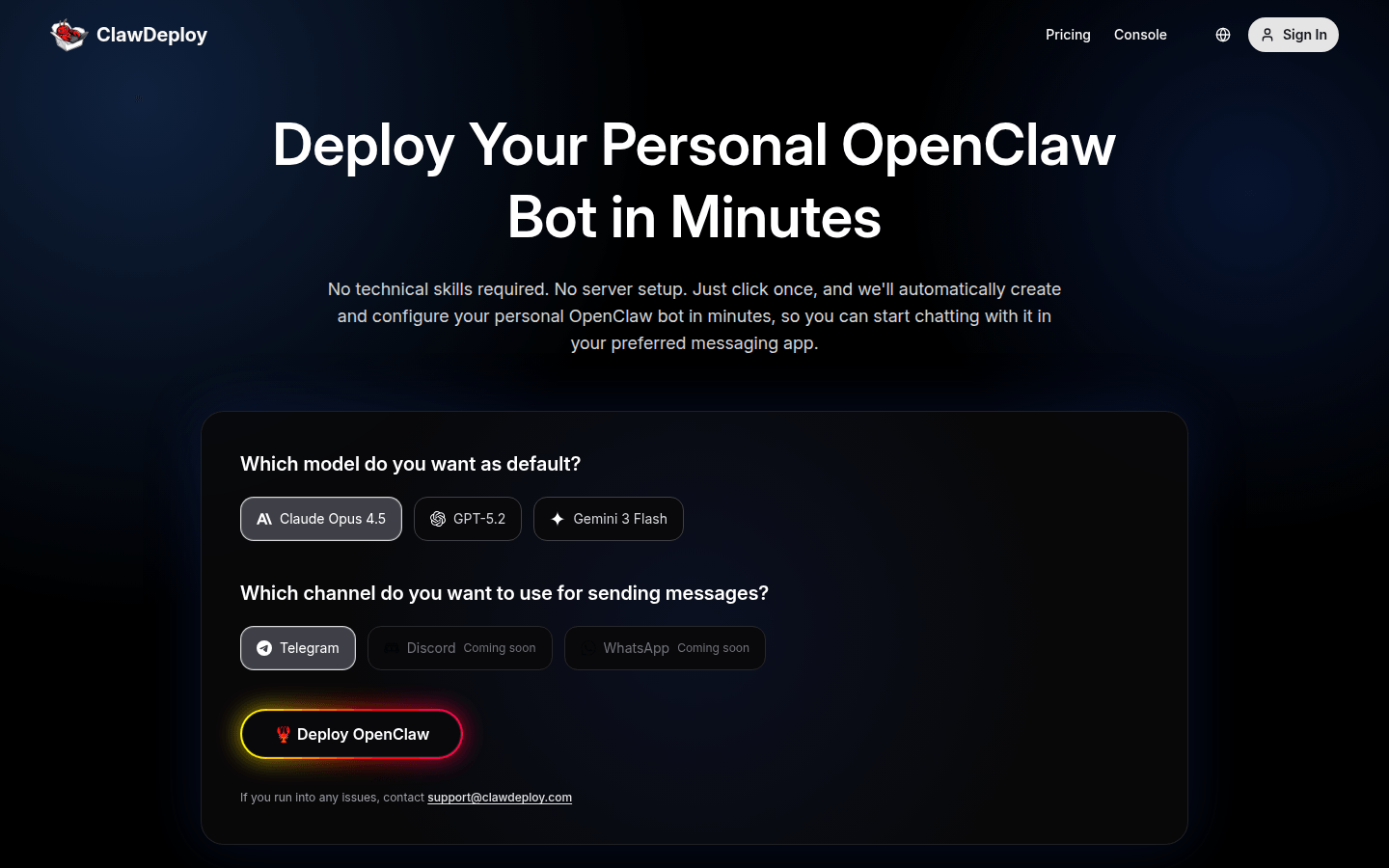
Screenshot archived from the listing page, for preview only.











