
ClarityAI
AI image enhancement and upscalingAdd detail and resolution to images
Highlights
What you can do with it
- Upscale a landscape photo for print
- Add detail to a portrait
- Clean artifacts out of an AI illustration
How to use it
- 1 Open the ClarityAI website.
- 2 Upload the image you want to enhance.
- 3 Choose the enhancement or upscaling option.
- 4 Wait for processing and review the result.
- 5 Download the enhanced image.
Who it is for
Pros
- Simple upload and enhance flow
- Handles several image types
- Artifact removal helps AI generated work
- Free options lower the barrier
Limitations
- Free options are limited compared with paid use
- Upscaling cannot invent detail that is not there
- Very low quality sources may still look poor
- Processing large images can be slow
What ClarityAI is
ClarityAI is an image enhancement service focused on resolution and detail. You upload a picture, and the tool produces a higher resolution version with added detail and fewer artifacts. The listed use cases span landscapes, portraits, illustrations, anime and interior design images, which suggests a general purpose enhancer rather than a niche tool. Free options are available, so you can test quality before committing to paid use.
What you can do with it
- Upscale an image to a higher resolution.
- Add fine detail to flat or soft areas.
- Remove artifacts from AI generated pictures.
- Improve anime, illustration and interior design images.
Who it is for
- People preparing images for print or large displays.
- AI art users cleaning up generated output.
- Anyone holding low resolution source photos they want to reuse.
What to watch out for
Free options are limited, so large batches or the highest settings will likely need payment. Upscaling sharpens and extrapolates, it does not truly recover missing information, so a heavily blurred or compressed photo will only look somewhat better, not new. Artifact removal can also smooth away intentional texture if you push it too far. Test on a copy first and compare before and after, because aggressive enhancement can change the character of an image. For team use, agree on naming and editing conventions in advance to avoid version conflicts or duplicated work. Name and archive exported files consistently so you can find and reuse them, and keep a backup copy of key data. Save a backup of the original file before large batch jobs, and keep an exported copy of key results in case the page or service becomes temporarily unavailable.
FAQ
What does ClarityAI do?
It enhances images to high resolution, adds detail and removes artifacts from AI generated images.
Which image types work with it?
Landscapes, portraits, illustrations, anime and interior design scenes are listed.
Is it free?
Free options are available.
Can it fix a very blurry photo?
It improves resolution and detail, but it cannot recover information that was never captured.
Why it is free
What the official page says: 免费
Free limits, trial length and features are decided by the official site and can change at any time.
Product preview
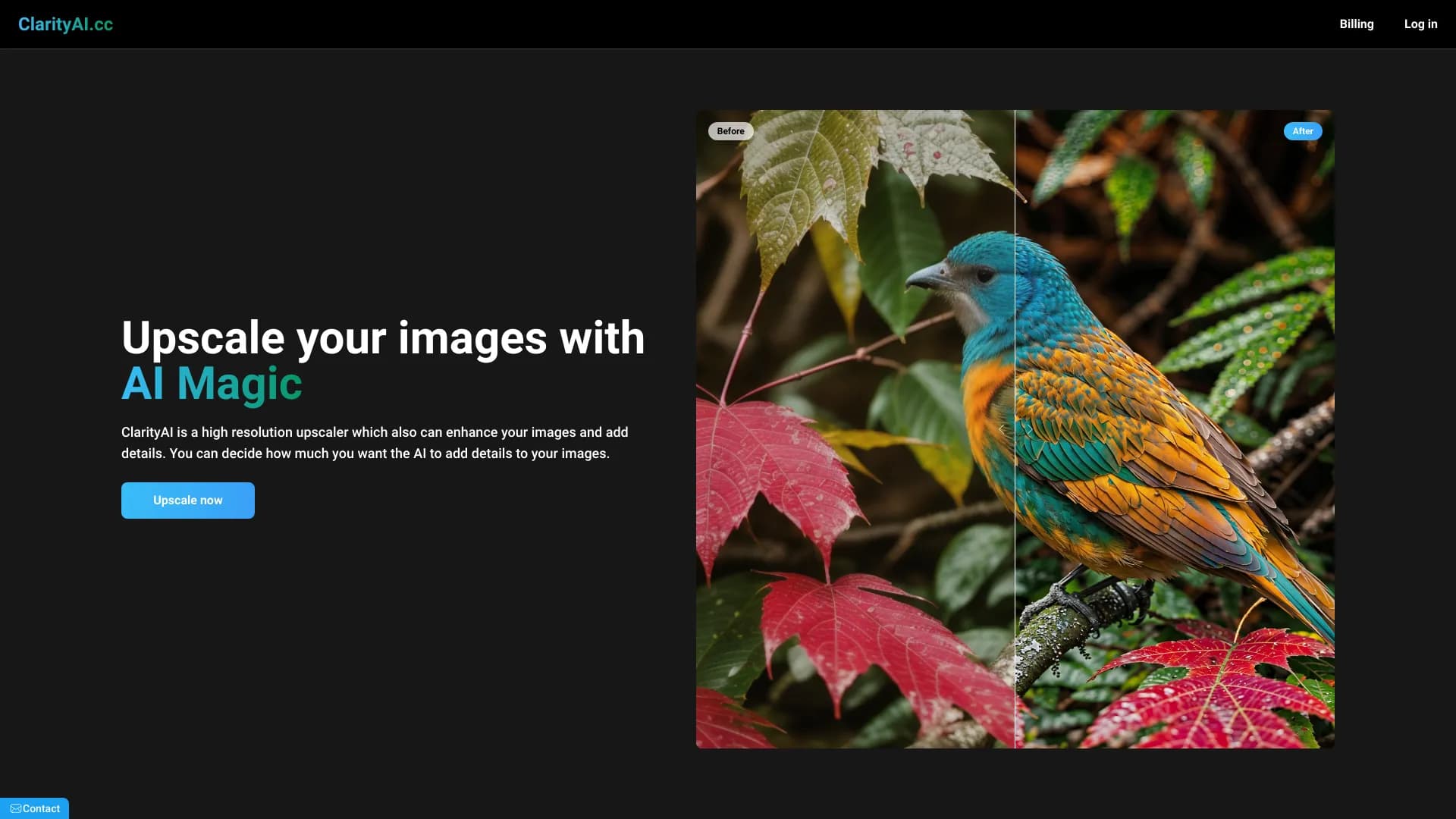
Screenshot archived from the listing page, for preview only.











