Chunk
Time-block planner for macOSPlan your day in blocks, stay focused
Highlights
What you can do with it
- Plan a workday around meetings and deep work blocks.
- Build a study schedule for exams and assignments.
- Keep personal and business calendars in one plan.
How to use it
- 1 Enter your email to start the 7 day trial.
- 2 Connect your calendars during setup.
- 3 Create time blocks or apply a saved template.
- 4 Work through the day with timers and reminders.
- 5 Buy the one time licence if you want to keep using it.
Who it is for
Pros
- Free trial with no credit card.
- One time payment instead of a subscription.
- Local storage keeps data private.
- Simple, focused interface without clutter.
Limitations
- macOS only, so Windows and Android users are out.
- One time licence cost is required after the trial.
- Calendar sync setup can be fiddly at first.
- Trial terms and pricing may change.
What Chunk is
Chunk is a time-block planner built specifically for macOS. The idea is simple: you divide your day into blocks, each with a task and a length, and the app keeps you moving between them. It syncs with Apple Calendar, Google Calendar and Outlook so you can see existing commitments while you plan, and you can save common layouts as templates to reuse. The app sits in the menu bar rather than demanding a window, and when a block ends a full screen reminder appears so you actually notice. It was designed with ADHD users in mind, and all task data is stored locally. There is a 7 day free trial with no credit card, then a one time payment for a lifetime licence.
What you can do with it
- Plan the day in timed blocks around real commitments.
- Pull in events from Apple, Google or Outlook calendars.
- Save repeated schedules as templates for quick reuse.
- Run instant timers and get full screen reminders.
Who it is for
- People with ADHD who need visible external structure.
- Busy professionals balancing meetings and focused work.
- Students splitting study time across several courses.
What to watch out for
It is macOS only, so anyone on Windows or Android is out of luck. After the 7 day trial you need to buy the lifetime licence, so it is not a permanently free tool. Calendar syncing across three providers takes a bit of setup and occasionally needs troubleshooting. As a small independent app, the trial terms and the one time price are current offers and can change, and long term updates depend on the developer continuing to maintain it.
FAQ
Does it work on Windows?
No, Chunk is designed specifically for macOS.
How does the free trial work?
You enter an email and get a 7 day trial licence without a credit card.
Is it a subscription?
No, after the trial you can buy a lifetime licence with a one time payment.
Where is my data stored?
All task data is stored locally on your device.
Why it is free
What the official page says: free trial
Free limits, trial length and features are decided by the official site and can change at any time.
Product preview
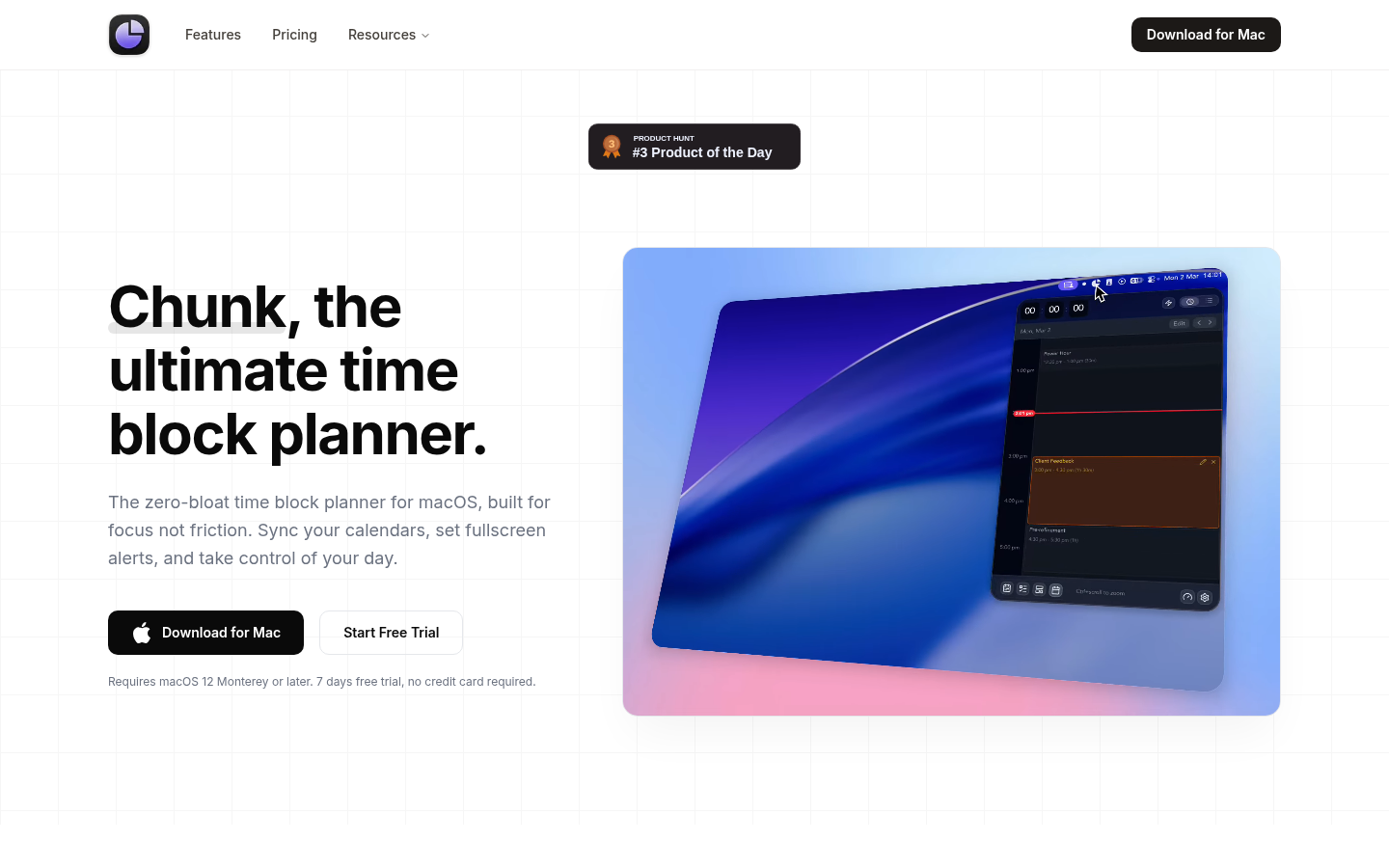
Screenshot archived from the listing page, for preview only.











