
Chirp AI
Watch voice assistant appTalk to your watch, skip the phone
Highlights
What you can do with it
- Send a message to family while out on a run
- Look up project updates during a meeting break
- Check the weather and local attractions while traveling
How to use it
- 1 Install Chirp AI on your Apple Watch
- 2 Open the app and complete the setup and authorization prompts
- 3 Press the side button and speak your command
- 4 Let Chirp carry out the action such as sending a message or searching
- 5 Use further voice commands for weather, maps, or other tasks
Who it is for
Pros
- Free to download
- Hands-free operation straight from the watch
- Covers messaging, search, and lookups in one app
Limitations
- Apple Watch only, so no iPhone-only or Android use
- Voice recognition can still mishear names and commands
- Drafted messages should be checked before they go out
What Chirp AI is
Chirp AI is an intelligent voice assistant application designed specifically for Apple Watch. It combines voice recognition with AI so that a spoken command becomes an action: sending a message to a contact, drafting a professional email, searching the web for current information, opening Maps or a browser, or retrieving quick facts such as the weather and the news. Activation is a press of the side button followed by speech, and the listing claims the voice-to-text recognition avoids the errors typical of traditional voice assistants. The positioning is about doing things without picking up the phone, and the app is currently available for free download.
What you can do with it
- Send a message to a contact by voice
- Draft a professional email or message from speech
- Search the web in real time for current answers
- Open Maps or a browser directly from the watch
- Get quick information such as weather and news
Who it is for
The examples are a runner sending a message to family mid-run, someone searching for project updates during a meeting break, and a traveler checking local weather and attractions abroad. That points at Apple Watch owners who want the watch to do more, people whose hands are busy such as runners and commuters, and anyone trying to reduce phone use during the day. If your phone is usually in a bag or a pocket, the value of a watch-only assistant is obvious; if you always have your phone in hand, it is less compelling.
What to watch out for
It requires an Apple Watch, so there is no iPhone-only version and no Android path. Voice recognition remains imperfect, and contact names and unusual words are where errors appear, so review anything before it is sent rather than trusting the transcription. Drafted messages and emails are drafts: read them, because a misheard word in a professional email is worse than the delay of typing it. Real-time web search needs a connection, so offline use is limited, and battery drain on the watch is worth watching. The app is free now, and free status plus features can change.
FAQ
Is Chirp AI free?
The listing says the app is available for free download.
Which device does it need?
An Apple Watch.
What can I do with it?
Send messages, draft emails, search the web, open Maps or a browser, and get quick information such as weather and news.
Does it need my phone?
The pitch is completing operations on the watch without frequent phone use.
Why it is free
What the official page says: for free
Free limits, trial length and features are decided by the official site and can change at any time.
Product preview
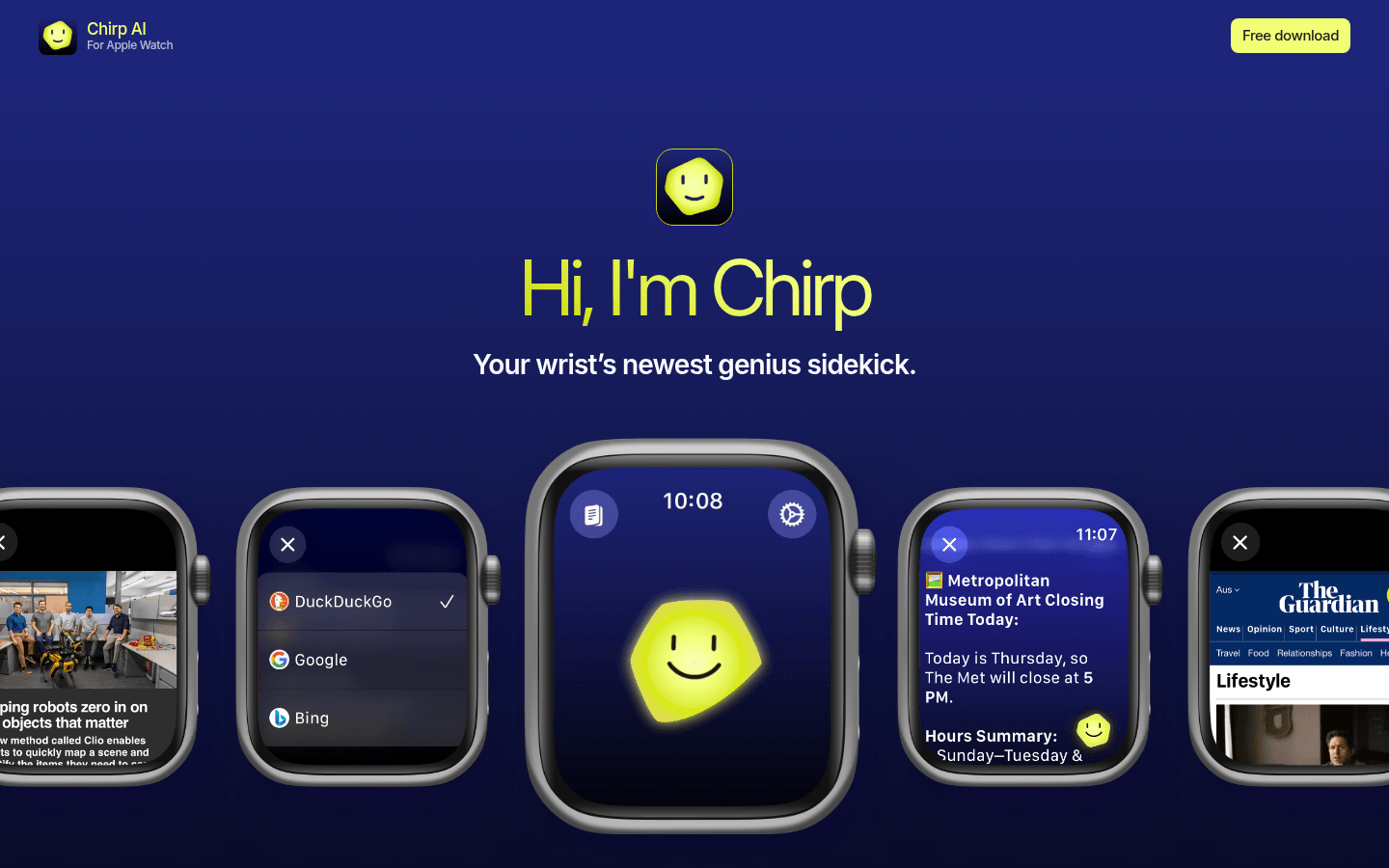
Screenshot archived from the listing page, for preview only.











