
Checkra
Instant UX and conversion feedback toolAI feedback on your site's UX
Highlights
What you can do with it
- Spot interface blind spots and fix them early
- Optimize a site's conversion flow with AI suggestions
- Preview fixes and share them with engineers fast
How to use it
- 1 Copy the provided script tag.
- 2 Paste it into the head element of your website.
- 3 Get real-time UX and conversion feedback.
Who it is for
Pros
- Free to use and quick to add with a script tag
- Clear, actionable feedback on real pages
- Preview fixes before committing to them
Limitations
- Feedback is AI-generated, so treat suggestions as a starting point
- Free tools can change limits or availability over time
- It flags issues but does not implement the fixes for you
What Checkra is
Checkra is a free tool that gives developers and startups instant user experience and conversion feedback on a website. The setup is small: you copy a script tag and paste it into the head element of your page, and Checkra starts working. It looks for blind spots in your site, such as interfaces that are not clear, instructions that are missing, or features that feel chaotic, and it turns what it finds into clear, actionable feedback. A useful feature is that you can preview how a repair would look before you actually make the change, which makes it easier to show engineers what you mean. The appeal is getting a second opinion on your site without waiting for user testing. It is built for solo developers and startups that want to improve UX and conversion without running a full research process.
What you can do with it
- Get real-time UX and conversion feedback on a page
- Find blind spots like unclear interfaces or missing instructions
- Preview how a fix would look before changing anything
- Share repair previews with engineers easily
Who it is for
- Solo developers improving their own website
- Startups tuning UX and conversion without a research team
- Designers who need to communicate fixes to engineers
- Small teams without a dedicated UX researcher
What to watch out for
Checkra's feedback is generated by AI, so treat its suggestions as a starting point rather than a final decision, and confirm anything important with real users when you can. It points out issues, but it does not implement the fixes for you, so you still need the time and skills to make the changes. Because it is a free tool, its features, limits, or availability can change over time. Adding a script to your site means the tool can see your pages, so review what that involves and avoid using it on anything sensitive until you are comfortable. Also check that the script does not slow your page down before you leave it in place.
FAQ
How do I use Checkra?
Copy the script tag it provides, paste it into your site's head element, and you get real-time feedback.
Is Checkra free?
Yes, it is described as a free tool.
Who is it for?
It is aimed at solo developers and startups.
Why it is free
What the official page says: 免费
Free limits, trial length and features are decided by the official site and can change at any time.
Product preview
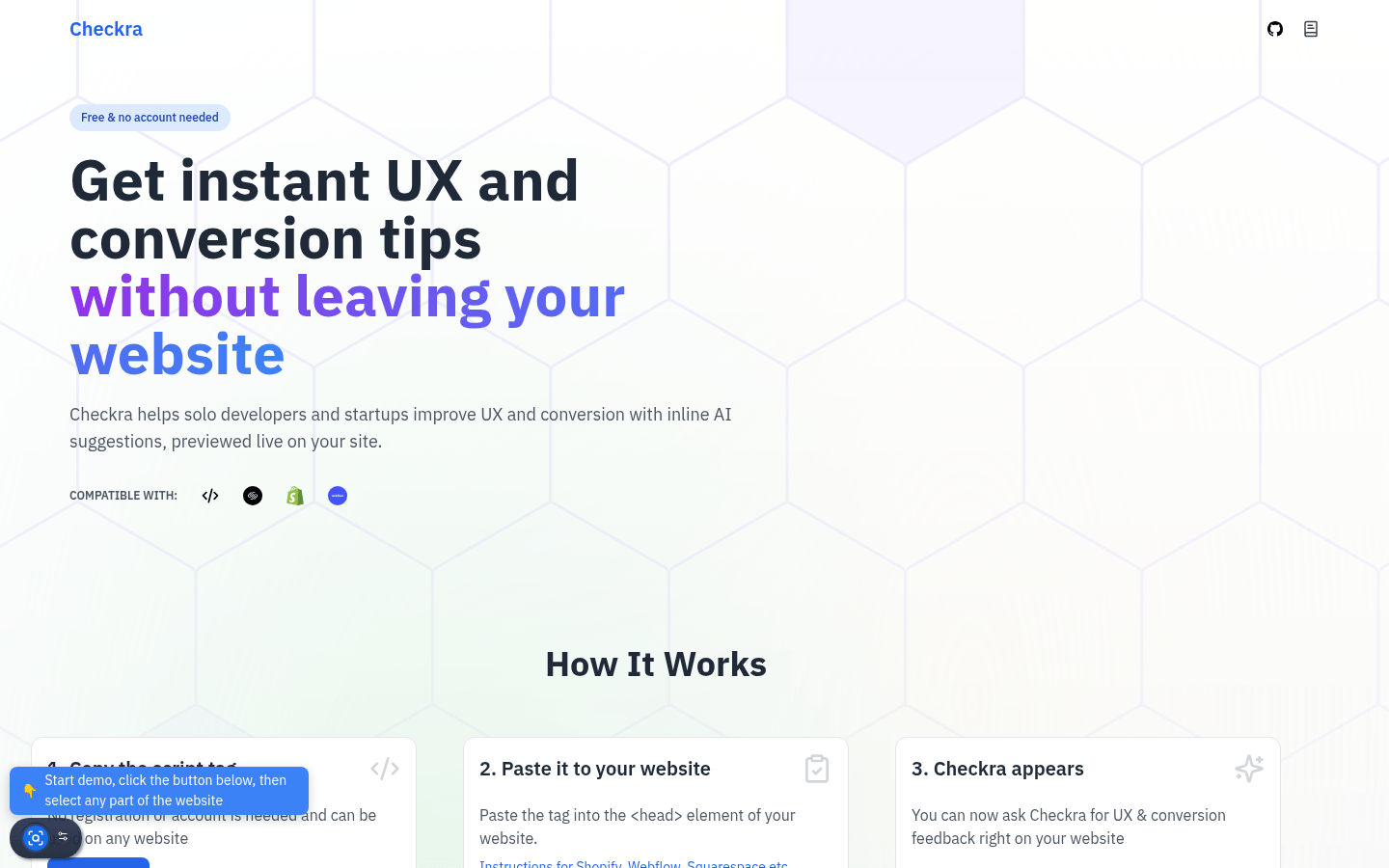
Screenshot archived from the listing page, for preview only.











