
ChatTube AI
Chat with YouTube videosAsk questions to any YouTube video
Highlights
What you can do with it
- Ask questions about a lecture while watching it
- Study a tutorial by querying its content
- Add course materials so answers are more accurate
How to use it
- 1 Open ChatTube AI and start a session with a YouTube video.
- 2 Ask questions about the video content in the chat.
- 3 Upload learning materials to the resource library for more context.
- 4 Use the answers to guide what you rewatch or review.
Who it is for
Pros
- ChatTube AI is free to use
- Turns long videos into a question-and-answer session
- Resource library uploads improve answer depth
- Works across platforms and devices
Limitations
- Answers come from transcripts and uploads, not visual context
- Caption errors turn into confident wrong answers
- Free status can change with the service
- It does not replace watching when the visuals matter
What ChatTube AI is
ChatTube AI is a platform for interacting with YouTube videos. Instead of scrubbing through a long video, you ask questions about it and get answers, which turns passive watching into an active study session. You can also upload learning materials to a resource library, and the platform uses that extra context to give more accurate, more in-depth answers than the video alone would support. It works across platforms, so the same session can move between a laptop and a phone. ChatTube AI is free to use, and it is aimed at students, researchers, and anyone who learns from video rather than text.
What you can do with it
- Chat with a YouTube video and ask questions about its content
- Upload learning materials to a resource library for better answers
- Use the tool across platforms and devices
- Study with video instead of only watching it
Who it is for
- Students who study from lectures and tutorials on YouTube
- Researchers reviewing recorded talks and long-form video
- Self-learners who want to check their understanding of a video
What to watch out for
Answers come from the video transcript and the materials you upload, so they can miss visual context, on-screen text, and anything the speaker never said out loud. A caption error becomes a confident wrong answer, which is the main risk with transcript-based tools, so verify anything important against the source. ChatTube AI is free to use at the moment, and the terms of a free service can change without notice. It also does not replace watching the video when the visuals are the point, such as a demo, a math derivation, or a design walkthrough.
FAQ
Is ChatTube AI free?
Yes, the platform is described as free to use.
What can I do besides asking questions?
You can upload learning materials to a resource library, which the platform uses to give more accurate and in-depth answers.
Who is it for?
It is aimed at students, researchers, and anyone who wants interactive learning while watching videos.
Why it is free
What the official page says: free to use
Free limits, trial length and features are decided by the official site and can change at any time.
Product preview
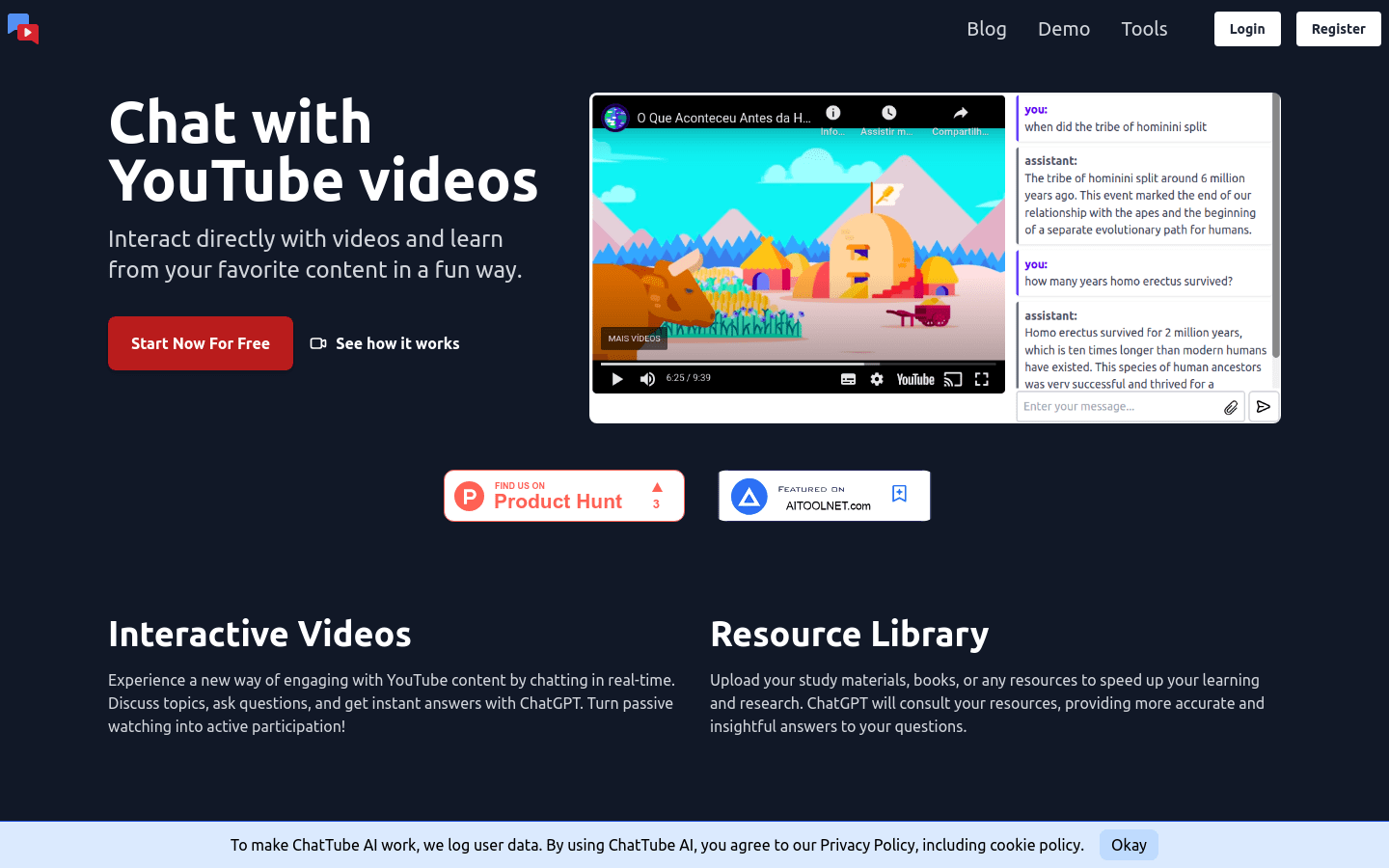
Screenshot archived from the listing page, for preview only.











