
ChartAI
Intelligent chart and diagram generation toolEnter data, get a finished chart in one pass
Highlights
What you can do with it
- Data analysts generate charts that help companies read market trends
- Marketers build appealing charts for promotional material
- Product managers map user journeys so teams understand user needs
How to use it
- 1 Open the ChartAI site and start a new chart
- 2 Enter or paste the data you want to visualize
- 3 Choose the chart or diagram type you need
- 4 Adjust the style and color options to fit your deck or report
- 5 Export the finished chart and place it in your document
Who it is for
Pros
- One input step replaces manual diagram drawing
- Wide chart and diagram coverage in a single tool
- Style and color controls make output easy to fit into a report
Limitations
- Free trial has limits and paid plans are charged by usage, so heavy use adds up
- Output accuracy depends entirely on the data you feed in
- Focused on standard diagram types, so unusual custom visuals still need an editor
What ChartAI is
ChartAI is an intelligent chart generation tool designed to remove the manual work from making diagrams. You enter your data and the tool produces the chart, covering a long list of types: status charts, entity relationship charts, user journey charts, requirement charts, timelines, Gantt charts, mind maps, communication flowcharts, sequence diagrams, flowcharts and pie charts. The appeal is speed and consistency. Instead of dragging shapes around in a general design app and fighting with alignment, you describe the data once and get a usable visual that you can then tune. The site offers a free trial alongside paid plans, and the paid side is charged according to usage, which makes it practical for occasional charts as well as recurring reporting work.
What you can do with it
- Turn raw data into a finished chart in one pass
- Pick from many diagram types, from Gantt charts to mind maps and flowcharts
- Adjust styles and colors so the chart fits a deck, report or page
- Produce consistent visuals for repeated reporting without redrawing each time
Who it is for
- Data analysts who need charts for market and performance reporting
- Marketers building visuals for promotional material and campaign pages
- Product managers mapping user journeys, requirements and timelines
- Teams that need the same chart style across many documents
What to watch out for
The free trial has limits and the paid plans are charged by usage, so heavy chart production can add up over time. Accuracy depends on the data you provide, and a chart generated from messy input will look messy, so it pays to clean the data first. The tool is aimed at standard diagram types, so unusual or highly custom visuals may still need finishing in another editor. If your data is sensitive, check what the service does with uploaded content before you paste it in.
FAQ
Is there a free version of ChartAI?
The site offers a free trial. Paid plans exist and are charged based on usage.
Which chart types can it generate?
Status charts, entity relationship charts, user journey charts, requirement charts, timelines, Gantt charts, mind maps, flowcharts, sequence diagrams, pie charts and more.
Can I change how a chart looks?
Yes. The tool provides various styles and color choices so you can customize the result.
Why it is free
What the official page says: free trial
Free limits, trial length and features are decided by the official site and can change at any time.
Product preview
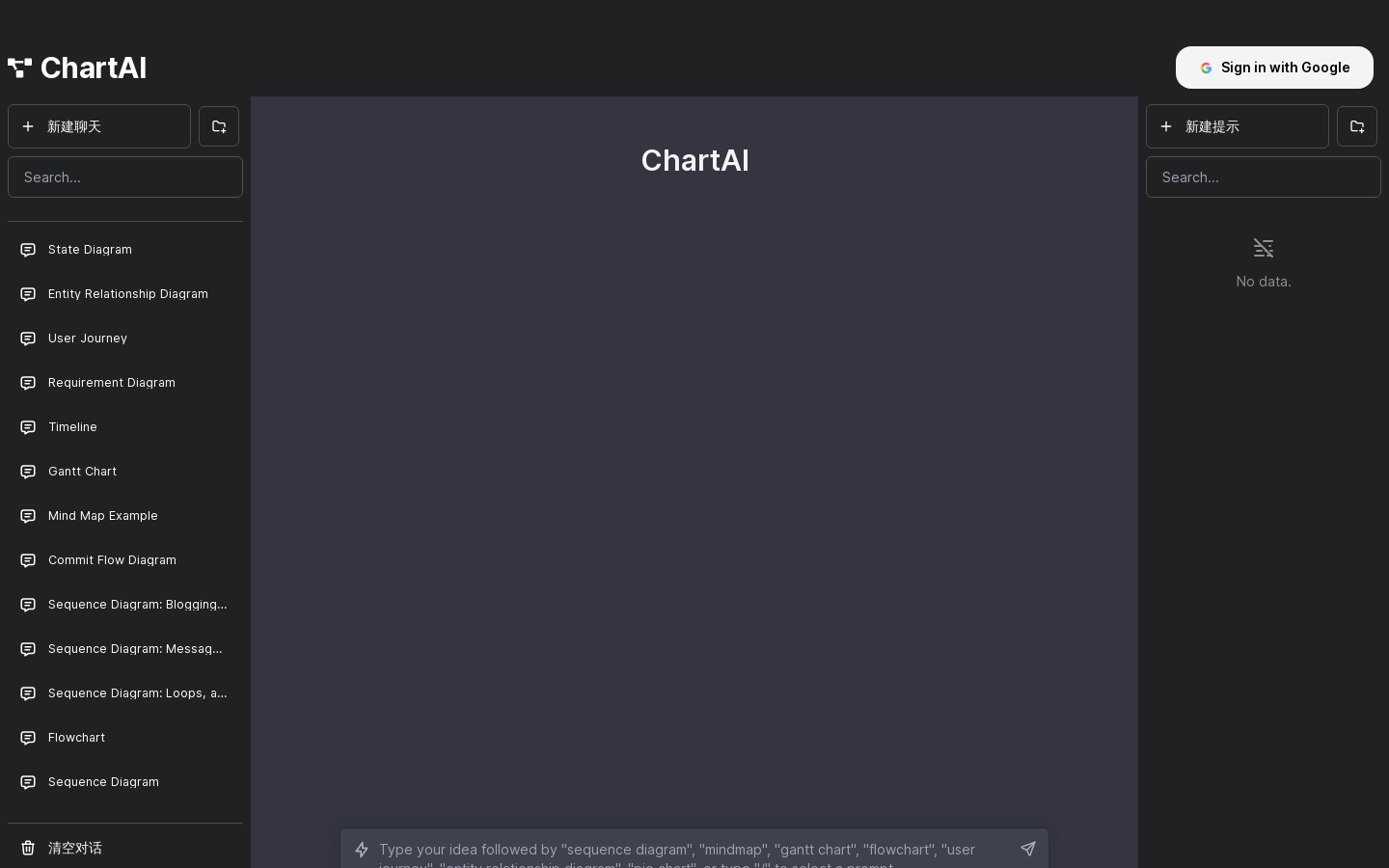
Screenshot archived from the listing page, for preview only.











