
Catalog
AI article voice readerRead saved articles aloud with AI
Highlights
What you can do with it
- Listen to work-related articles while you focus
- Catch up on news and blogs on public transport
- Relax with an article read aloud before bed
How to use it
- 1 Visit the site and sign in or register
- 2 Save links to articles you like
- 3 Pick an article and choose listen it later
- 4 Enjoy the AI voice broadcast
Who it is for
Pros
- Hands-free listening to saved articles
- Realistic AI voices improve the experience
- Free during public beta
Limitations
- Beta status means free access may change
- Depends on the quality of extracted article text
- Voice quality and features are still developing
What Catalog is
Catalog is a tool that broadcasts the articles you save using ultra-realistic AI voices. You save web articles, and it extracts their content so you can listen instead of reading on a screen. It adds a semantic AI search so you can find saved pieces later, and it supports saving notes and searching by author or publication. The point is to make listening easy when your eyes are busy, whether you are working, on public transport, or winding down before bed. Catalog is currently free during public beta, though the maker notes that free and paid versions may be introduced in the future.
What you can do with it
- Save web articles and extract their content automatically
- Listen to articles through realistic AI voices
- Use semantic search to find saved pieces later
- Save notes and search by author or publication
Who it is for
- Commuters who want to listen while on the move
- Busy professionals saving reading for later
- Anyone who prefers audio before sleep
What to watch out for
Catalog is in public beta, so the free access you see now may change once paid versions arrive, and features can shift as the product develops. The listening quality depends on how cleanly the article text is extracted, so pages with heavy ads or odd formatting may read poorly. AI voices are realistic but still synthetic, so long articles may not sound as natural as a human narrator. Treat it as a convenient way to consume saved reading rather than a replacement for every kind of document. For team use, agree on naming and editing conventions in advance to avoid version conflicts or duplicated work.
FAQ
What does Catalog do?
It saves web articles and reads them aloud with ultra-realistic AI voices.
Is it free?
It is free during public beta, though free and paid versions may be added later.
Can I find old articles?
Yes, it offers semantic AI search plus saving notes and searching by author or publication.
Why it is free
What the official page says: for free
Free limits, trial length and features are decided by the official site and can change at any time.
Product preview
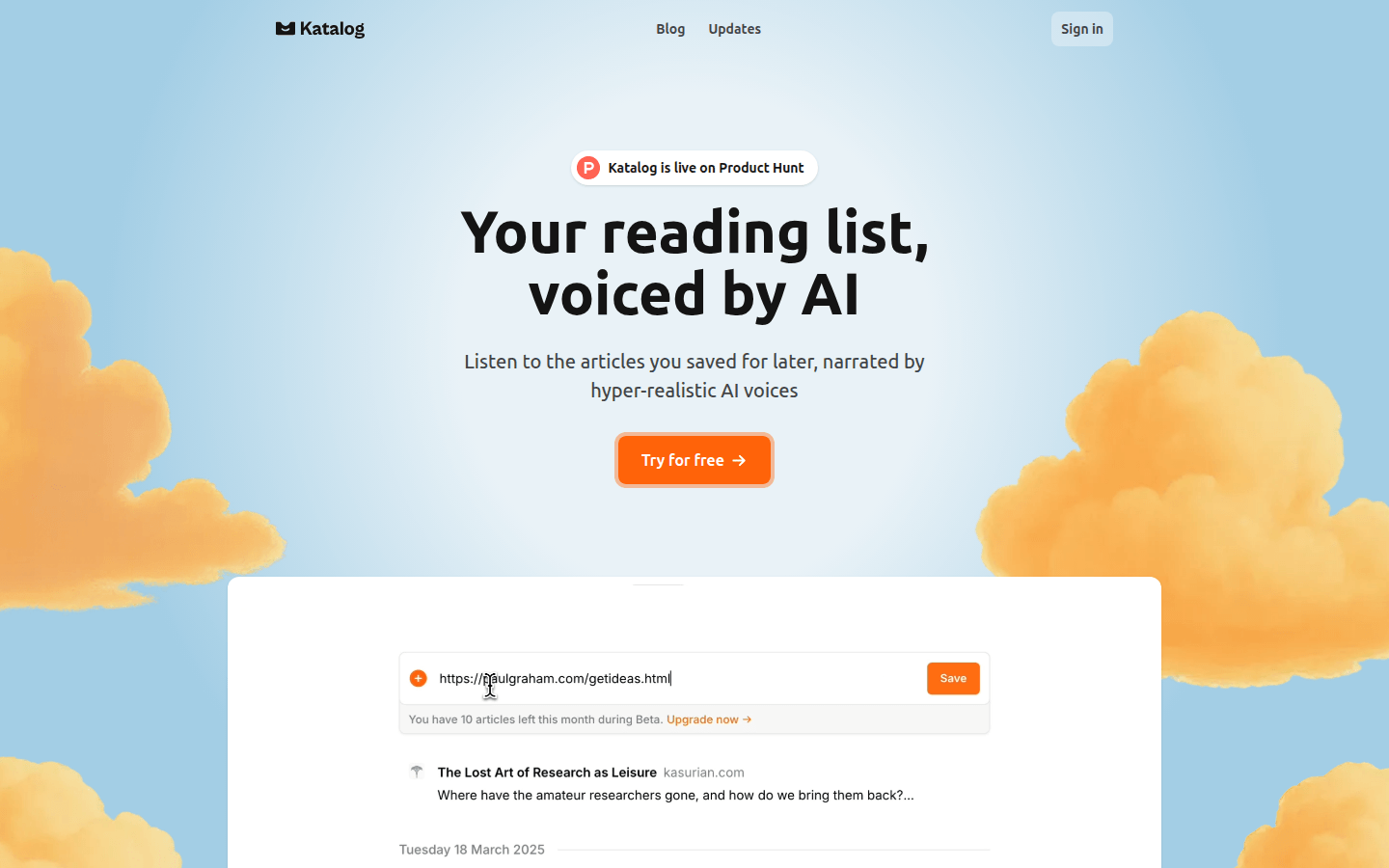
Screenshot archived from the listing page, for preview only.











