
CartoMind
Free AI infographic generatorText to infographic in seconds
Highlights
What you can do with it
- Marketers turning insights into shareable graphics
- Educators converting course material into visuals
- Creators adapting knowledge for social platforms
How to use it
- 1 Add content by paste, upload, or typing
- 2 Let the AI extract key points and suggest a style
- 3 Generate, then adjust layout and details
- 4 Export a high resolution image
Who it is for
Pros
- Free version with no credit card
- No design skills required
- Large template and design library
Limitations
- Free version limits push toward paid plans
- Automatic layout can misread structure
- Dense text still needs manual trimming
What CartoMind is
CartoMind is an AI infographic generator. You give it content by pasting text, uploading a PDF or document, or simply typing an idea. The tool parses and structures that content, extracts the key points, and matches it to a design drawn from 500 professional combinations, covering layout, typography, and colour. Infographics render in seconds and can be adjusted on an infinite canvas until they look right, so nothing is locked to a fixed frame. Template families include monochrome, paper art, and travel guide styles. Several languages are supported, and the AI detects the input language and adjusts the layout accordingly. Output exports as a high resolution image. A free version is available and no credit card is required.
What you can do with it
- Turn pasted text or an uploaded document into an infographic
- Let the AI pick a layout from 500 design combinations
- Adjust freely on an infinite canvas
- Export a high resolution image for social or print
Who it is for
- Content marketers turning insights into shareable graphics
- Educators converting course material into visual explanations
- Social creators adapting knowledge to platform formats
- Industry experts who want visual assets without a designer
What to watch out for
Automatic structure reading is good but not perfect. Dense or poorly organised text can produce an infographic that buries the point you wanted to make, so trim before you generate rather than after. The free version is a starting point and fuller use moves to paid plans. Templates speed up the work, but a design chosen by algorithm can look generic, so spend a little time adjusting rather than accepting the first render. Check that any figures you include are correct before publishing, since the tool lays out content but does not verify it.
FAQ
Is there a free version?
Yes, and no credit card is required.
How many designs?
500 professional design combinations.
What can I upload?
PDFs, documents, or pasted text.
Why it is free
What the official page says: free version
Free limits, trial length and features are decided by the official site and can change at any time.
Product preview
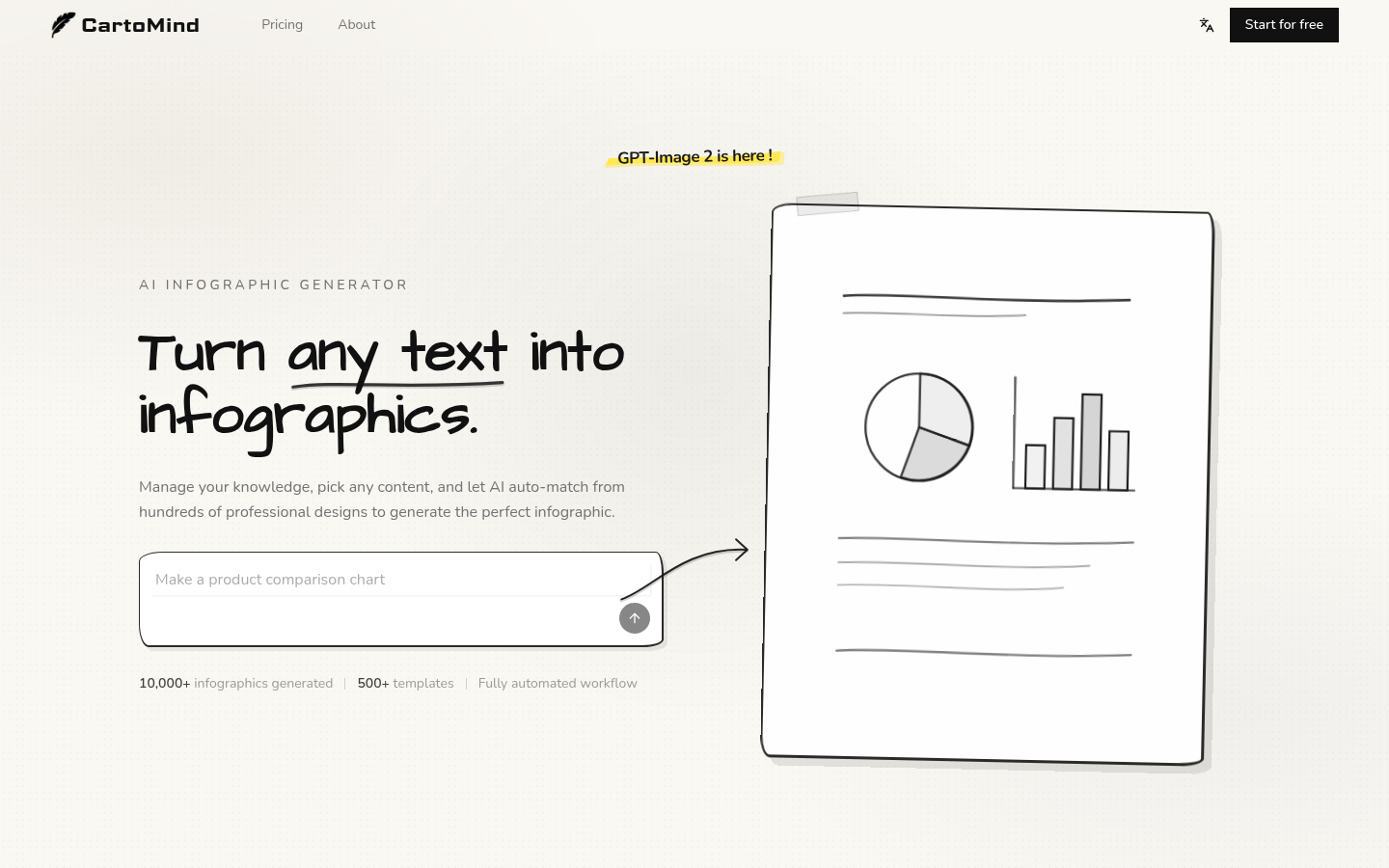
Screenshot archived from the listing page, for preview only.











