
Captioner
AI subtitles for your videosAccurate subtitles in over 98 languages
Highlights
What you can do with it
- Add subtitles to a YouTube video and export SRT
- Translate a video into multiple languages for students
- Generate subtitles for internal training videos
How to use it
- 1 Sign up at captioner.io
- 2 Upload your video (up to 3 hours)
- 3 Select the subtitle language and start transcription
- 4 Edit subtitles and timestamps in the browser
- 5 Export the subtitle file or download the video with subtitles
Who it is for
Pros
- Accurate transcription with word-level timing
- Wide language support
- Easy browser editing and export
Limitations
- Only a 60-minute free trial, then paid plans
- Long videos still need review for accuracy
- Uploads depend on the service being available
What Captioner is
Captioner is an AI tool focused on generating video subtitles, built on a strong transcription model for accuracy. It supports over 98 languages, handles videos up to three hours long, and provides word-level timestamp alignment so you spend less time fixing timing by hand. You can edit subtitles in the browser, import existing subtitles for automatic alignment, and export in formats such as SRT and VTT, or download the video with subtitles burned in. It can even transcribe speech clearly when there is background music. A 60-minute free trial is offered before paid plans.
What you can do with it
- Transcribe video into accurate subtitles
- Align subtitles to word-level timestamps
- Import existing subtitles and align them automatically
- Export SRT or VTT files, or download video with subtitles
Who it is for
- YouTubers and video creators adding captions
- Educators making multilingual course content
- Companies producing internal training videos
- Anyone who needs fast, accurate subtitles
What to watch out for
Only a 60-minute free trial is offered, after which you move to a paid plan, and that pricing can change. Even with word-level alignment, long or noisy videos still need a human review pass for names, jargon, and punctuation. Because you upload video to the service, it depends on Captioner staying available, and you are sending your footage to a third party, so be careful with confidential content and keep your own copies of the originals. Name and archive exported files consistently so you can find and reuse them, and keep a backup copy of key data. When quality matters, export a small draft first to confirm the result before producing the final file.
FAQ
How accurate are the subtitles?
It uses a high-quality AI model for accurate transcription with word-level timestamps.
How many languages are supported?
Over 98 languages, including Chinese and Cantonese.
Is there a free trial?
Yes. A 60-minute free trial is offered before paid plans.
Why it is free
What the official page says: free trial
Free limits, trial length and features are decided by the official site and can change at any time.
Product preview
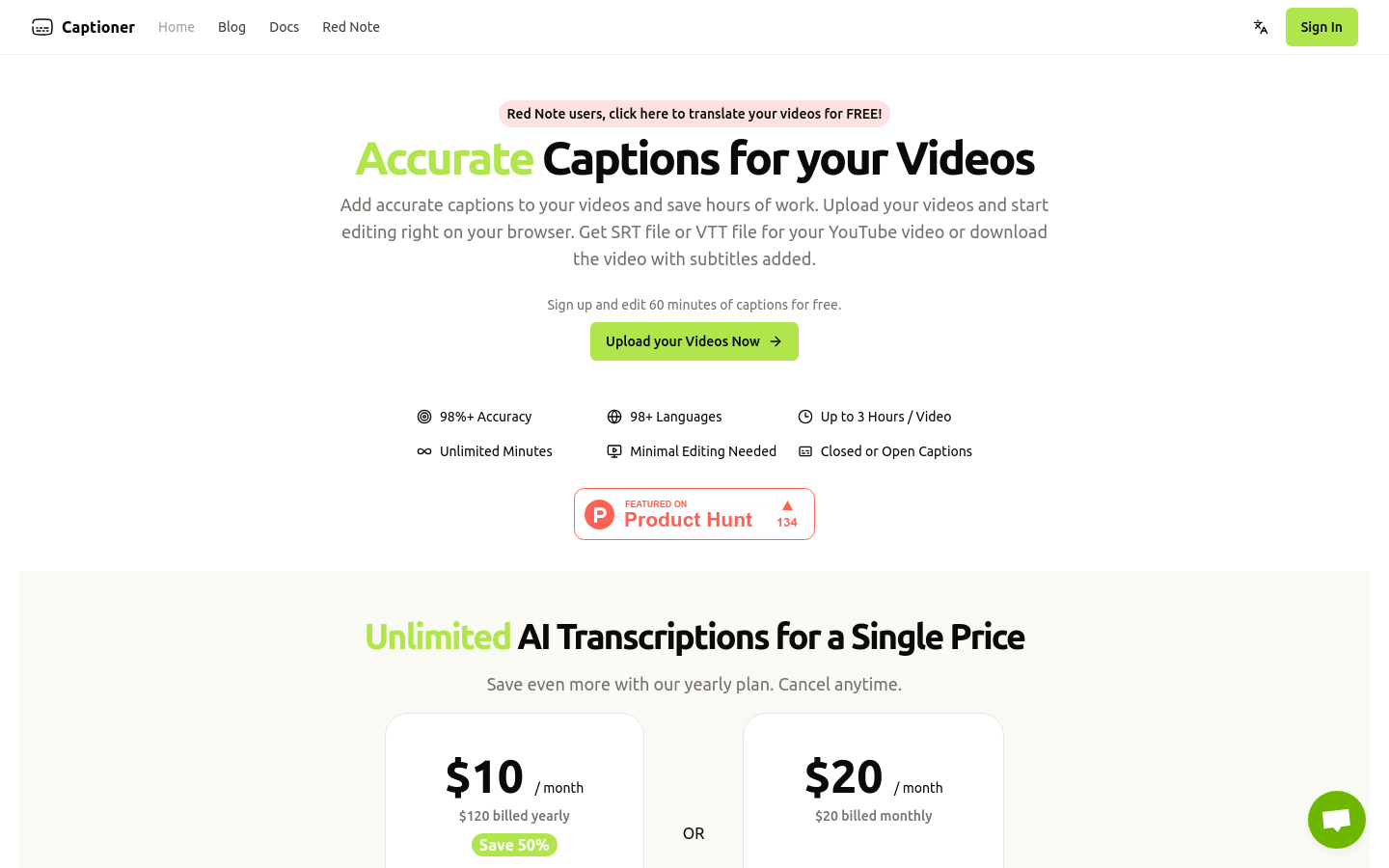
Screenshot archived from the listing page, for preview only.











