
Caption.IM
Real-time subtitles and voice input desktop appLive captions and translation for any app
Highlights
What you can do with it
- Follow multilingual meetings with live translated subtitles
- Watch foreign language courses with real-time captions
- Get subtitles for movies, podcasts, and videos
How to use it
- 1 Install Caption IM and grant the required permissions
- 2 Let it capture system audio from meetings, calls, or lectures
- 3 Read the real-time subtitles on screen
- 4 Turn on translation if you need another language
- 5 Export the transcript as TXT, SRT, or VTT on the professional version
Who it is for
Pros
- A free version exists for basic real-time subtitles
- Local processing helps privacy
- Works with any application through system audio capture
- Speaker recognition and hotkeys make long sessions easier
Limitations
- Export formats require the paid professional version
- Local processing depends on your machine's performance
- Accuracy claims come from the developer and may vary by language and audio
- Free version limits and pricing can change at any time
What Caption.IM is
Caption.IM is a desktop application from France that provides real-time subtitles and voice input. It captures audio output from any running application, transcribes it, and displays subtitles on screen. The stated accuracy is 98 percent, and subtitles can be translated into 50 languages in real time. All audio processing happens locally using an optimized model, so the audio does not leave the device. There is a free version, a professional version at 9.9 euros per month that adds TXT, SRT, and VTT export plus speaker recognition, and an enterprise option.
What you can do with it
- Get live subtitles for meetings, calls, podcasts, and lectures
- Translate those subtitles into 50 languages as they appear
- Capture audio from any application without an extension
- Distinguish speakers in multi-person conversations
- Export transcripts as TXT, SRT, or VTT on the professional version
Who it is for
- Professionals working across languages in conferences and negotiations
- Educators and students in multilingual courses and lectures
- Everyday users who want subtitles for foreign language video
What to watch out for
The free version does not include the export formats, so plan on the paid tier if you need subtitle files. Local processing means performance depends on your hardware, and long sessions on a weaker machine may lag. The 98 percent accuracy figure is a developer claim and will vary with language, audio quality, and accents. Prices and feature boundaries can change, so verify current terms before you subscribe. Name and archive exported files consistently so you can find and reuse them, and keep a backup copy of key data. When quality matters, export a small draft first to confirm the result before producing the final file.
FAQ
Is there a free version?
Yes, there is a free version. The professional version costs 9.9 euros per month and an enterprise option exists.
Does it work with any app?
It captures audio output from any running application on the device, so no browser extension or special setup is needed.
How many languages can it translate?
Subtitles can be translated into 50 different languages in real time.
Is my audio sent anywhere?
The site says all audio processing is completed on the local device and audio does not leave your device.
Why it is free
What the official page says: free version
Free limits, trial length and features are decided by the official site and can change at any time.
Product preview
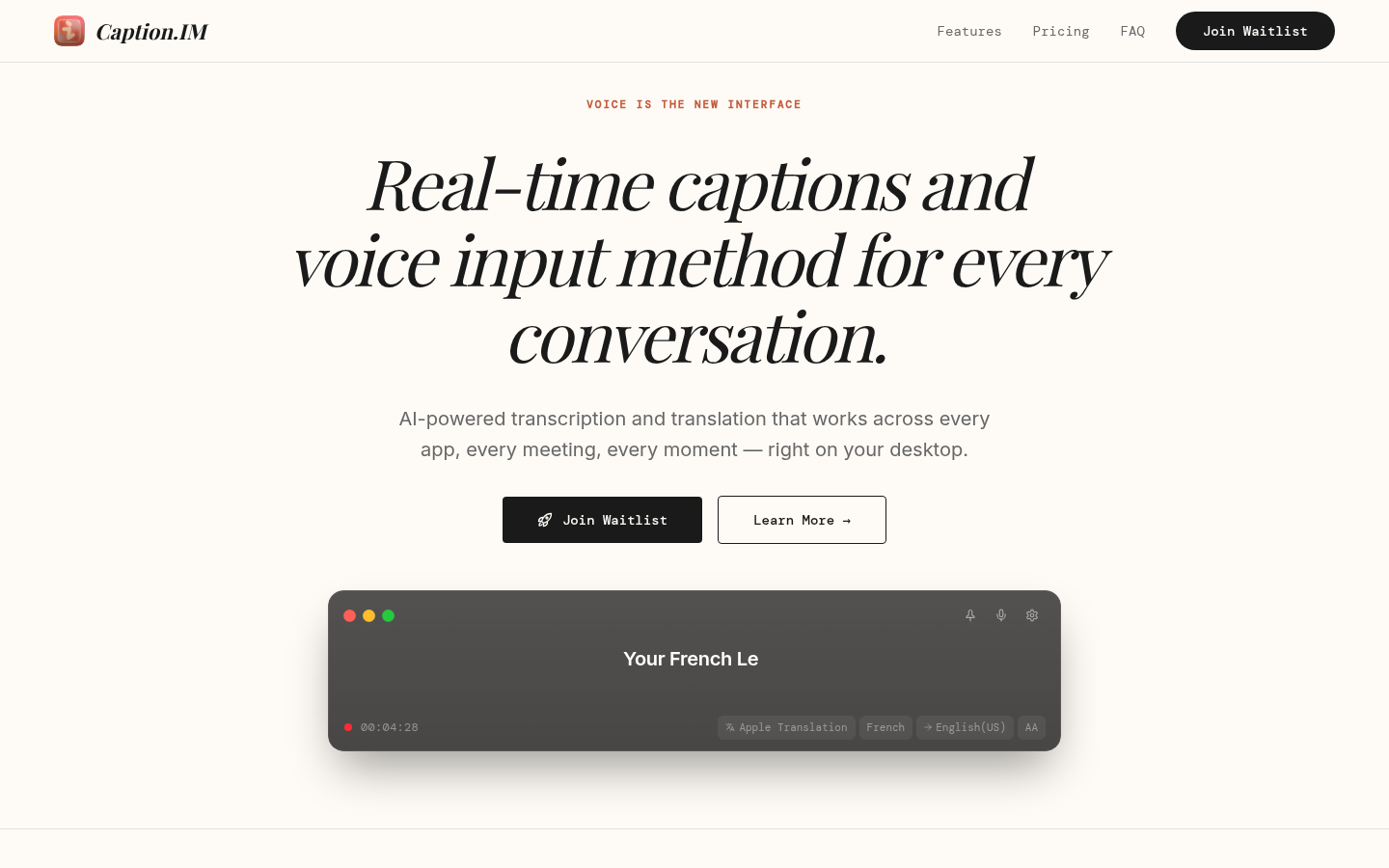
Screenshot archived from the listing page, for preview only.











