
Canvas for Mac
Free open-source Mac drawing app with DALL-EDraw and generate images on your Mac
Highlights
What you can do with it
- Designers use it for design and creative work
- Artists use it for painting creation
- Students use it to learn painting and generation
How to use it
- 1 Download and install Canvas on your Mac.
- 2 Open a canvas and choose a generation mode.
- 3 Either type a description or upload an image to work from.
- 4 Pick a painting style and generate or transform.
- 5 Edit the result further and export your work.
Who it is for
Pros
- Free and open source
- Native Mac app rather than a web page
- Generation and editing in one place
- Several ways to generate, from text or uploads
Limitations
- It runs on macOS only
- Generation relies on OpenAI DALL-E as an upstream service
- Output still needs editing and selection
- The project depends on continued maintenance
What Canvas for Mac is
Canvas is an open source drawing app for the Mac that folds OpenAI DALL-E generation into the canvas. You can generate images from a text description, generate and edit starting from an upload, transfer style between images, and produce variants in one click, with several painting styles on offer. The app is aimed at designers, artists, and students who would rather have generation sitting next to their drawing tools than in a separate browser tab. It is described as free and open source, with simple usage as the main claim, and it runs natively on macOS rather than as a web page.
What you can do with it
- Generate images from text descriptions.
- Generate and edit starting from an uploaded image.
- Transfer style and transform an existing image.
- Create variants of a result in one click.
Who it is for
- Mac users who draw and want generation nearby.
- Designers producing concepts and creative work.
- Artists exploring painting styles.
- Students learning painting and AI tools.
What to watch out for
It runs on macOS only, so Windows and Linux users are out of luck. The generation side integrates OpenAI DALL-E, which means it depends on that upstream service: availability, output rules, and any access requirements follow OpenAI rather than the app, and a change there changes what Canvas can do. Output still needs editing and selection, since generated images rarely land exactly where you want them. As an open source project, it also depends on continued maintenance, so check how recently it was updated before you build a workflow on it. Name and archive exported files consistently so you can find and reuse them, and keep a backup copy of key data.
FAQ
Is Canvas free?
Yes, it is described as free and open source.
Which platforms does it run on?
It is developed for the Mac platform.
What can it generate?
Images from text, images from uploads, style transfers, and one click variants.
Does it need anything from OpenAI?
It integrates OpenAI DALL-E generation, so that service is part of the picture.
Why it is free
What the official page says: 免费
Free limits, trial length and features are decided by the official site and can change at any time.
Product preview
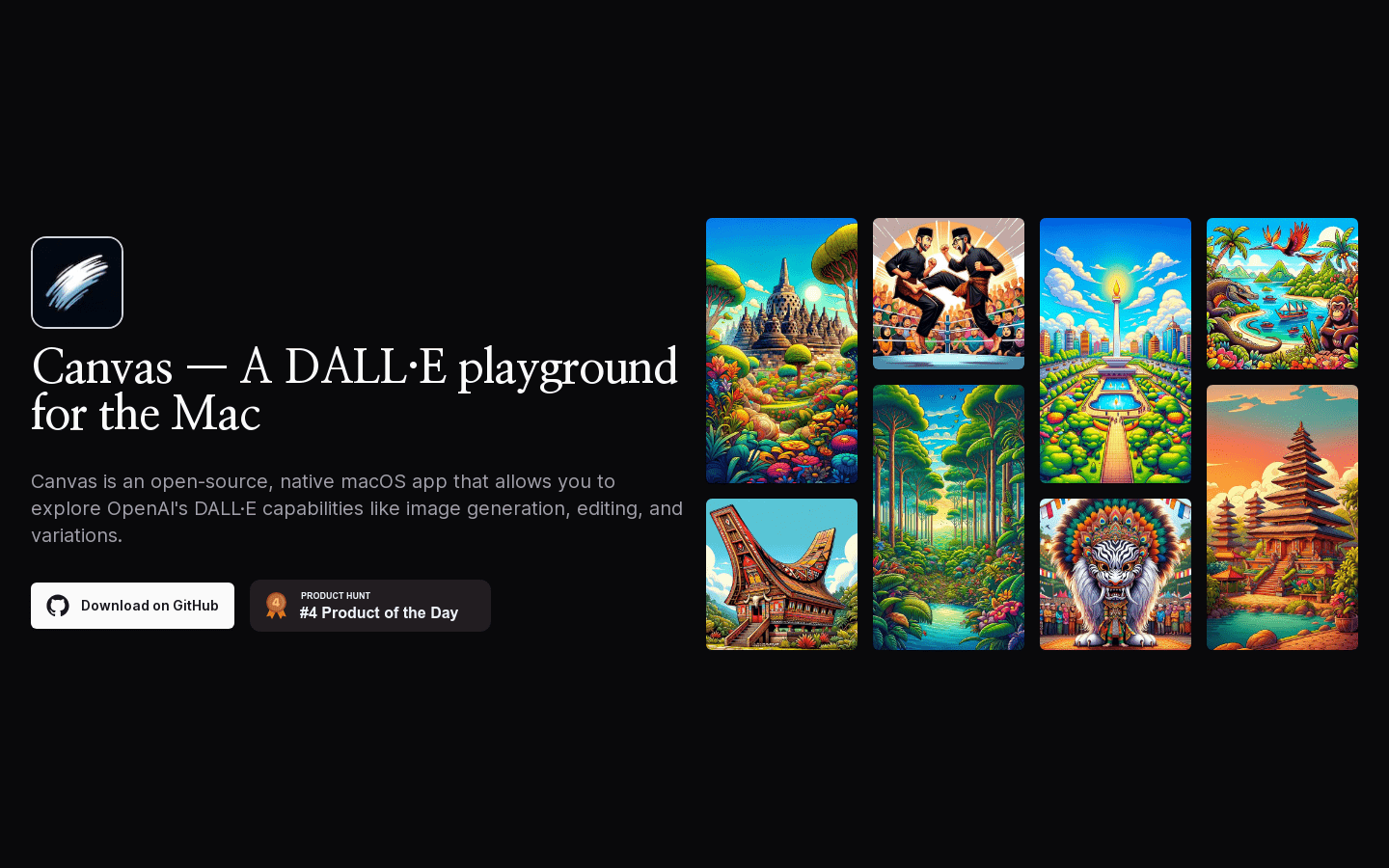
Screenshot archived from the listing page, for preview only.











