
Canva AI Vector Creator
Canva tool that turns text descriptions into vector graphicsType a description, get a clean vector
Highlights
What you can do with it
- Designers making website illustrations quickly
- Marketing teams creating social media visuals
- Educators building charts and diagrams for lessons
How to use it
- 1 Log in to Canva and open the vector generator app
- 2 Describe the vector image you want and pick a style
- 3 Choose color and object modes as needed
- 4 Generate, then fine-tune the result in the Canva editor
- 5 Download the SVG or add it to a Canva project
Who it is for
Pros
- Text-to-vector is quick and needs no drawing skill
- Vectors scale cleanly to any size
- Free version available, with SVG export
Limitations
- Free version has limits compared with the paid Pro tier
- Complex or very specific designs may need prompt tweaking
- Available styles and features can change with Canva updates
What Canva AI Vector Creator is
Canva AI Vector Creator is an online tool from Canva that generates vector images from simple text descriptions. Its purpose is to lower the barrier to digital illustration so that people without professional design training can still produce clean, professional-grade graphics. You describe what you want, pick an art style and color mode, and the tool builds a vector you can scale to any size without losing clarity. Results export as SVG and can be dropped straight into any Canva design. A free version is available alongside a paid Pro tier that adds more features and resources.
What you can do with it
- Generate vector images from a plain text description
- Choose from many art styles and color modes
- Scale artwork to any size with no loss of quality
- Fine-tune the result in the Canva editor
- Download an SVG or add the vector to a Canva project
Who it is for
- Designers who need quick illustration elements
- Marketing teams producing social media visuals
- Educators building charts and diagrams for lessons
- Beginners who want clean graphics without drawing skill
What to watch out for
The free version has limits compared with the paid Pro tier, so heavier or commercial use may require an upgrade. Very complex or highly specific designs often need several prompt attempts and manual tweaks before they look right, so treat the first result as a draft. Because the tool lives inside Canva, its availability, styles, and export options depend on Canva's own changes and your account type. Check current plan terms if you need reliable access for ongoing work.
FAQ
What is Canva AI Vector Creator?
It is an online tool from Canva that generates vector images from simple text descriptions, so users without design skills can create professional-grade graphics.
What formats and styles does it support?
It supports many art styles, several color modes, and one-click SVG download, and the vectors scale to any size without losing clarity.
Is it free?
Canva offers a free version as well as a paid Pro version that unlocks additional features and resources.
Why it is free
What the official page says: free version
Free limits, trial length and features are decided by the official site and can change at any time.
Product preview
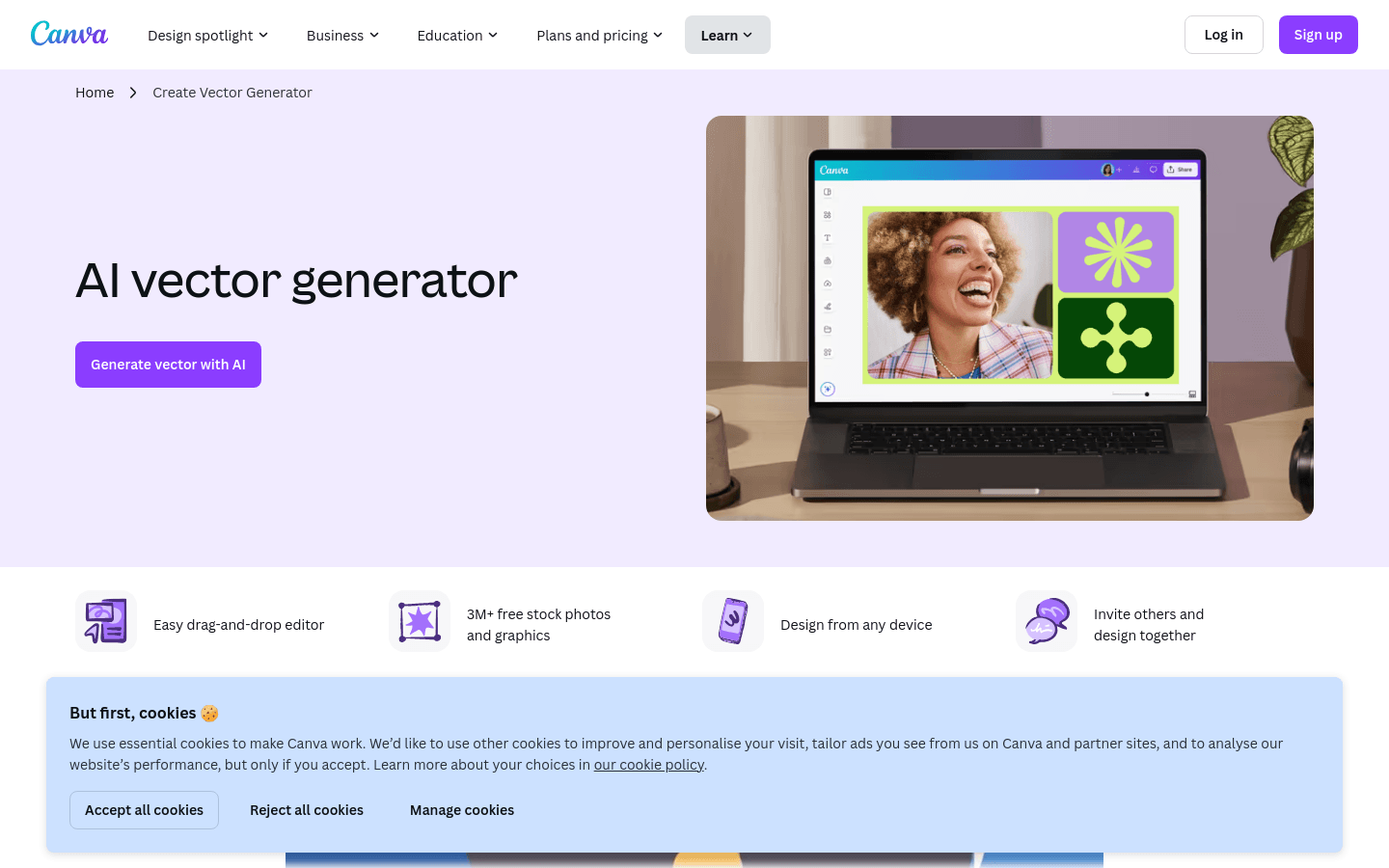
Screenshot archived from the listing page, for preview only.











