
Canva
Canva AI image generatorFree text-to-image inside Canva
Highlights
What you can do with it
- Images for presentations and social media posts
- Design sketches for fashion and product ideas
- Illustrations for novels and creative projects
How to use it
- 1 Open Canva and find the AI image generator app
- 2 Enter a text prompt describing the image
- 3 Choose an art style such as watercolor or cinematic
- 4 Generate, edit and export the image in Canva
Who it is for
Pros
- A free version lets you generate images at no cost
- Fits into the Canva editing and export workflow
- Several AI generators available in one place
Limitations
- Free generations per month are limited; paid plans raise the cap
- Quota rules are set by the official site and can change
- Prompt results vary and may need retries
What Canva is
Canva is a design platform, and its AI image generator app turns text prompts into images for creative projects. You type a description and the app produces images you can use for presentations, social media posts and other designs, with style options such as watercolor, cinematic and neon. The app page also notes that you can use other AI generators inside Canva, such as DALL E and Imagen, and that generated images can be edited and shared within Canva. A free version exists; paid subscriptions allow more image generations per month, and exact quotas are set by the official site.
What you can do with it
- Generate images from text prompts in several styles
- Use generators such as DALL E and Imagen inside Canva
- Edit and enhance generated images before export
- Share images straight into Canva projects
Who it is for
- Content creators making social and blog visuals
- Entrepreneurs and small teams building brand assets
- Artists and designers exploring illustration ideas
The pitch is having the right image at hand even when it does not exist yet.
Style presets change the mood of the result, so try more than one before choosing a final image.
What to watch out for
The free version caps how many images you can generate each month, and heavier use means a paid subscription. Quota rules are set by the official site and can change, so check current limits before planning a project. Generated images may not match the prompt exactly, and text inside images can still come out wrong. Because generation happens inside a design tool, results work better when you treat them as starting points for further editing rather than final artwork.
FAQ
Is Canva's AI image generator free?
A free version exists. Paid subscriptions allow more image generations per month, and exact limits are set by the official site.
Which styles can I pick?
Options mentioned include watercolor, cinematic and neon, among others.
Can I use other AI models in Canva?
The app page notes you can also use AI generators such as DALL E and Imagen within Canva.
Why it is free
What the official page says: free version
Free limits, trial length and features are decided by the official site and can change at any time.
Product preview
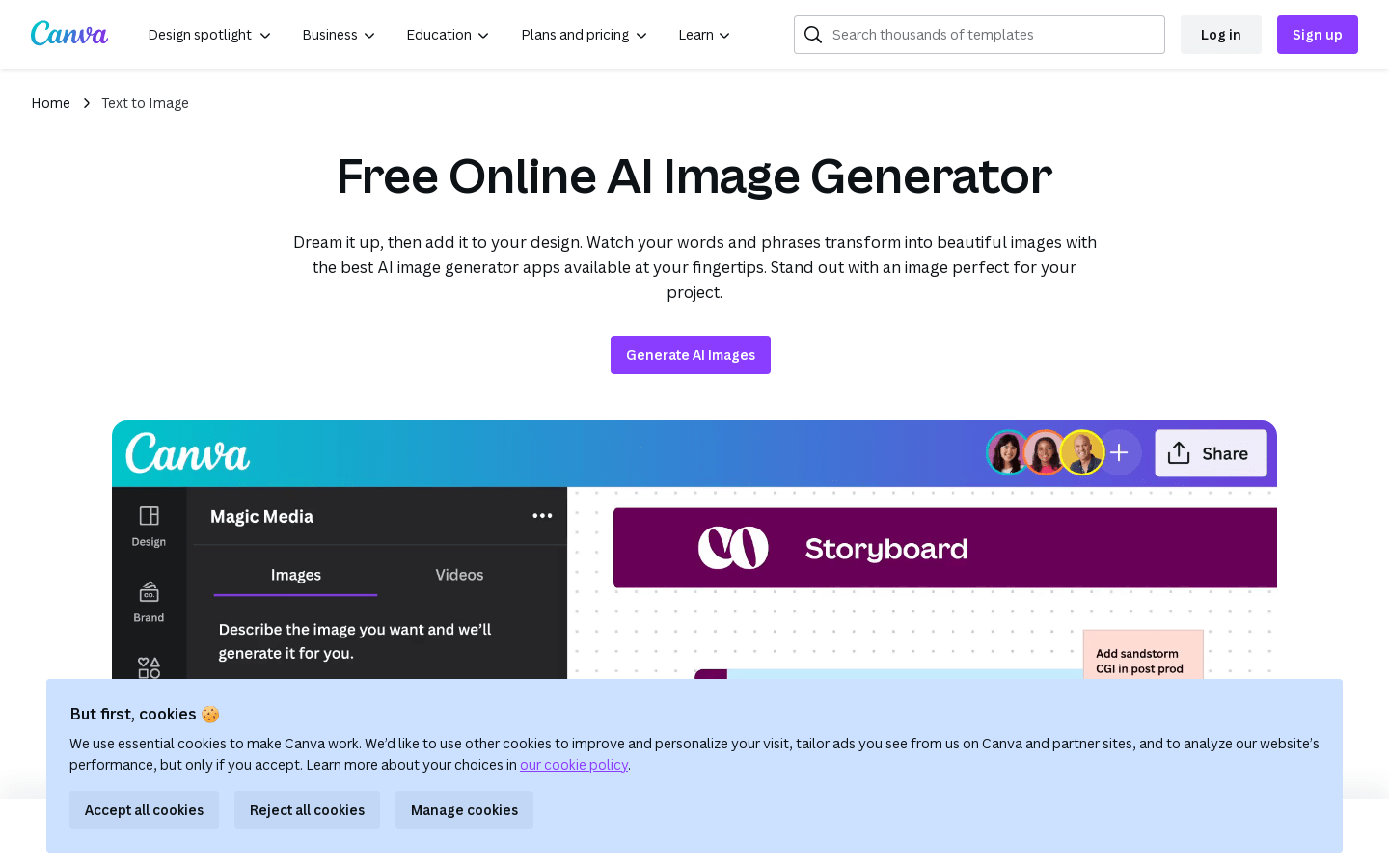
Screenshot archived from the listing page, for preview only.











