
Camp 2.0
Smart screenshot tool with auto captureCapture, edit, and share screenshots
Highlights
What you can do with it
- Capture a full-screen error report to send to support
- Grab a single window for a how-to guide
- Annotate a screenshot before sharing it
How to use it
- 1 Install Camp 2.0 and start the free trial
- 2 Choose a capture mode: full screen, window, or custom area
- 3 Let the smart recognition pick the region or adjust it yourself
- 4 Edit the screenshot with the built-in tools
- 5 Share or save the result
Who it is for
Pros
- Auto region detection saves time
- Multiple capture modes in one tool
- Editing tools are included
- Free trial to test before paying
Limitations
- Free use is limited to the trial; paid plans are required afterwards
- Feature details are thin, so confirm compatibility with your system first
- Smart recognition can misjudge the area on busy screens
- The site redirects, so make sure you land on the current version
What Camp 2.0 is
Camp 2.0 is a screenshot tool that tries to remove the fiddly part of capturing your screen. Instead of dragging a rectangle every time, it uses intelligent recognition to work out the area you want and grab it automatically. Once captured, you can edit the image with the built-in tools and share it straight away. The tool supports several capture formats, including full-screen, window, and custom area screenshots, so you can pick the mode that fits what you are documenting. Pricing is split between a free trial and paid subscription plans.
What you can do with it
- Capture the whole screen, a single window, or a custom region.
- Let smart recognition select the region for you.
- Annotate and edit the screenshot before sending it.
- Share the result directly from the tool.
Who it is for
- People who file bug reports and support tickets with screenshots.
- Writers and trainers building step-by-step guides.
- Remote teams that need to share visual context quickly.
What to watch out for
The free trial is an evaluation period; continued use needs a paid subscription, so plan the cost if screenshots are part of your daily work. The public feature list is short, which means you should confirm the tool runs on your operating system before relying on it. Automatic region detection is convenient but not perfect, and on a cluttered screen it may pick the wrong area, so keep the manual mode handy. The site currently redirects, so check that you reach the live version rather than an old page. Features and interface details may change between versions, so review the latest notes on the page before you start.
FAQ
What makes Camp 2.0 smart?
It uses intelligent recognition to automatically capture the area you want instead of making you drag a box every time.
Which capture modes are supported?
Full-screen, window, and custom area screenshots are listed.
Is there a free version?
There is a free trial, with paid subscription plans for continued use.
Why it is free
What the official page says: free trial
Free limits, trial length and features are decided by the official site and can change at any time.
Product preview
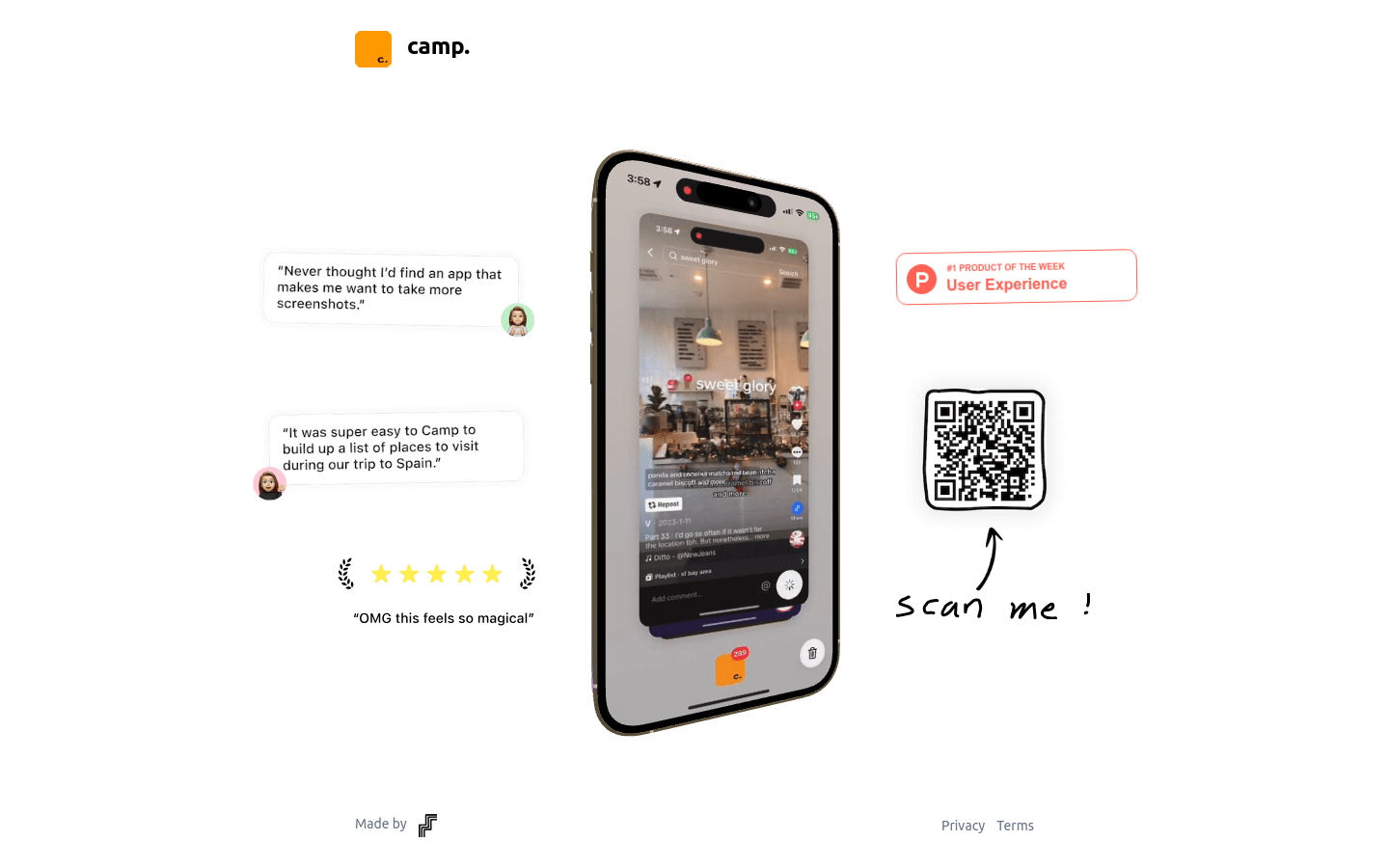
Screenshot archived from the listing page, for preview only.











