
Caimera
AI fashion and product photographyGenerate fashion and e-commerce visuals with AI
Highlights
What you can do with it
- Seasonal product imagery for a fashion brand catalogue
- Refreshing an entire e-commerce product gallery in one pass
- Producing advertising concepts and creative templates for clients
How to use it
- 1 Open the Caimera site and click Try for free to register
- 2 Log in and pick the module you need, such as the fashion studio
- 3 Choose a template and model style, or upload the images to edit
- 4 Use the editing tools to resize, swap backgrounds or upscale
- 5 Check the result, then download the image or video
Who it is for
Pros
- No credit card needed to start the free trial
- Batch tools cut the time spent on repetitive image edits
- Covers several formats, from sketches to video
- Enterprise features cover content ownership and privacy
Limitations
- The free trial is limited; real production use needs a paid plan
- AI model shots may not match a brand's exact art direction without tuning
- Claims about cost savings and click-through gains are vendor numbers, not guarantees
What Caimera is
Caimera is an AI image generation tool aimed at fashion, e-commerce and advertising teams. Instead of booking a studio and a model, you describe or upload what you need and the platform produces the visual. It also handles edits such as background replacement, resizing and 4K upscaling. The site advertises a free trial that does not ask for a credit card, so you can evaluate output quality before spending anything.
What you can do with it
- Generate AI models and AI shoot results in bulk for seasonal campaigns.
- Move between formats: sketch to image, image to sketch, and image to video.
- Run batch edits such as resizing, recentring and background replacement across a catalogue.
- Upscale and post-process images to 4K, and use templates to build product pages quickly.
Who it is for
Fashion brands that shoot frequently, e-commerce teams maintaining large product catalogues, and advertising agencies producing creative concepts for clients. Solo content creators also use it as a lower-cost alternative to a full photo shoot.
What to watch out for
The free trial is a trial, not a permanent free tier, so production volume will push you onto a paid plan. AI-generated model shots still need review against a brand's exact art direction, and the marketing figures quoted on the site, such as cost savings and click-through improvements, are vendor claims rather than independent results. Check content ownership and privacy terms before using it for client work. Processing speed depends on file size and network conditions, so retry later if a task stalls during peak hours. Run one full task end to end first, then expand once you are comfortable with the workflow and the result quality.
FAQ
Do I need a credit card for the free trial?
The site states that you can register for the free trial without providing credit card details.
What kind of images can Caimera produce?
It generates AI models and AI photography results for fashion, e-commerce and advertising, and it can also convert sketches into images and images into video.
Can it handle large catalogues?
Yes. The platform includes batch adjustments such as resizing, recentring and background replacement, plus 4K upscaling and post-processing for larger sets.
Does it work with existing design tools?
The vendor says it can integrate with digital asset management systems and design tools, and it offers onboarding training for teams.
Why it is free
What the official page says: free trial
Free limits, trial length and features are decided by the official site and can change at any time.
Product preview
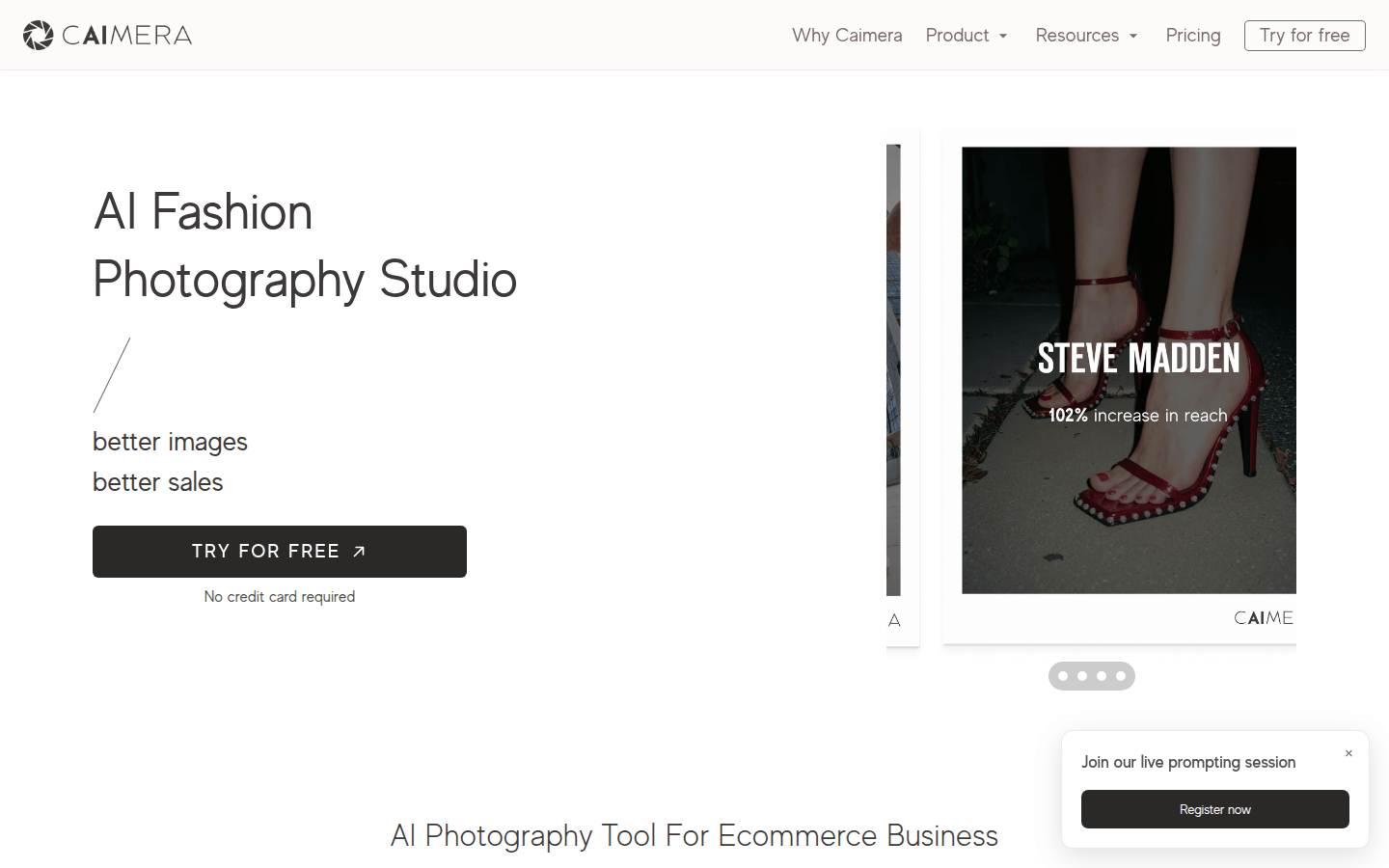
Screenshot archived from the listing page, for preview only.











