
Cades
Text to mobile app builderTurn an idea into a deployed app
Highlights
What you can do with it
- Build a to-do list app for personal use
- Create a recipe sharing app
- Develop a simple fitness tracking app
How to use it
- 1 Register on the Cades website
- 2 Pick a template or start from scratch
- 3 Customise the features and interface
- 4 Turn your text ideas into app functions
- 5 Preview, test, then deploy to the app store
Who it is for
Pros
- No deep programming knowledge required
- Templates shorten the first build
- Free trial to test the workflow
Limitations
- Free use is a trial before paid access
- Complex products will outgrow a template builder
- Store submission still needs its own accounts and review
What Cades is
Cades is a platform that turns text ideas into mobile applications and helps you deploy them to app stores. You describe what you want, choose from templates such as to-do lists, weather apps, recipe books, and fitness trackers, and then customise the features and the interface. The product is built so that non-technical users can create an app without deep programming knowledge, which lowers the barrier between an idea and something you can actually install. Task and reminder features, weather alerts, recipe saving, and fitness tracking are listed among the building blocks, so common app categories are covered out of the box. A free trial is available, and specific pricing details are on the official site.
What you can do with it
- Convert a text idea into a working mobile app
- Start from templates for common app types
- Customise features and the interface yourself
- Deploy the finished app to major app stores
Who it is for
- Entrepreneurs testing an app idea quickly
- Non-technical users who want a simple app of their own
- Coaches and hobbyists building niche tools for a small audience
What to watch out for
Free use is a trial, and continued access requires payment, so plan the cost before you invest time in a build. Complex products will outgrow a template-based builder, and a serious app still needs real engineering behind it. Store submission involves its own accounts, fees, and review process, so deployment is not a single click from start to finish. Check current pricing and template availability on the official site before you start. Processing speed depends on file size and network conditions, so retry later if a task stalls during peak hours.
FAQ
What does Cades do?
It turns text ideas into mobile apps and deploys them to app stores.
Do I need to code?
No, it is designed for non-technical users.
Is there a free trial?
Yes, Cades offers a free trial.
Why it is free
What the official page says: free trial
Free limits, trial length and features are decided by the official site and can change at any time.
Product preview
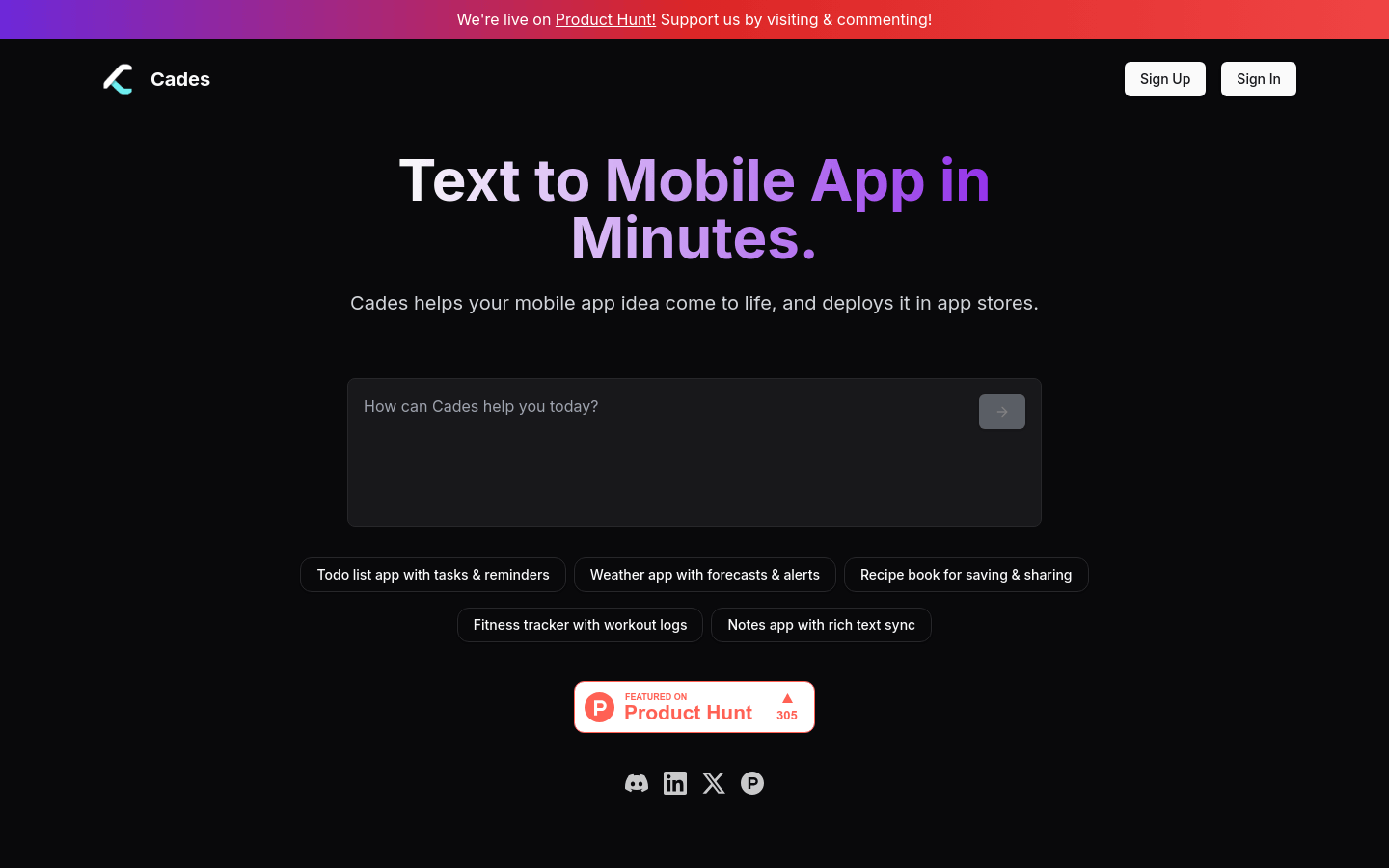
Screenshot archived from the listing page, for preview only.











