
CAD Scene
AI rendering workspace for architects and designersTurn models and sketches into renderings fast
Highlights
What you can do with it
- Turning a bare 3D screenshot into a realistic forest villa exterior under sunset light.
- Generating a Scandinavian living room concept from a text prompt in seconds.
- Adjusting only the material a client flagged while leaving the rest of the image intact.
How to use it
- 1 Visit the CAD Scene site and sign up; new users get 100 free credits with no credit card.
- 2 Pick a mode: Create for text-to-image, or Enhance to upload a model screenshot.
- 3 Choose an AI model such as Nano Banana or GPT Image 2 and a style preset in the side panel.
- 4 Click render, compare options in the Timeline, or use the Region brush for local changes.
- 5 Export the finished rendering as a free 4K download for your presentation.
Who it is for
Pros
- Keeps the original camera and geometry, so renderings match your model.
- 62 or more presets and multiple AI models give a wide range of looks.
- Free 4K downloads and 100 starter credits lower the cost of trying it.
Limitations
- Beyond the free quota, it needs a paid plan, with subscriptions starting at 12 dollars a month.
- Free credits and plan pricing can change over time.
- Output quality depends on the input screenshot and prompt, so expect to iterate.
What CAD Scene is
CAD Scene is a professional AI architectural rendering workspace built by an architect team. It is made for architects, interior designers, and design studios that need renderings fast. The tool connects to screenshots from modeling software such as SketchUp, Rhino, Revit, and Blender, and it generates realistic renderings while keeping the original camera angle and building geometry. It offers three workflows: Create for text-to-image, Enhance for model screenshots, and Edit for brush-based local changes. New users get 100 free credits with no credit card, and paid plans start at 12 dollars a month.
What you can do with it
- Turn a wireframe or workspace screenshot into a realistic rendering in seconds without rebuilding the scene.
- Generate a concept image from a plain text description, such as a Nordic living room at dusk.
- Select a specific area with the brush and change only that part, such as a material or a piece of furniture.
- Choose from more than 62 architectural and interior presets, and export every result as a free 4K download.
Who it is for
- Architects who need renderings that match their models and camera angles.
- Interior designers exploring styles and concepts before settling on a final plan.
- Design studios producing client-facing visuals and proposals at volume.
What to watch out for
The free part is a starting quota. New users get 100 free credits with no credit card, but beyond that you need a paid plan, and subscriptions start at 12 dollars a month. Free credits and pricing can change, so check the current terms before you plan a big project. Render quality depends heavily on the screenshot or prompt you supply, so expect to iterate, and because rendering relies on cloud AI models run in the browser, a stable connection helps.
FAQ
How much does CAD Scene cost?
There is a free quota, and new users get 100 free credits with no credit card. Paid plans start at 12 dollars a month.
What software can I import from?
You can import screenshots from SketchUp, Rhino, Revit, and Blender.
What resolution can I export?
Every rendering can be downloaded for free in 4K.
Why it is free
What the official page says: 免费额度免费
Free limits, trial length and features are decided by the official site and can change at any time.
Product preview
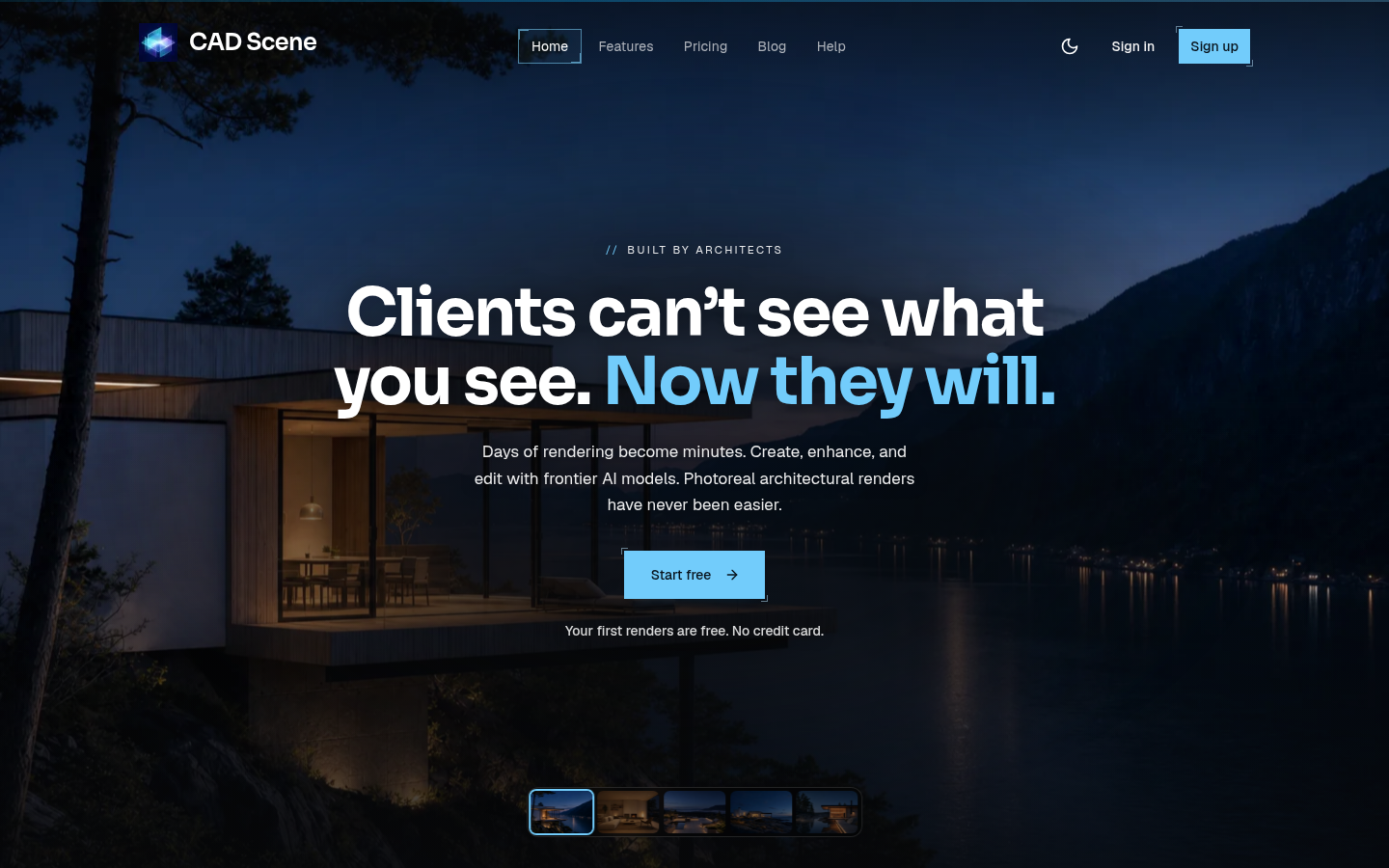
Screenshot archived from the listing page, for preview only.











