
Bylo.ai
Free online text-to-image AI generatorTurn a text prompt into images in seconds
Highlights
What you can do with it
- Create ads, social posts, and packaging concepts
- Design banners, icons, and backgrounds for a site
- Make infographics, slides, and study visuals
How to use it
- 1 Open bylo.ai in your browser.
- 2 Write a clear prompt, adding negative prompts if needed.
- 3 Pick a model, the number of images, and an aspect ratio.
- 4 Click generate and wait a few seconds.
- 5 Download the images you want to keep.
Who it is for
Pros
- Free online access with no software install
- Generation takes only seconds per batch
- Model and ratio controls give real flexibility
Limitations
- Free access rules can change without notice
- Results still need prompt iteration to look right
- Heavy commercial use raises licensing questions to check
What Bylo.ai is
Bylo.ai is an AI image generator that runs in the browser. You type a description and it returns images in a few seconds. The site describes free online access with no download or installation, which makes it a low-friction option compared with running a local model.
Control sits in a few places: negative prompts to exclude unwanted elements, several model choices including the Flux generator, and settings for the number of images and the aspect ratio. The site presents the output as high resolution and suitable for both personal and commercial use. The page was responding normally at the last check.
What you can do with it
- Turn a written description into a matching image.
- Exclude unwanted elements with negative prompts.
- Switch between models to change the look of the result.
- Set the count and aspect ratio to fit a specific layout.
- Download high-resolution files for a project.
Who it is for
It suits marketers who need quick visual concepts, designers prototyping banners, icons, and backgrounds, and anyone building presentation or study material. The aspect ratio controls make it practical for channel-specific work such as social posts or slide decks. Teams producing final brand assets should still route work through a designer, since generated images rarely land exactly on a brand system without adjustment.
What to watch out for
Prompt iteration is normal, so plan for several attempts before an image is usable. The free access is set by the site and can change, and free tiers often carry limits on volume or resolution. If you plan commercial use, check the licensing terms for the models involved and keep records of what you generated. Generated images can also carry artifacts in text, hands, and fine detail that need review before publication.
FAQ
Is Bylo.ai free to use?
The site describes free online access through the browser, with no download or install required.
Which models can I choose?
Several models are supported, including the Flux AI image generator, according to the site.
Can I control the shape of the image?
Yes. You can set the number of images and the aspect ratio before generating.
What is a negative prompt?
A negative prompt lists what you do not want to see, which helps steer the output away from unwanted elements.
Why it is free
What the official page says: 免费
Free limits, trial length and features are decided by the official site and can change at any time.
Product preview
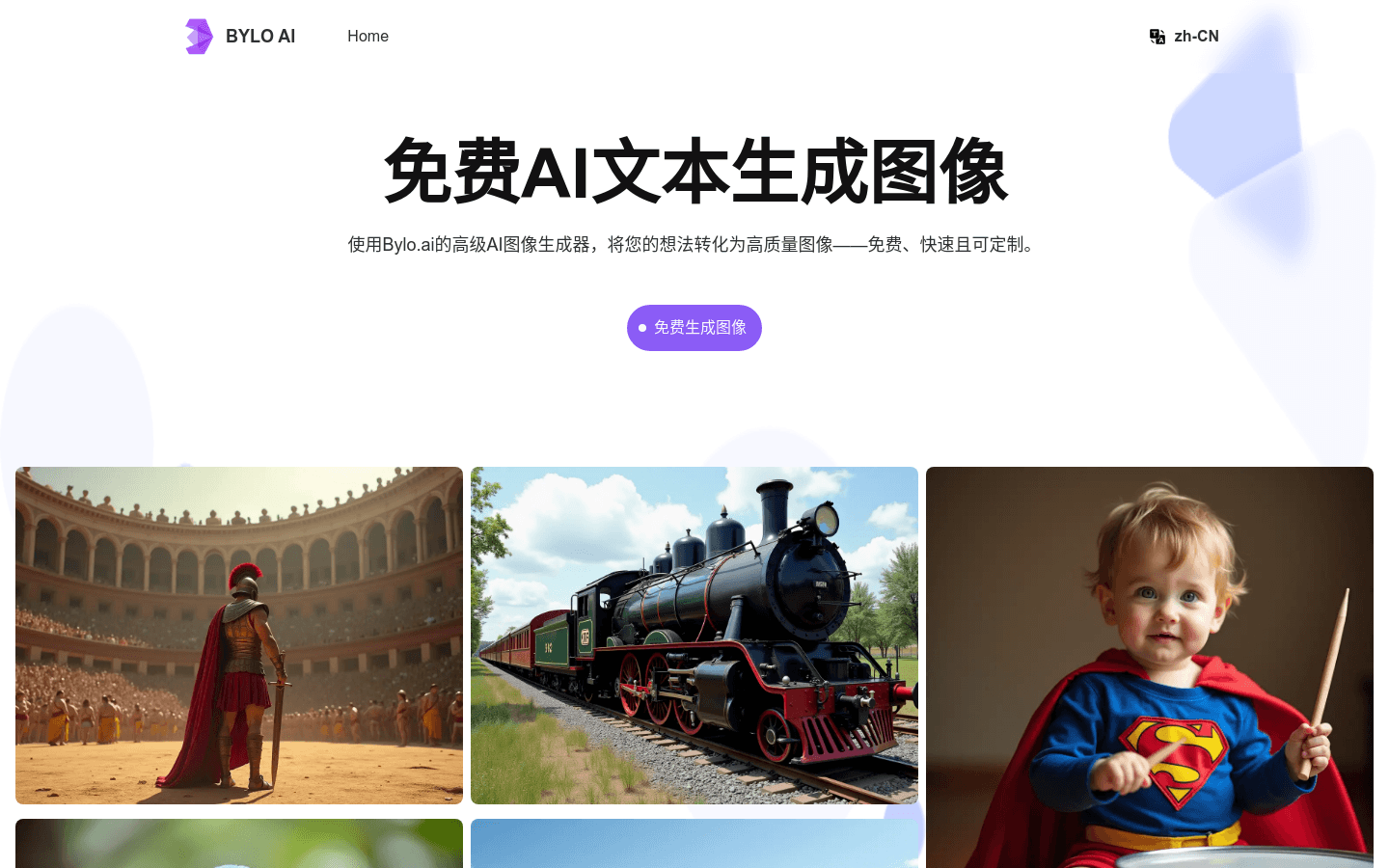
Screenshot archived from the listing page, for preview only.











