
Buzz Cut Filter
Free AI tool to preview a buzz cut on your photoSee your buzz-cut look in seconds before you cut
Highlights
What you can do with it
- Preview a buzz cut on yourself before deciding to cut your hair
- Show clients a buzz-cut look as a stylist or barber
- Get a quick visual idea of a short style before an appointment
How to use it
- 1 Open buzzcutfilter.com in a web browser
- 2 Upload the photo you want to preview
- 3 Wait a few seconds for the AI to generate the buzz-cut result
- 4 Review the preview and try another photo if you want to compare
Who it is for
Pros
- Free to use, with no price listed on the page
- Local processing means your photo stays on your device
- Fast results and broad device support
Limitations
- The page does not state usage limits, so free access could change
- Only covers buzz cuts, not other hairstyles
- Preview quality depends on your photo's clarity and angle
What Buzz Cut Filter is
Buzz Cut Filter is a free online tool that uses AI to show you how you would look with a buzz cut. You upload a photo, and the site returns a realistic preview of that same photo with a buzz haircut, usually in a matter of seconds. It is designed to be quick and simple, with no complicated setup, lengthy forms, or software to install. According to the page, all image processing happens locally on your device, so your photo is not described as being uploaded to a server or stored elsewhere. The tool is also built to run across common devices, including smartphones, tablets, and desktop browsers, so you can try it wherever you happen to be. For anyone weighing a change to a very short cut, it offers a low-effort way to see the result before making the snip. The page presents it as free, with no paid tier or account requirement mentioned.
What you can do with it
- Upload a photo and preview yourself with a buzz haircut
- Generate a realistic buzz-cut look using AI in seconds
- Keep your image private because processing is done locally
- Use the tool on phones, tablets, and desktop browsers
Who it is for
- Anyone curious about how a buzz cut would suit their face and style
- Stylists who want to show clients a buzz-cut look before cutting
- Barbers who give personalized hairstyle advice to customers
- People who want a quick, private way to test a short-hair change
What to watch out for
Buzz Cut Filter only handles buzz cuts, so it will not preview medium-length or very different styles. The accuracy of the result can depend on the quality, lighting, and angle of the photo you upload; a blurry or poorly lit image may give a weaker preview. The page does not list usage limits, account rules, or how long the free service will stay available, so access could change later. Treat the preview as a rough guide rather than a guaranteed copy of a real haircut, and check the look with a professional barber before you commit.
FAQ
Is Buzz Cut Filter free?
Yes. The tool is presented as a free way to preview a buzz cut with AI, and no price is shown on the page.
Do I need to sign up?
The page does not mention registration. You simply upload a photo to see the preview.
Does it work on my phone?
Yes. It is built to be compatible with smartphones and tablets as well as desktops.
Why it is free
What the official page says: 免费
Free limits, trial length and features are decided by the official site and can change at any time.
Product preview
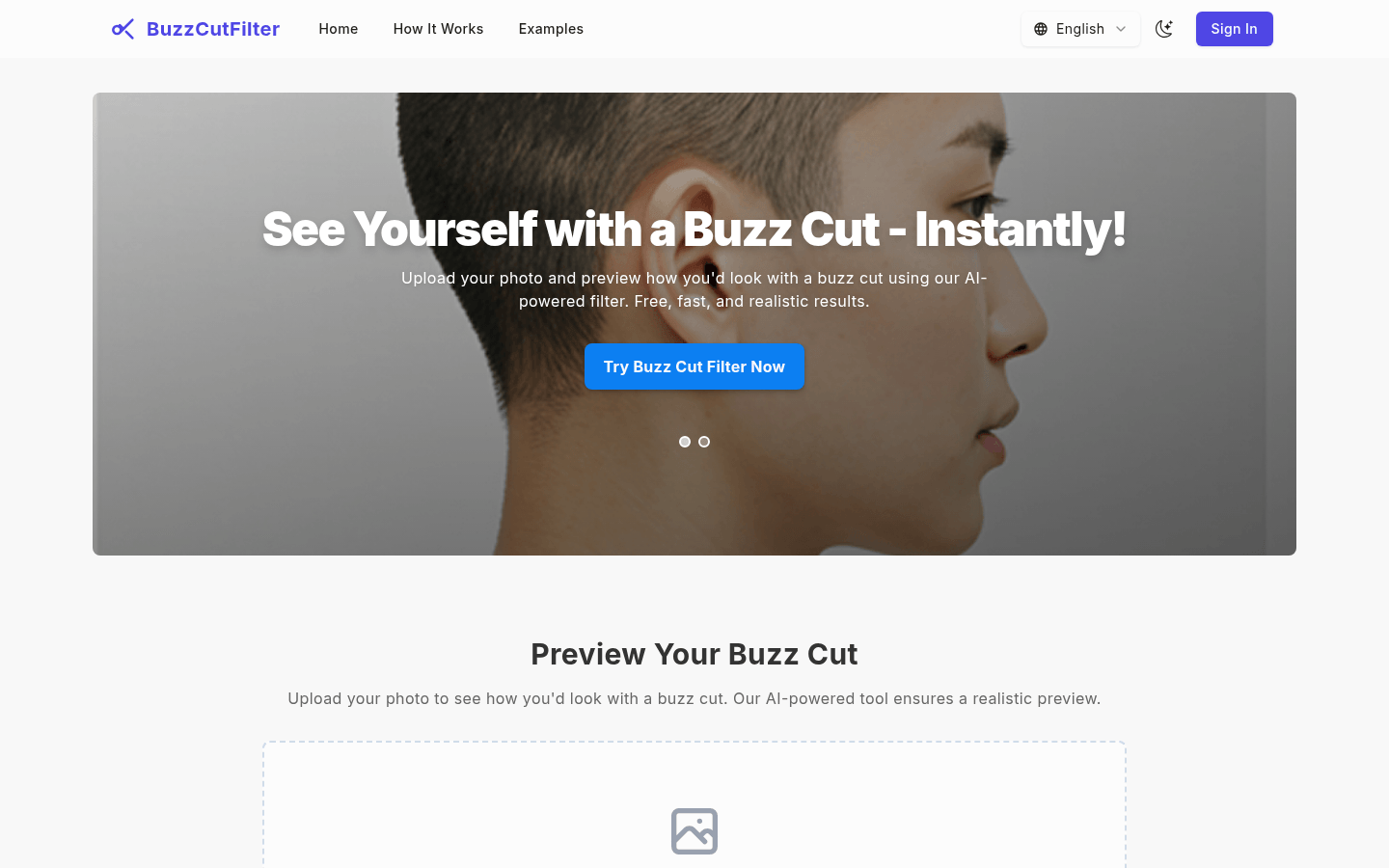
Screenshot archived from the listing page, for preview only.











