buzz
Free AI crew cut previewsTry a crew cut before you cut it
Highlights
What you can do with it
- Check whether a crew cut suits your face before cutting
- Compare fade lengths to pick the right one
- Show clients possible styles in a barbershop
How to use it
- 1 Upload a clear front-facing photo in JPG, PNG, or WebP
- 2 Choose a crew cut style and click generate
- 3 Preview the AI result and download it if you like it
Who it is for
Pros
- Free basic use with quick previews
- Multiple lengths and styles to compare
- Helps avoid haircut regret
Limitations
- Free usage has limits; advanced options are paid
- Accuracy depends on your photo angle and lighting
- It simulates a look and cannot guarantee the real result
What buzz is
buzz, also presented as BuzzCut AI, is a free online hairstyle preview tool focused on crew cuts. You upload a clear front-facing photo, pick a style, and the AI generates a preview showing what that cut would look like on your face. The point is decision-making: instead of committing to a short cut and hoping, you can compare different clipper lengths, fades, and clean military styles first. The site says it works on facial recognition and style mapping and claims high accuracy for the previews. Basic use is free, with paid advanced customization available, and uploads accept JPG, JPEG, PNG, and WebP files up to 20MB, though free usage has limits.
What you can do with it
- Preview crew cuts of different lengths on your photo
- Compare fades and military styles side by side
- Download the preview to show a barber
- Decide on a short haircut with less risk
Who it is for
- People thinking about a crew cut but unsure
- Barbers and hairstylists showing options to clients
- Anyone curious how a very short cut would suit them
What to watch out for
Free usage is limited, and deeper customization requires payment. The preview is a simulation based on your photo, so angle, lighting, and hair type all affect how close it looks to a real cut, and no tool can guarantee the final result. Uploading a face photo also means sending an image to an online service, so review the privacy terms if that matters to you. Name and archive exported files consistently so you can find and reuse them, and keep a backup copy of key data.
FAQ
Is buzz free?
Basic use is free; the site also offers paid advanced customization.
What photos work best?
Clear front-facing photos in JPG, JPEG, PNG, or WebP up to 20MB.
Will the preview match the real haircut?
It is a simulation; the actual result depends on your barber and hair type.
Why it is free
What the official page says: 免费
Free limits, trial length and features are decided by the official site and can change at any time.
Product preview
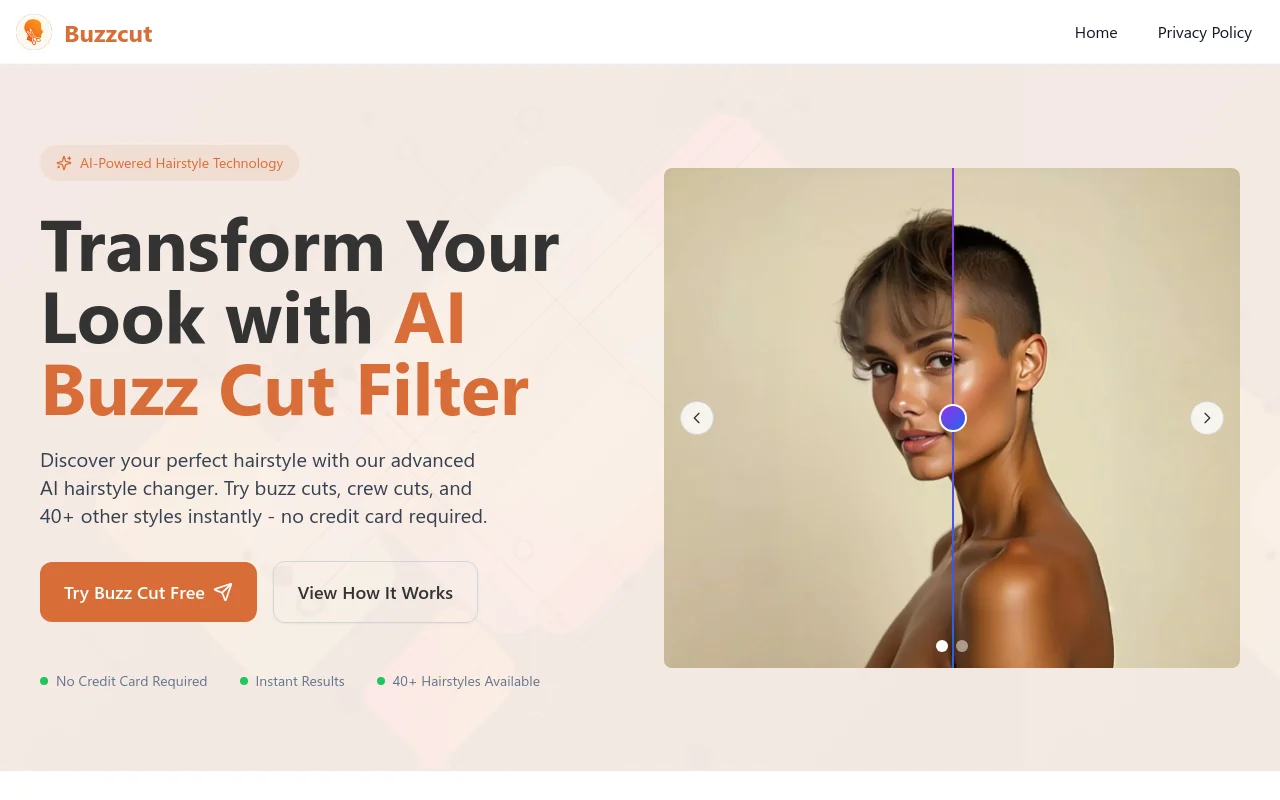
Screenshot archived from the listing page, for preview only.











