
ButterKit
macOS App Store screenshot studioCapture, frame, translate and export
Highlights
What you can do with it
- An indie developer preparing screenshots for a new app
- A design team producing framed screenshots for a client
- A marketing department preparing multilingual store assets
How to use it
- 1 Open ButterKit and confirm the Xcode connection works
- 2 Capture screenshots from Xcode for the interfaces and device sizes you need
- 3 Apply 3D framing and choose frame styles and colours
- 4 Use automatic translation if you need multilingual versions
- 5 Batch export the finished screenshots and upload them to the App Store
Who it is for
Pros
- Capture and processing stay inside one tool
- 3D framing lifts the look of plain screenshots
- Automatic translation speeds up localisation
- Batch export handles a full device and language set
Limitations
- The free trial is limited and pricing is not stated in the source material
- It depends on Xcode, so it is not useful for other platforms
- Automatic translation still needs review for accuracy and tone
- macOS only, which excludes Windows-based teams
What ButterKit is
ButterKit is a macOS tool for making App Store screenshots. The capture step happens inside Xcode, so you pull screenshots for the interfaces and device sizes you need without jumping between applications. Once captured, images can be framed with 3D effects, which is meant to make a listing look more considered than a row of flat screenshots. Text inside the screenshots can be translated automatically, which matters when the same app ships in several languages. Batch export saves all processed screenshots at once, and theme switching changes the visual treatment. The vendor points at three groups: app developers preparing listings, designers who care about screenshot quality, and marketing staff promoting an app across markets. A free trial is offered, and pricing is not itemised in the source material.
What you can do with it
- Capture screenshots directly from Xcode
- Apply 3D framing to make store images stand out
- Translate text inside screenshots automatically
- Batch export every size and language you need
- Switch themes for different visual treatments
Who it is for
- App developers preparing App Store listings
- Designers responsible for screenshot quality
- Marketing teams localising assets for global markets
What to watch out for
The free trial is limited and pricing is not stated in the source material, so confirm the cost before you plan a release around it. The tool is tied to Xcode, so it is not a general-purpose screenshot editor and it will not help with Android or web listings. Automatic translation should be reviewed by someone who reads the language, since machine-translated store copy reads badly to native speakers. It is also macOS only, which excludes Windows-based members of a mixed team.
FAQ
Is ButterKit free?
A free trial is offered. Pricing beyond that is not itemised in the source material, so check the site for current plans.
Does it work without Xcode?
The capture feature is built around Xcode, so it is aimed at Apple platform development rather than general screenshot editing.
Can it localise my screenshots?
Yes. It supports automatic translation of the text in screenshots and batch export for multiple languages.
Why it is free
What the official page says: free trial
Free limits, trial length and features are decided by the official site and can change at any time.
Product preview
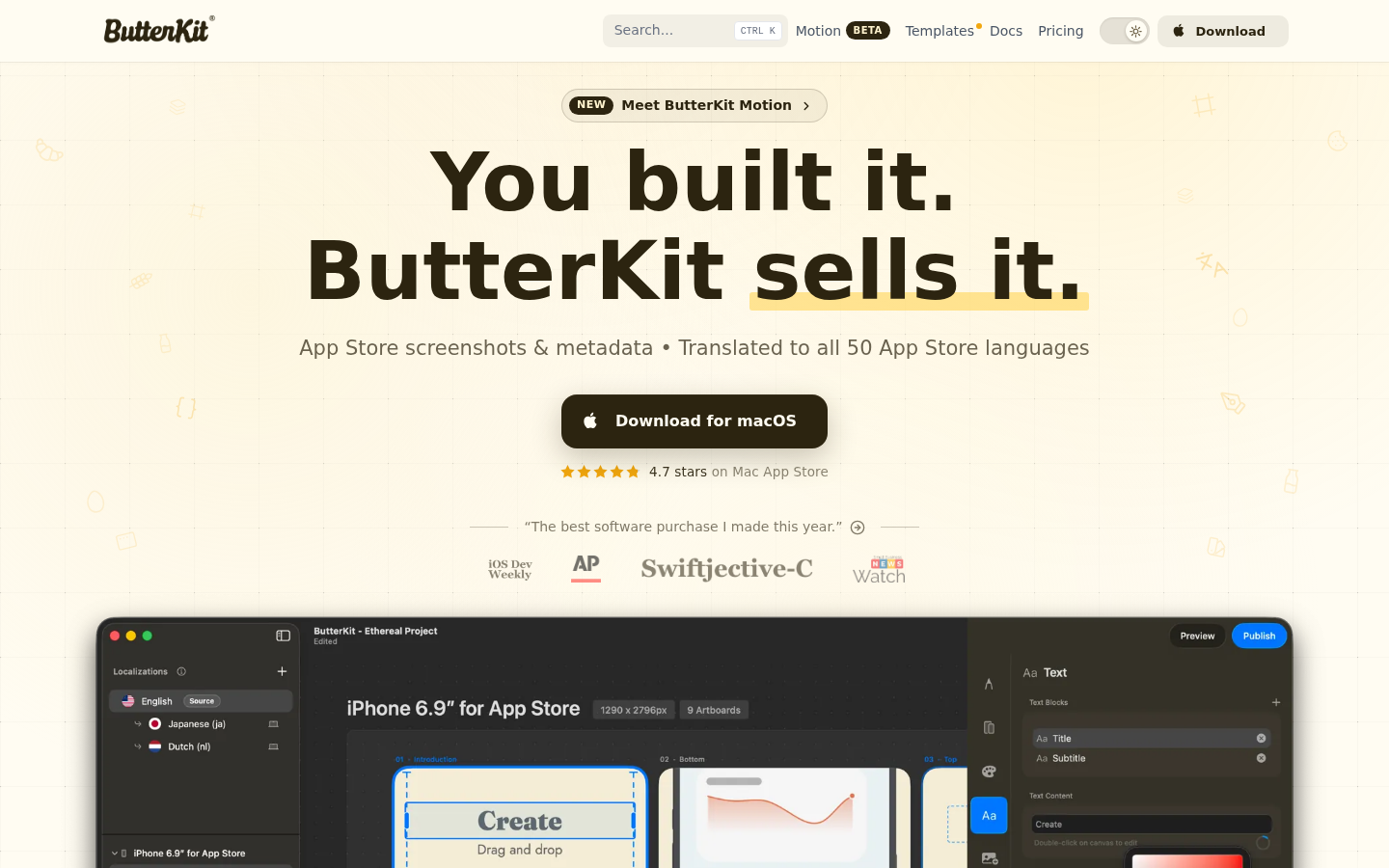
Screenshot archived from the listing page, for preview only.











