
Bunnie AI
Free AI video generator with templatesTurn photos into videos with one click
Highlights
What you can do with it
- Turn photos into AI dance videos for social media
- Create product promo videos with effect templates
- Make cute pet animation videos to share
How to use it
- 1 Browse the template library and pick one
- 2 Upload a photo that fits the template
- 3 Click generate and wait for the video
- 4 Download and share your video
Who it is for
Pros
- Free to start with a large template library
- One-click workflow, no skills needed
- Fast generation and mobile support
Limitations
- Full use and more credits need paid tiers
- Packages and discounts can change
- Template limits shape what you can make
What Bunnie AI is
Bunnie AI is a free AI video generator that turns photos into videos. Its main feature is a one-click animation system: you pick from over 1000 professionally designed templates, upload a photo, and the tool builds a video without any prompt writing or technical knowledge. The template library covers styles like AI dance videos, interactive themes, pet animations, and special effects, and it is updated based on trends and feedback. The tool works on both web and mobile, and it advertises a zero learning curve so anyone can make a video. There are free options, with basic, professional, and advanced subscription tiers for heavier use.
What you can do with it
- Convert a photo into a video with one click
- Choose from over 1000 templates across many styles
- Make AI dance, pet animation, and special-effect videos
- Create product promotion clips with effect templates
- Share results straight to social platforms
Who it is for
- Social media creators making short, fun clips
- Marketers who need quick promo videos
- Pet owners turning photos into animations
- Beginners who want video output without editing skills
What to watch out for
While there is a free way to start, more templates, higher quality, and more generation credits sit behind paid tiers, and those packages and discounts can change. Because output is driven by templates, you are limited to the styles on offer rather than full creative control. Results depend on how well your photo matches the template, so a mismatched image can produce an awkward video. Generated suggestions are for reference only, so verify anything that affects professional judgment or important data.
FAQ
Is Bunnie AI free?
It offers free use, with paid subscription tiers for more.
How many templates are there?
Over 1000 professionally designed templates.
Do I need to write prompts?
No, it uses a one-click animation system instead of prompts.
Why it is free
What the official page says: 免费
Free limits, trial length and features are decided by the official site and can change at any time.
Product preview
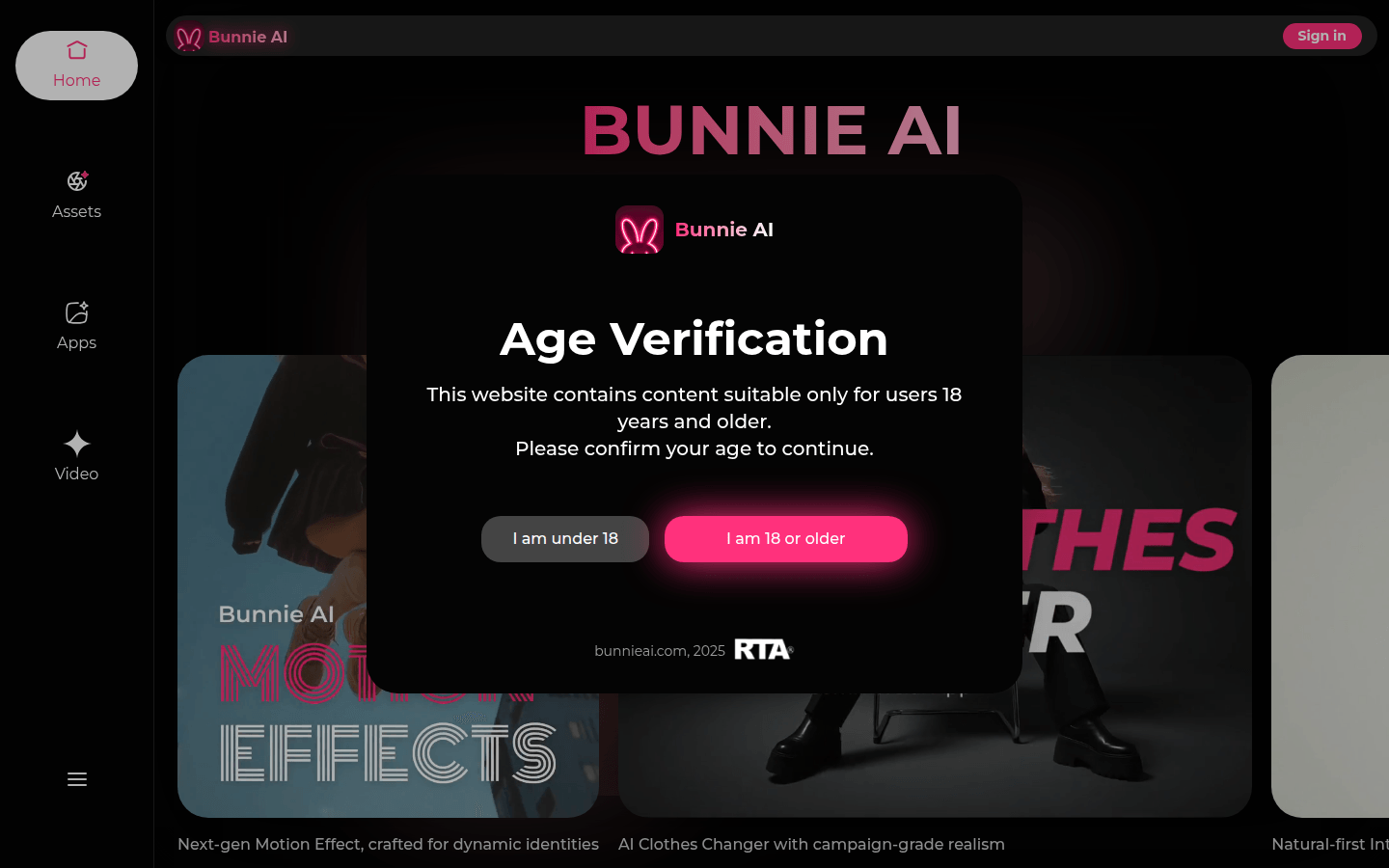
Screenshot archived from the listing page, for preview only.











