
Bulkmark
AI organiser for X bookmarks with digests and shared listsYour saved tweets, tagged, searchable, and worth reading again
Highlights
What you can do with it
- Find every bookmark about startup funding or market analysis in seconds
- Filter technical articles by tag to catch up on the latest AI work
- Build a design inspiration list and share it with a client or team
How to use it
- 1 Visit the Bulkmark site and create an account
- 2 Connect your X account through the official OAuth process
- 3 Wait for the first sync, then check the AI topic tags
- 4 Filter, search, and drag bookmarks into topic lists
- 5 Set your digest frequency and start using AI chat for lookups
Who it is for
Pros
- Read-only OAuth means you never hand over your X password
- Automatic tagging removes the filing work that kills bookmark tools
- Digests turn a passive archive into something you revisit
- AI chat answers questions with links back to the original posts
Limitations
- Only a seven-day free trial before a paid plan is required
- Early-join pricing is locked at signup, and terms can change later
- Works only with X and Twitter bookmarks, not other platforms
- Tag quality depends on what the tweets actually contain
What Bulkmark is
Bulkmark is a bookmark manager built for one job: making the things you save on X and Twitter useful again. The problem it addresses is that X bookmarks turn into a pile nobody revisits, and the native tools give you almost no way to find anything later. You connect your X account once through the official OAuth process, which grants read-only access to bookmarks only and never asks for your password. After that, new saves sync automatically. As each bookmark arrives, AI reads it and assigns a topic tag such as startup funding, CSS layout, or machine learning, with no configuration on your side. On top of that you get shareable topic lists, full-text search, and an AI chat that answers questions using your saved posts and links back to the originals.
What you can do with it
- Sync X bookmarks automatically after a single connection.
- Get AI topic tags applied without setting up rules.
- Search across full text, or filter by tag, date, and engagement.
- Receive a themed email digest daily or weekly, and build shareable lists.
Who it is for
- Heavy X users whose bookmark folder has stopped being useful.
- Founders and business people tracking industry trends and funding news.
- Developers and researchers collecting technical threads and reference articles.
What to watch out for
The trial is seven days, after which a paid plan is required, and the early-join yearly rate is locked at signup rather than forever. Bulkmark only handles X and Twitter bookmarks, so saves on other platforms are out of scope. Tag quality depends on the tweets themselves, and short or ambiguous posts may end up labelled loosely, so it is worth reviewing the tags before you rely on them for filtering. The digest is only valuable if you tune the frequency to something you will actually read.
FAQ
How does Bulkmark connect to my account?
It uses the official X and Twitter OAuth process and only asks for read-only access to your bookmarks, so you never share your password.
Do I have to tag bookmarks by hand?
No. AI reads each bookmark as it syncs and assigns topic tags automatically, such as startup funding, CSS layout, or machine learning.
What does the email digest do?
It analyses your bookmarks, extracts the key points, and sends a short digest grouped by theme, either daily or weekly depending on your setting.
Is there a free trial?
Yes, Bulkmark offers a seven-day free trial. After that it is a paid subscription, with pricing that starts from a yearly rate depending on when you join.
Why it is free
What the official page says: free trial
Free limits, trial length and features are decided by the official site and can change at any time.
Product preview
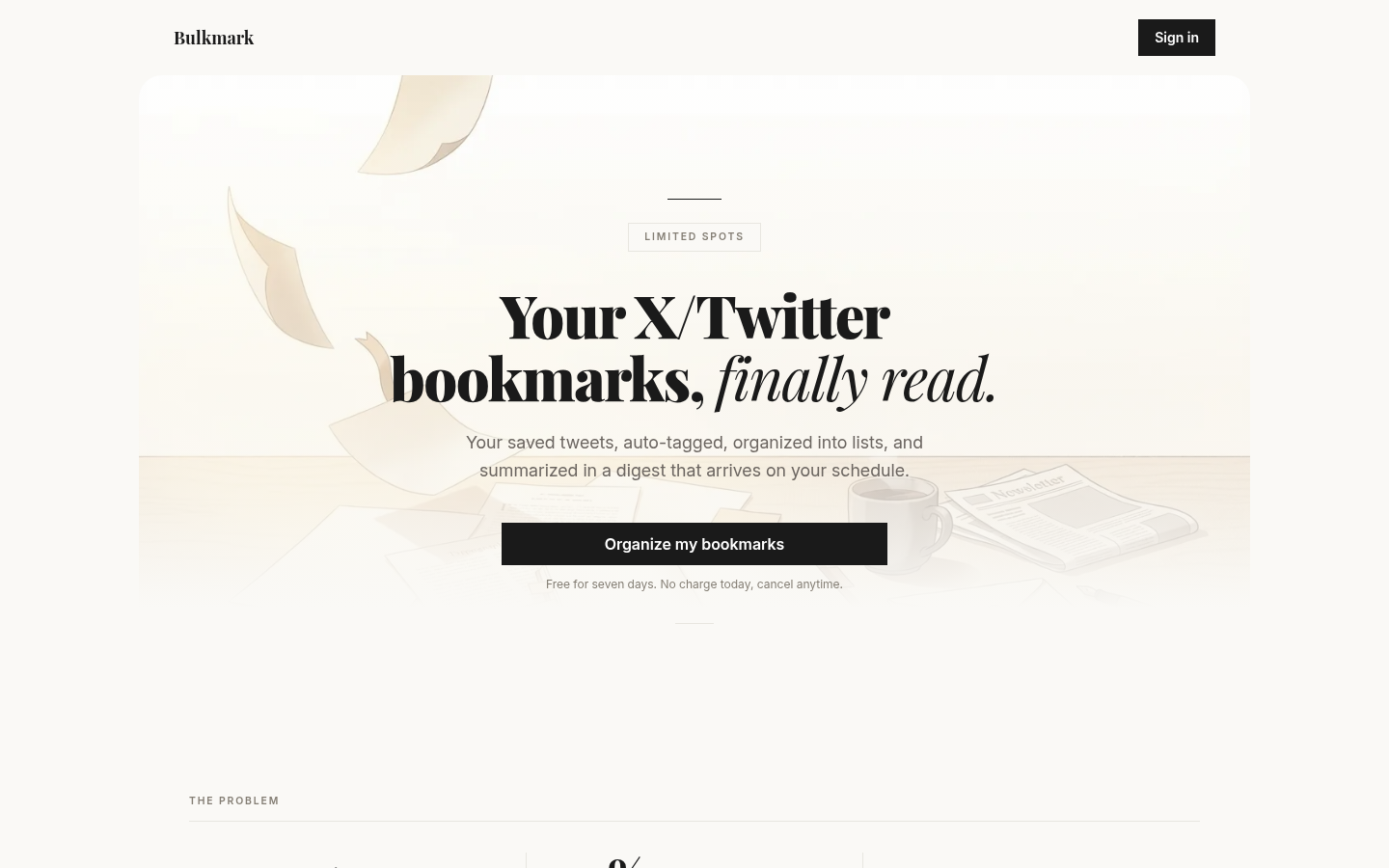
Screenshot archived from the listing page, for preview only.











