
Buildt
AI codebase search toolFind and understand code faster
Highlights
What you can do with it
- Find where a function is used across a large repository
- Understand unfamiliar code before changing it
- Spot structural or performance problems in a project
How to use it
- 1 Sign up for the Buildt free trial.
- 2 Connect the codebase you want to search.
- 3 Ask a question in plain language.
- 4 Read the relevant code and the examples that come back.
- 5 Use the charts to check the structure around what you found.
Who it is for
Pros
- Natural language search saves time compared to manual grepping
- Semantic analysis finds related code that text search misses
- Free trial before you subscribe
Limitations
- Free trial only; paid subscriptions apply afterwards
- It needs access to your codebase, so check your security policy first
- Most useful on larger repositories, less so on small projects
What Buildt is
Buildt is an AI tool for developers who need to search and understand large codebases. Instead of grepping for a string and hoping the name is consistent, you describe what you are looking for in normal language and Buildt returns relevant code along with examples. The search runs on code semantic analysis, which means it looks at what code does rather than only at the characters on the page, so related implementations surface even when they are named differently. The tool also produces visualisation charts and statistics over the codebase, giving you a picture of structure and a starting point for performance work. Pricing is tailored to need, with a free trial and paid subscriptions.
What you can do with it
- Search a codebase using natural language instead of exact strings.
- Get relevant code examples alongside the results.
- Understand unfamiliar code before you change it.
- View visual charts and statistics about code structure.
- Find structural or performance issues faster.
Who it is for
- Developers who have just joined a project and need to get oriented.
- Teams maintaining large repositories where no one knows every file.
- Engineers debugging an issue that spans many files.
- Anyone doing refactoring work who needs to see every usage first.
What to watch out for
The free trial is the starting point, so continued use needs a paid subscription. The tool needs access to your source code, which means you should check your organisation's security and IP policy before connecting a private repository. Semantic search is powerful but not perfect: results still need a developer's judgement, and confidence in an answer should come from reading the code. On very small projects the overhead may not be worth it, since the value shows up as the codebase grows.
FAQ
How is the search different from grep?
It combines natural language queries with semantic code analysis, so it can surface related code rather than only exact text matches.
Is there a free trial?
Yes, along with paid subscription options.
Does it show code structure?
Yes, it offers codebase visualisation charts and statistics.
Why it is free
What the official page says: free trial
Free limits, trial length and features are decided by the official site and can change at any time.
Product preview
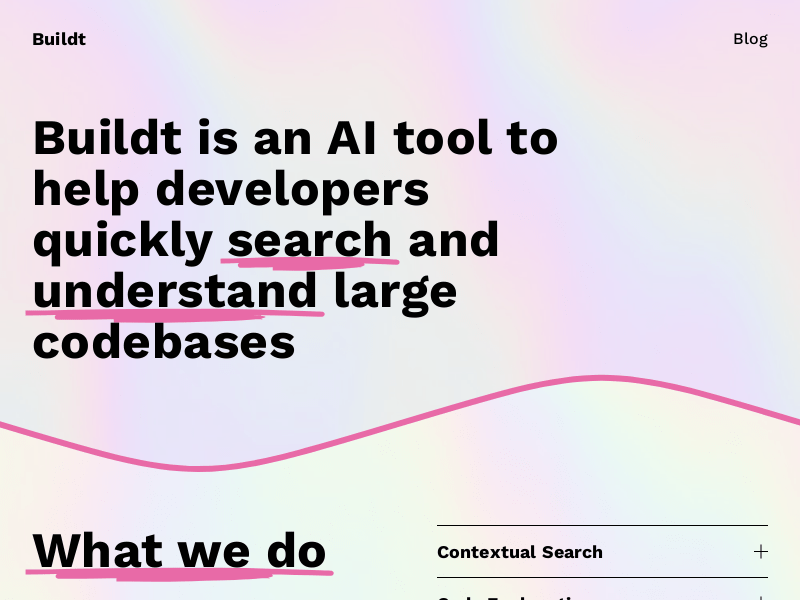
Screenshot archived from the listing page, for preview only.











