
Builder.io
Design to code builderDesign, edit, and ship pages
Highlights
What you can do with it
- An e-commerce company builds several brand sites from one system
- A startup converts a design prototype into a running app
- A marketing team ships and tests landing pages without a release cycle
- A content team manages complex multi brand structures
How to use it
- 1 Register and log into Builder.io
- 2 Pick a project template or start from scratch
- 3 Build pages in the visual editor or upload a design for conversion
- 4 Configure CMS content for your brands and pages
- 5 Set up A/B tests to compare layouts
- 6 Deploy to a supported platform and review performance insights
Who it is for
Pros
- Visual editing removes a bottleneck for simple pages
- Design to code speeds up handoff
- CMS handles multi brand and complex content
- Integrates with common hosting and commerce platforms
Limitations
- Free trial limits apply before a paid plan is needed
- Complex custom logic still needs real development
- A visual layer can add indirection to debugging
- Enterprise pricing and plan structure can get complicated
What Builder.io is
Builder.io is a visual development platform aimed at digital teams. The listing describes it as combining AI assisted design to code conversion, a drag and drop visual editor, and an enterprise level content management system. The design to code piece is the headline: a design can be turned into runnable code rather than being rebuilt by hand, which shortens the path from mockup to page. The visual editor lets non developers assemble pages from components, and the CMS side handles multi brand management and complex content structures, which is where larger organisations usually feel pain. Other listed features include A/B testing and personalisation for data driven optimisation, performance insights for developers, and open source tools such as Mitosis and AI Shell.
What you can do with it
- Convert a design into runnable code for a supported framework.
- Build and edit pages with a drag and drop visual editor.
- Manage content across multiple brands and complex structures.
- Deploy to platforms such as Vercel, Netlify, or Shopify.
Who it is for
- Marketing teams that need to publish pages without a release cycle.
- Development teams converting designs into production code.
- E-commerce brands running several storefronts from one system.
- Organisations whose content structures outgrew a simple CMS.
What to watch out for
The free trial is an evaluation window, not a permanent free tier, and the listing notes flexible pricing with paid plans, so budget for a subscription before a project depends on it. A visual layer sits between you and the code, which helps for simple pages but adds indirection when something breaks, so complex custom logic still needs real development work. Integration is a real setup task: the platform has to be wired into your existing codebase, framework, and hosting, and that takes engineering time rather than a few clicks. Enterprise features such as multi brand management come with plan complexity, so confirm what your tier includes. As with any hosted service, uptime and roadmap changes are outside your control, so keep an exit path for critical content.
FAQ
What is Builder.io used for?
It is a visual development platform for design to code, visual editing, and enterprise level CMS.
Which frameworks are supported?
The feature list mentions React, Next.js, Vue, and other front end frameworks.
Can I run A/B tests?
Yes, A/B testing and personalisation are listed features.
Is there a free trial?
The description says pricing is flexible with a free trial option.
Why it is free
What the official page says: free trial
Free limits, trial length and features are decided by the official site and can change at any time.
Product preview
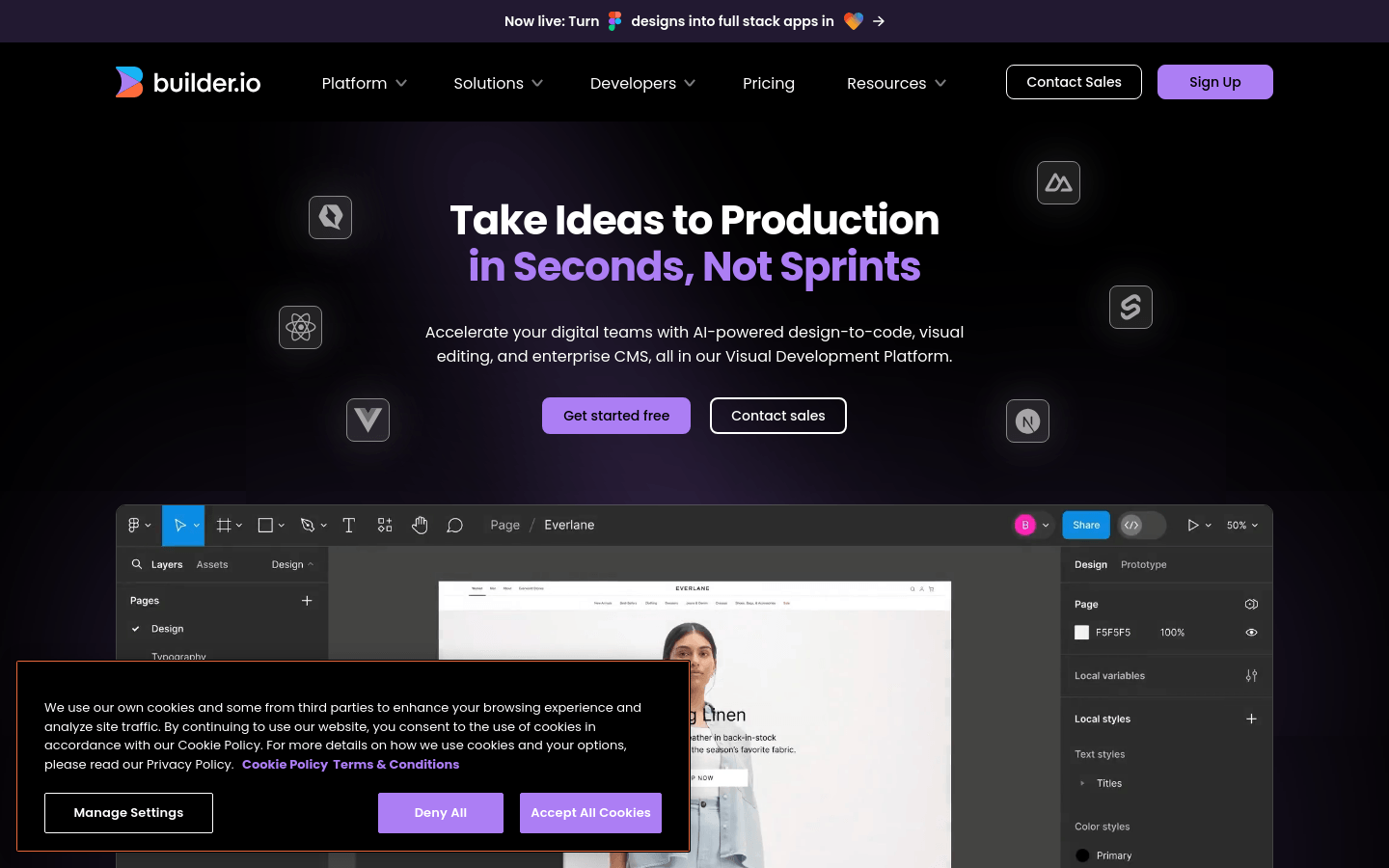
Screenshot archived from the listing page, for preview only.











