
BudgetPixel
AI image, video, and music in one studio300 free credits monthly, 100+ models
Highlights
What you can do with it
- Artists generating artwork for exhibitions or online sharing
- Small e-commerce teams creating product images and posters
- Video bloggers producing clips and soundtracks quickly
How to use it
- 1 Open budgetpixel.com and register an account
- 2 Choose a module: Design Studio, Image, Video, or Audio workshop
- 3 Select a model that fits your goal
- 4 Enter prompts or upload reference images
- 5 Click generate and wait for the result
- 6 Edit the output, then download when satisfied
Who it is for
Pros
- Many models reachable from one account
- Monthly free credits lower the entry cost
- Pay-as-you-go avoids subscription lock-in
Limitations
- Credit-based usage still costs money at volume
- The model lineup and free credit amount can change
- Generated assets need review for quality and licensing
- The wide model choice can be overwhelming at first
What BudgetPixel is
BudgetPixel is an all-in-one AI creation platform covering images, video, and music. It hosts more than 100 models, such as FLUX 2 Pro and SDXL for still images, Hailuo, Kling, and Veo 3.1 for video, and Lyria 3 and Stable Audio for audio, so one account reaches very different creative outputs. The AI Design Studio adds an infinite canvas where you can generate, edit, upscale, and composite visuals in one workspace. Pricing is usage-based: new accounts get 300 free credits per month, a free basic plan exists, and paid packages add advanced features without forcing a subscription.
What you can do with it
- Generate images from text with models like FLUX 2 Pro and SDXL
- Turn text or images into video with Hailuo, Kling, or Veo 3.1
- Create music and audio with Lyria 3 and Stable Audio
- Edit, upscale, and composite on an infinite canvas
- Train a custom LoRA for a personalized style
Who it is for
- Individual creators who want many models on a small budget
- Small businesses producing product images and promotional posters
- Students who need visuals, video, and audio for projects
What to watch out for
Free credits reset monthly but they are finite; heavy generation quickly moves into paid territory, and the credit cost can differ by model. The platform aggregates many third-party models, so the available lineup and the free credit allowance can change over time. Output quality varies by model and prompt, so plan to iterate rather than accept the first result. Finally, check the usage terms for anything you publish commercially, since generated media can raise licensing questions.
FAQ
What can I generate?
Images, videos, and music, plus editing and compositing in the AI Design Studio.
How many free credits do I get?
300 free credits per month.
Do I need a subscription?
No. Basic use is pay-as-you-go, with a free basic plan and paid packages for advanced features.
Why it is free
What the official page says: free credits
Free limits, trial length and features are decided by the official site and can change at any time.
Product preview
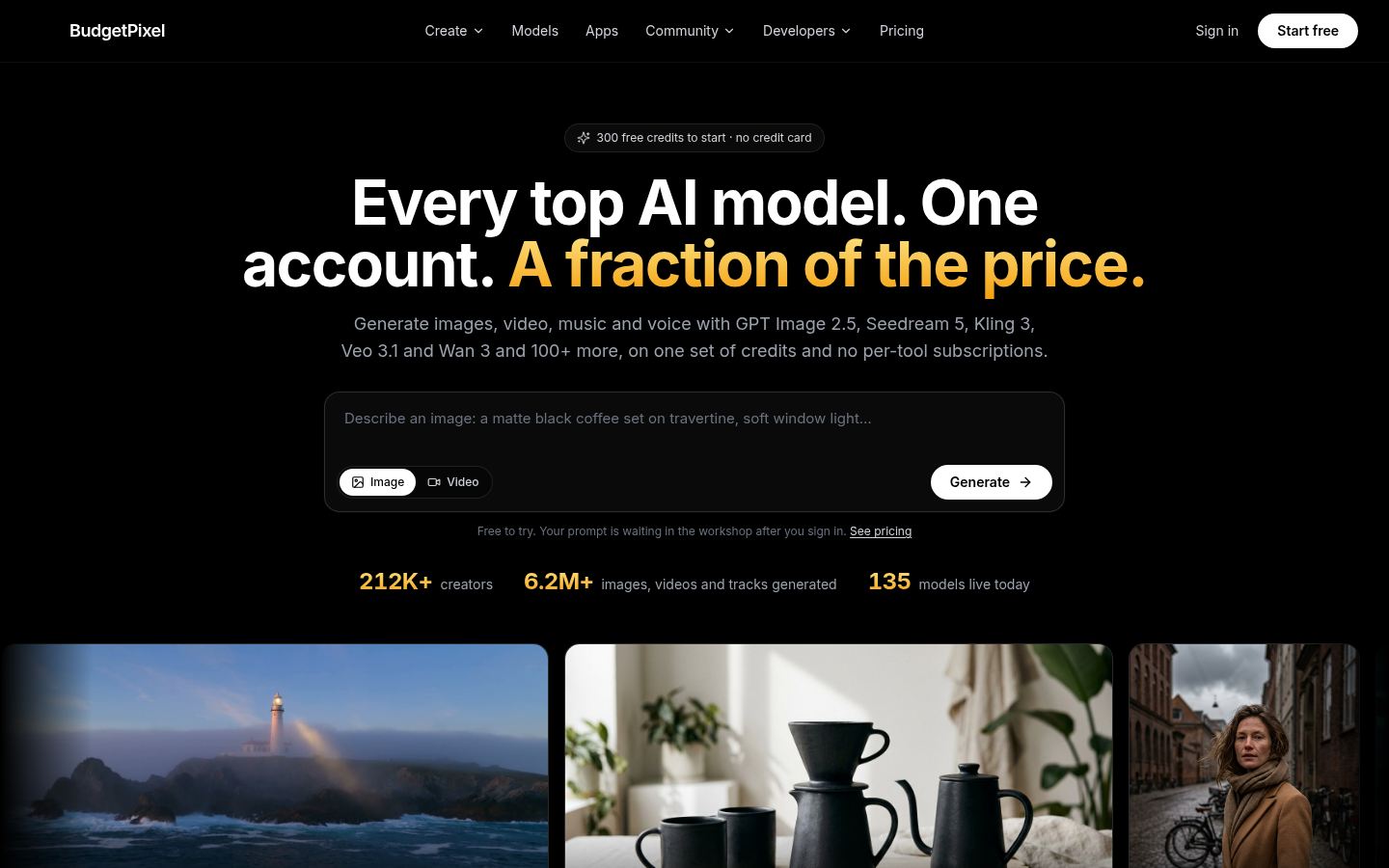
Screenshot archived from the listing page, for preview only.











