
BrowserBash
Open source browser automation CLIDrive a browser with plain English
Highlights
What you can do with it
- Automate a browser task described in plain English
- Scrape a page title or headline on a schedule
- Run browser checks inside a CI pipeline
How to use it
- 1 Install the CLI with a package manager
- 2 Describe your goal in plain English
- 3 Run the command and watch the browser act
- 4 Create a free account only if you want the dashboard
Who it is for
Pros
- Free and open source per the site
- No API key needed with local models
- CI-friendly output and exit codes
Limitations
- Command-line use has a learning curve
- Free access and upstream models can change
- Automation can break when sites change
- Model quality affects task success
What BrowserBash is
BrowserBash is a free, open-source command-line tool at browserbash.com that drives real browsers from natural-language goals. The site says it was developed by The Testing Academy and lets users describe a task in plain English while an AI agent operates a real Chrome browser. It can run on free local models such as Ollama, or free OpenRouter models, without API keys or credit cards, which lowers the entry cost for browser automation. Listed features include Markdown test files with import support, an NDJSON proxy mode with CI exit codes, several browser providers, support for multiple large language models, variable templates with secret masks, and a free local dashboard for run history and recordings.
What you can do with it
- Drive a real browser from a plain-English goal
- Organize tests in Markdown files
- Feed output into CI with exit codes
- Mask secrets with variable templates
Who it is for
- Developers writing browser automation
- Testers without deep programming background
- Teams wiring browser checks into CI
What to watch out for
A command-line workflow has a learning curve, so plan time to install, configure models, and learn the command patterns before you get useful runs. Free access and the upstream models it depends on can change, and model quality directly affects whether a task succeeds, so expect trial and error rather than one-shot automation. Browser automation is fragile: when a target site changes its layout or adds protections, a working command can break without warning. Because the tool acts on live sites, only automate pages you are allowed to touch, and respect the terms and rate limits of anything you visit. Start with a simple goal, review the recorded run, and build up complexity gradually.
FAQ
Is BrowserBash free?
The site describes it as free and open source, and it can run on free local models.
Do I need an API key?
Not necessarily. The site says free local models such as Ollama, or free OpenRouter models, can be used without keys or cards.
Who is it for?
Developers, testers, and automation teams who are comfortable with a command-line workflow.
What should I keep in mind?
There is a learning curve, and tasks can fail when target sites change, so expect to iterate.
Why it is free
What the official page says: 免费
Free limits, trial length and features are decided by the official site and can change at any time.
Product preview
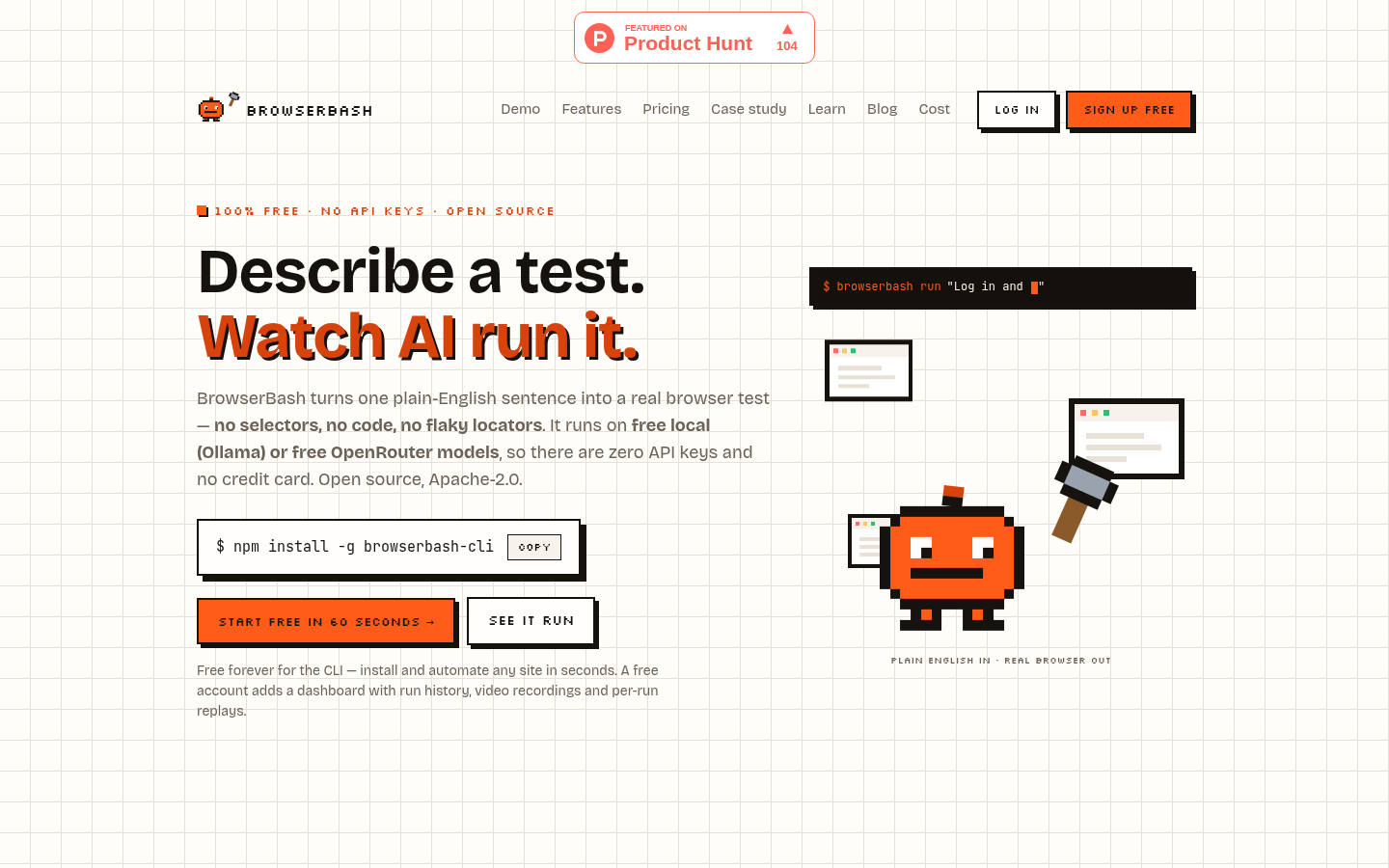
Screenshot archived from the listing page, for preview only.











