
Branch Name
AI branch name generator for JiraConsistent Git branch names from Jira
Highlights
What you can do with it
- Create branch names faster while working in Jira
- Unify naming across a development team
- Reduce confusion in branch management
How to use it
- 1 Install the Branch Name plugin
- 2 Connect it to your Jira with secure access
- 3 Let the AI generate a branch name for your task
Who it is for
Pros
- Saves time naming branches
- Improves naming consistency
- Minimal, secure data access
Limitations
- Continued use needs a paid plan after the trial
- Subscription terms and pricing can change
- Depends on your Jira setup and data
What Branch Name is
Branch Name is a tool powered by AI that generates clear, descriptive Git branch names for you. It is trained to analyze your task and produce a name that makes sense, which helps a whole team keep branch naming consistent instead of everyone inventing their own style. The plugin is built with security in mind: it accesses only the information it needs to create a name and does not collect or store anything extra. In terms of plans, there is a free trial along with monthly and annual subscription options, so you can test it before committing.
What you can do with it
- Generate a branch name automatically from a Jira task
- Keep branch naming consistent across the team
- Cut down on confusion when many branches exist
- Speed up the step of naming a branch before you start work
- Plug it into your existing Jira and Git workflow
Who it is for
- Development teams that use Jira and Git together
- Jira admins who want to standardize naming rules
- Teams that want a cleaner, easier-to-read branch history
- Developers who are tired of thinking up branch names
What to watch out for
The free trial is limited, and continued use requires a monthly or annual subscription, with pricing and terms that can change. The tool depends on your Jira setup and the data available there, so if your tasks are vague, the generated names may be vague too. It only suggests a name, so your team still needs a habit of using it for the naming to stay consistent. Processing speed depends on file size and network conditions, so retry later if a task stalls during peak hours.
FAQ
What does Branch Name do?
It uses AI to generate coherent, descriptive Git branch names from Jira.
Is my Jira data safe?
It accesses only what is needed for naming and does not collect or store extra information.
Is there a free trial?
Yes, plans include a free trial plus monthly and annual subscriptions.
Why it is free
What the official page says: free trial
Free limits, trial length and features are decided by the official site and can change at any time.
Product preview
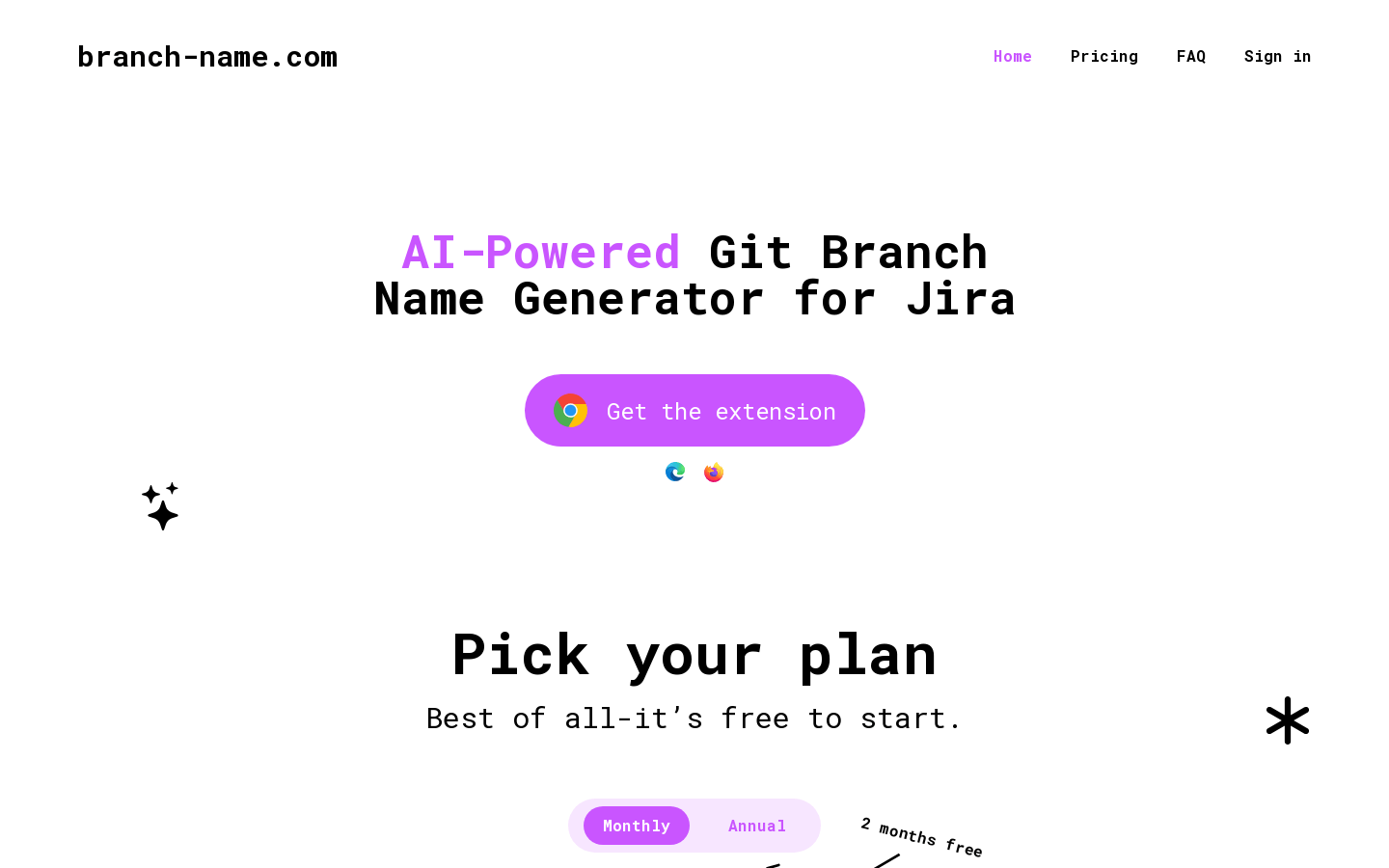
Screenshot archived from the listing page, for preview only.











