
Brainrot Shorts
Faceless short video makerScripts to viral videos in one click
Highlights
What you can do with it
- A YouTube blogger built a Reddit Story video that drew followers and comments
- An educational institution turned course documents into explainer videos
- A brand used character explainer videos to raise product awareness
How to use it
- 1 Register an account on the Brainrot Shorts website.
- 2 Pick the video format you need, such as Reddit Story, Italian Brainwave, or Explainer.
- 3 Enter the script, upload a PDF or PPTX, or provide a topic for a Q and A video.
- 4 Set personalization options: characters, AI voice, subtitle style, and brand colors.
- 5 Preview, edit anything that looks wrong, then render and download the watermark-free video.
Who it is for
Pros
- Free starting point lowers the cost of testing a channel
- No on-camera work, filming, or editing timeline required
- Many formats in one tool instead of several subscriptions
Limitations
- Paid plans start at $15 a month and pricing can change
- Generated video still needs review for accuracy, tone, and timing
- Heavy posting burns through plan limits quickly
What Brainrot Shorts is
Brainrot Shorts is an AI video generator built for faceless short-form content. You give it a script, a document, or just an idea, and it returns a finished vertical clip with characters, AI narration, subtitles, and music. Several formats are supported, including Reddit Story, Italian Brainwave, AI Fruit, SMS Story, Narration, and Character Explainer videos, and document input can be turned into an explainer with scene-by-scene shots. Customization covers subtitle styles, AI voices, brand colors, and uploaded characters, so a channel can keep a consistent look. The product offers a free start and watermark-free export, with paid plans beginning at $15 per month and quarterly discounts available.
What you can do with it
- Turn a script into a short video with characters and narration
- Convert PDF, PPTX, or notes into an explainer video
- Generate Q and A clips with countdowns and answer reveals
- Customize voices, subtitles, colors, and characters, then export without a watermark
Who it is for
- Individual creators who post short video without appearing on camera
- Small teams that need steady output on a budget
- Organizations that need volume exports for multiple channels
- Educators and brands turning documents or ideas into clips
What to watch out for
The free entry point is limited, and paid plans start at $15 per month with higher tiers for teams, so pricing can change and should be checked against your posting volume. Automation does not remove review: narration timing, on-screen text, and factual claims still need a human pass before publishing. Heavy daily posting will consume plan limits faster than casual use, and character and voice choices are limited to what the platform currently offers.
FAQ
Can I start for free?
Yes. The platform advertises a free start, with paid plans for heavier use.
What can I turn into a video?
Scripts, PDF or PPTX documents, notes, or a single idea, depending on the format.
Is there a watermark?
The page says output is watermark-free after rendering.
Why it is free
What the official page says: for free
Free limits, trial length and features are decided by the official site and can change at any time.
Product preview
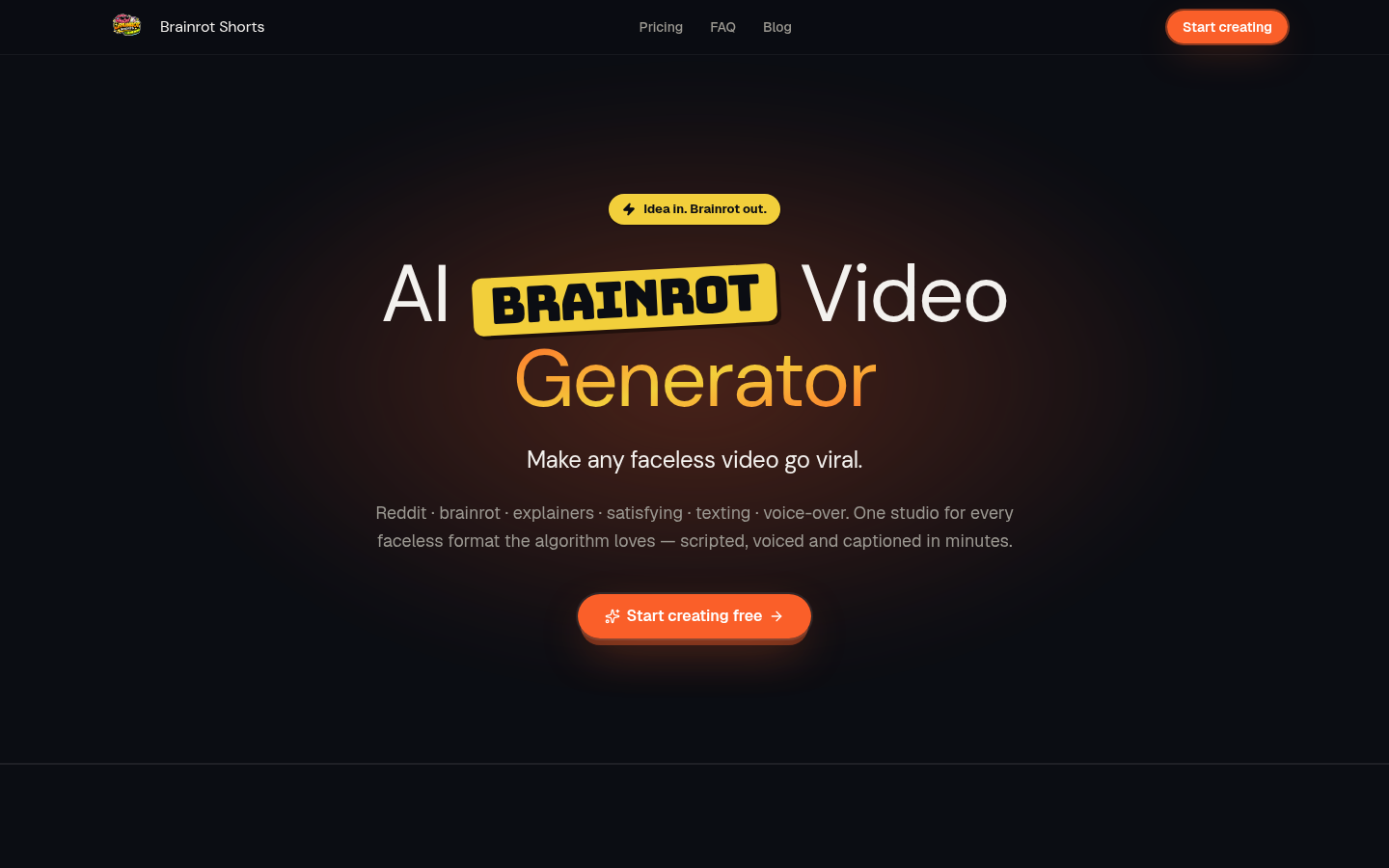
Screenshot archived from the listing page, for preview only.











