
Brainbase
Website AI agent builderAdd an AI co-pilot to your site
Highlights
What you can do with it
- An on-site support agent for visitors
- Product guidance for users inside your app
- Adding AI features without a development sprint
How to use it
- 1 Open Brainbase and create an agent
- 2 Point it at your site content or documentation
- 3 Configure how the agent should behave
- 4 Embed it on your website
- 5 Test with real questions before launch
Who it is for
Pros
- No coding required to build the agent
- Fast setup is the core claim
- The three-month guarantee reduces trial risk
- Runs on your own site for your own users
Limitations
- It is not a permanent free tier
- Guarantee terms need checking before you rely on them
- Agent quality depends entirely on your content
- Little public detail on limits, pricing, or data handling
What Brainbase is
Brainbase is a tool for creating AI agents for your website. The core output is an AI co-pilot that sits on your site and helps your users, which means answering questions, guiding them through a product, or handling the repetitive part of support. The pitch is speed: the vendor claims you can add AI features in hours instead of weeks, and that no new code is required. That framing targets teams that want an assistant without dedicating an engineering sprint to it. The listing also carries a specific commitment: if you cannot create your co-pilot within one hour, your first three months are free.
What you can do with it
- Build an AI co-pilot for your own website
- Add AI features without writing new code
- Point the agent at your existing site content
- Configure how the agent responds to users
- Embed it and let visitors self-serve
Who it is for
Website owners who want AI support without hiring developers are the clearest audience, since the no-code claim is the whole proposition. Product teams adding an in-app assistant benefit from the speed claim, particularly when the alternative is a ticket in an engineering backlog. No-code builders shipping quickly can use it to add a differentiator without leaving their existing stack.
What to watch out for
The three free months are conditional, not a free tier. They depend on you failing to build a co-pilot within an hour, and the exact terms of that commitment are not spelled out, so read them before you count on it. Agent quality also depends entirely on your content: an agent pointed at thin or outdated documentation will give thin or outdated answers, and it will do so confidently. There is very little public detail on pricing, usage limits, or how your data is handled, which matters if the agent will touch customer information. Finally, the listing is short on verifiable specifics, so test the output with real questions before you put it in front of users.
FAQ
Is Brainbase free?
Not permanently. The offer is that if you cannot create your co-pilot within one hour, your first three months are free.
Do I need to write code?
No. The pitch is adding AI features to your site without writing new code.
What does it create?
An AI co-pilot that helps your users on your website.
How long does setup take?
The vendor claims hours instead of weeks, with a one-hour benchmark tied to the free months guarantee.
Why it is free
What the official page says: 免费
Free limits, trial length and features are decided by the official site and can change at any time.
Product preview
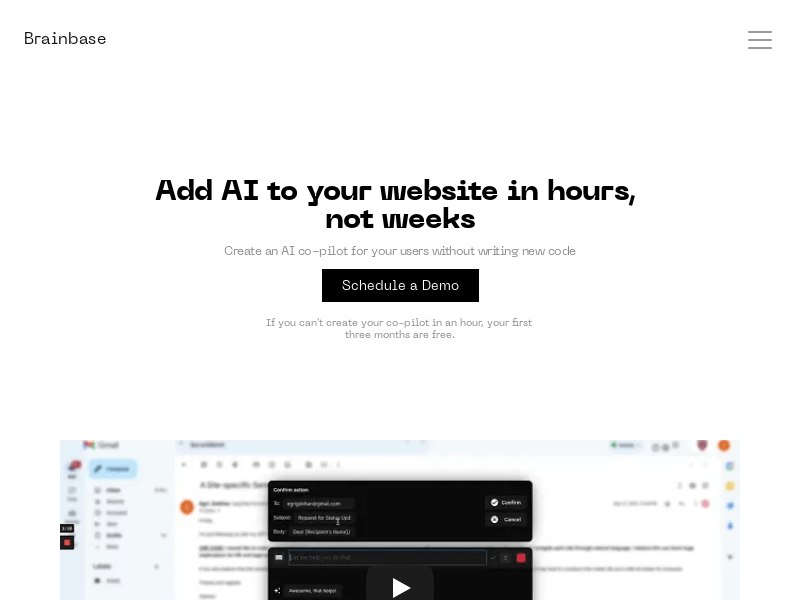
Screenshot archived from the listing page, for preview only.











