
Bottell
AI parenting assistantPersonalised guidance for your child
Highlights
What you can do with it
- Getting age-appropriate activity ideas for a child
- Planning meals and a weekly schedule
- Tracking developmental milestones
How to use it
- 1 Open bottell.ai
- 2 Create a free profile for your child
- 3 Answer questions about challenges, interests and personality
- 4 Ask for advice, meal plans or activity ideas
- 5 Use the planner and milestone tracker over time
Who it is for
Pros
- Free profile to begin
- Advice is personalised rather than generic
- Covers a wide range of daily parenting tasks
- Daily content for ongoing ideas
Limitations
- Advice is AI-generated and not a substitute for professional help
- Free profile may sit behind a paid tier for fuller access
- Requires you to enter personal details about your child
What Bottell is
Bottell is a parenting companion app. You create a profile for your child covering their challenges, interests, environment and personality, and the assistant returns advice shaped around that profile rather than generic tips. It also handles practical day-to-day ground: meal plans, schedules, bedtime stories, activity recommendations and milestone tracking.
What you can do with it
- Create a free profile for your child.
- Ask questions and get answers tailored to that profile.
- Get meal plans, recipes and a weekly schedule.
- Pull bedtime stories and age-appropriate activity ideas.
- Track milestones and follow the daily Parent Pulse content.
Who it is for
Parents and caregivers who want structured ideas for activities and routines, families managing meals and schedules, and anyone keeping an eye on early developmental milestones.
What to watch out for
This is an AI assistant, not a clinician, and it should not replace professional advice on health or development. The free profile may sit in front of a paid tier for fuller access. You are also entering personal information about a child, so read the privacy terms before you do. Features and interface details may change between versions, so review the latest notes on the page before you start. For team use, agree on naming and editing conventions in advance to avoid version conflicts or duplicated work. Start with a small sample to confirm the output meets your expectations before processing the full batch. Free tiers and usage limits can change, so check the current rules on the official page before relying on it long term. Start with a small sample to confirm the output meets your expectations before processing the full batch.
FAQ
Is Bottell free?
You can create a free child profile and get personalised answers. Fuller access may sit behind a paid tier, so check the current plans.
What kind of advice does it give?
Guidance tailored to your child's challenges, interests, environment and personality, plus activity and developmental suggestions.
Does it cover daily routines?
Yes, it includes meal plans and recipes, a schedule planner and bedtime stories.
Can it replace a paediatrician?
No. It is an AI assistant. For health and developmental concerns, consult a qualified professional.
Why it is free
What the official page says: 免费
Free limits, trial length and features are decided by the official site and can change at any time.
Product preview
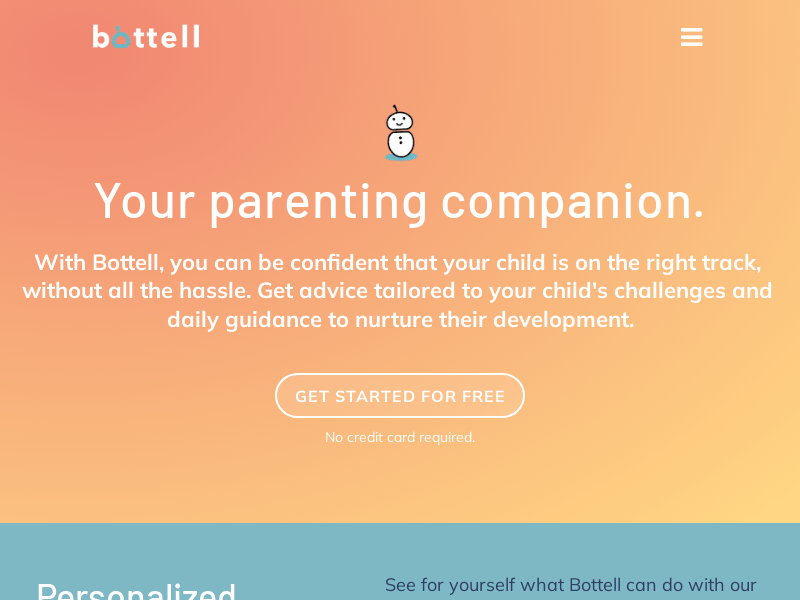
Screenshot archived from the listing page, for preview only.











