BlueWillow
Free AI art generatorDescribe it, get the image
Highlights
What you can do with it
- Generate a rough logo concept
- Create character art for a project
- Produce a photo-style image from a description
How to use it
- 1 Open the BlueWillow site.
- 2 Describe the image you want.
- 3 Generate and review the results.
- 4 Regenerate or refine until you have something usable.
- 5 Download it, or subscribe if you need more volume.
Who it is for
Pros
- Free to try
- Simple interface
- Handles several image types from one prompt box
Limitations
- Free access has limits; subscriptions exist for heavier use
- Output quality varies and may need cleanup before use
- Generated images are not automatically cleared for commercial use, so check rights before publishing
What BlueWillow is
BlueWillow is a free AI art generator. The workflow is the standard one and the appeal is that it stays standard: you describe the image you want, and the tool produces it. The listing points at logos, characters, digital art, and photographs as the kinds of output it handles, and describes the interface as simple and user-friendly.
It is one of the longer-standing names in this category, which matters in a space where tools appear and disappear. A free trial is available, with affordable subscription fees for heavier use. That combination makes it a reasonable first stop for someone who wants to see what AI image generation actually produces before paying for anything.
What you can do with it
- Generate a logo concept from a written description.
- Create character art for a project or story.
- Produce digital art or a photo-style image from a prompt.
- Iterate on a prompt until the output is usable.
Who it is for
- People who need a quick visual and have no design software.
- Creators exploring character or logo directions cheaply.
- Anyone trying AI image generation for the first time.
What to watch out for
Free access is a trial-shaped thing. The listing mentions both a free trial and subscription fees, so establish where the line sits before you depend on it for regular work, and expect limits on volume or features.
Output quality varies with the prompt, and a usable result usually takes several attempts. More importantly, the listing says nothing about usage rights, and AI-generated images are not automatically cleared for commercial use: check the current terms before anything you generate goes on a product, a logo, or a paid campaign.
FAQ
Is BlueWillow free?
The listing describes it as a free AI art generator, with a free trial and affordable subscription fees for more.
What can I generate?
Logos, characters, digital art, and photographs, based on a description you write.
Do I need design skills?
No, the listing describes the interface as simple and user-friendly.
Can I use the images commercially?
The listing does not address usage rights, so check the current terms before commercial use.
Why it is free
What the official page says: 免费
Free limits, trial length and features are decided by the official site and can change at any time.
Product preview
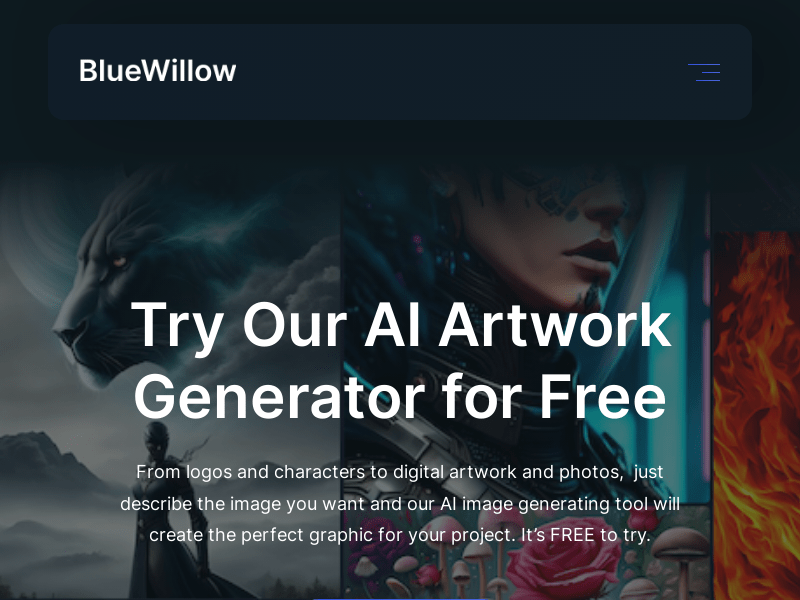
Screenshot archived from the listing page, for preview only.











