
BlitzClip
Animated subtitles for video editorsAnimated captions with fine control
Highlights
What you can do with it
- Adding animated captions to short form social videos
- Styling titles and lower thirds for client video edits
- Rebuilding subtitle timing on an existing edit
How to use it
- 1 Create a free account on blitzclip.ai
- 2 Upload or link the video you are working on
- 3 Generate animated subtitles automatically
- 4 Adjust timing, style, and animation until they feel right
- 5 Export the result and drop it into your editor
Who it is for
Pros
- A free account is available with 3 projects per month
- Timing, style, and animation can all be adjusted by hand
- Templates speed up repetitive caption work
Limitations
- The free plan caps at 3 projects per month, and paid pricing is not detailed in our source
- Automatic captions still need a human pass for accuracy
- Fine control means a learning curve for the timing tools
- Retention benefits are general and depend on the video itself
What BlitzClip is
BlitzClip is an online subtitle tool for people who edit video for a living. Its main job is to create advanced animated subtitles and titles automatically, so the repetitive part of captioning does not eat an afternoon. What separates it from a plain caption file is the level of control afterwards: you can adjust the timing, the style, and the animation of each caption rather than accepting a single fixed look. A library of preset templates is included for speed, and the styles can be customized when a project needs something specific. The product is aimed at professional editors and organizations that publish video at volume. A free account allows 3 projects per month, and paid details are listed on the pricing page.
What you can do with it
- Generate animated subtitles and titles from a video
- Fine-tune timing, style, and animation caption by caption
- Start from preset templates and then customize them
- Keep caption styling consistent across a series of videos
Who it is for
- Video editors working on client projects
- Content studios that publish short form video at volume
- Social media teams that need consistent caption styling
What to watch out for
The free account is capped at 3 projects per month, and the paid pricing is not detailed in the material we have, so check the pricing page before you plan a heavy month. Automatic captioning still needs a human pass, because names, numbers, and accents are where these tools usually slip. Fine control is a double edged tool: the more you can adjust, the more there is to learn, so budget time to get comfortable with the timing controls. Finally, better captions help retention, but they do not rescue a weak video, so treat them as one part of the edit rather than the whole fix.
FAQ
Is there a free plan?
Yes. A free account allows 3 projects per month.
What does it create?
Animated subtitles and titles for videos.
Who is it for?
Professional video editors and organizations that produce video at volume.
Can I adjust the timing?
Yes. Timing, style, and animation can all be adjusted.
Why it is free
What the official page says: 免费免费账户
Free limits, trial length and features are decided by the official site and can change at any time.
Product preview
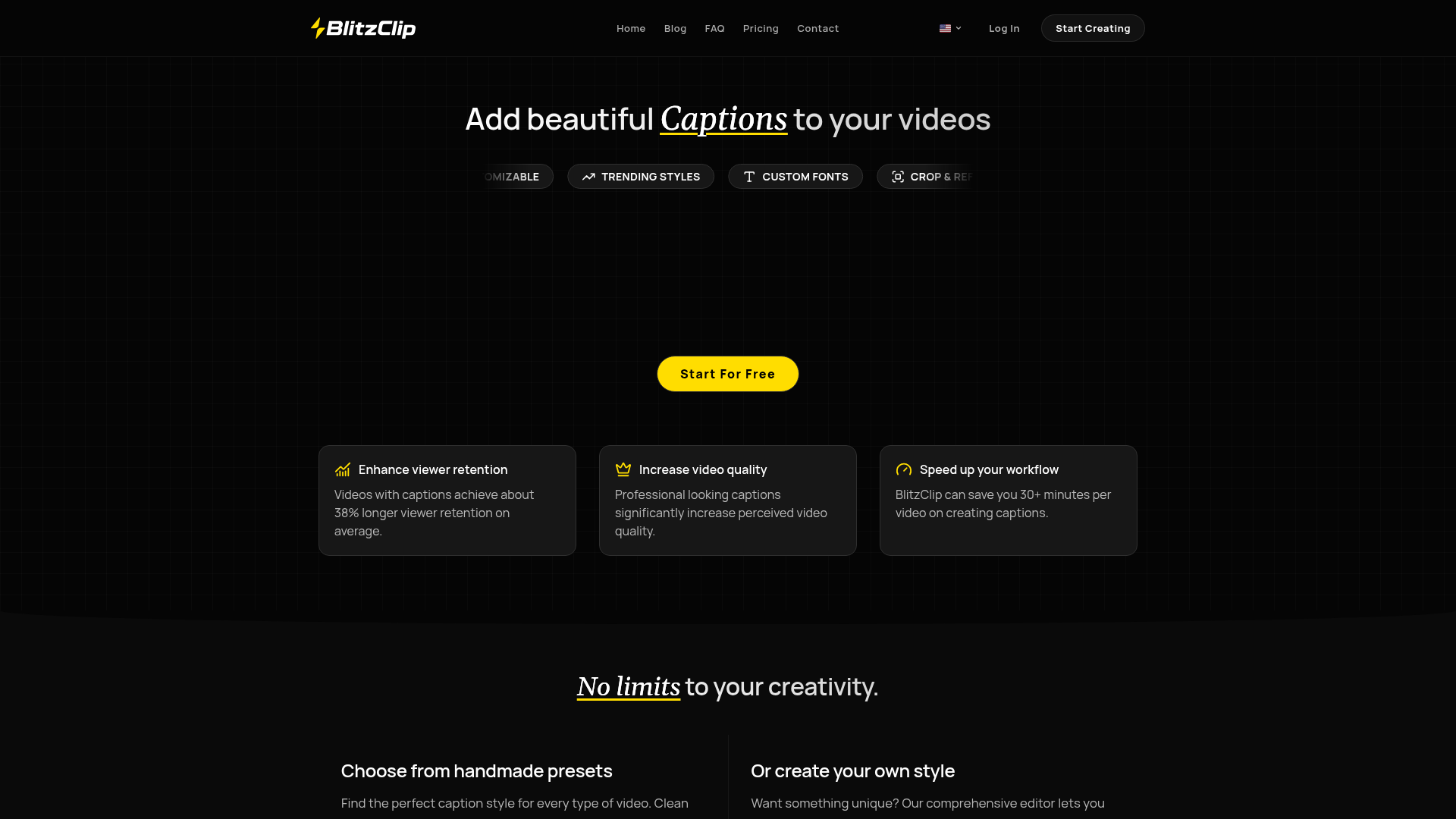
Screenshot archived from the listing page, for preview only.