BlackWave
Free AI image generatorUnique images from text, image or video prompts
Highlights
What you can do with it
- Generating artwork to show in a portfolio
- Creating cover images for content
- Experimenting with creative styles
How to use it
- 1 Pick a generation mode on the homepage
- 2 Enter your prompt and any negative prompt
- 3 Configure parameters such as size and colour
- 4 Click generate and wait for the result
- 5 Save it locally or share it in the community gallery
Who it is for
Pros
- Free to use according to the site
- Several generation modes in one tool
- Parameters are configurable
- API available for integration
Limitations
- Free status on a small site is not guaranteed long term
- Limited documentation on limits and licensing
- Output quality depends on prompt craft
What BlackWave is
BlackWave is an AI image generator built on neural network models. It produces unique images quickly and supports four generation modes: text-to-image, image-to-image, text-to-video and enlargement. Parameters such as size and colour are configurable, an API is offered for integration, and there is a community gallery for sharing output. The site advertises the service as free.
What you can do with it
- Generate an image from a text prompt, with a negative prompt for exclusions.
- Transform an existing image into something new.
- Generate video from text.
- Enlarge an image while keeping detail.
- Configure size, colour and other parameters per run.
- Share results in the community gallery.
Who it is for
Designers generating artwork to show clients, content creators who need cover images, and hobbyists exploring what AI generation can do.
What to watch out for
Free on a small site is not a long-term guarantee, and there is little published detail on usage limits or output licensing. Quality tracks how well you write prompts, so expect to iterate. Check the terms before using anything commercially. Processing speed depends on file size and network conditions, so retry later if a task stalls during peak hours. Run one full task end to end first, then expand once you are comfortable with the workflow and the result quality. Behavior may vary across browsers and devices, so test before production use and consult the help docs if errors appear. Features and interface details may change between versions, so review the latest notes on the page before you start. Behavior may vary across browsers and devices, so test before production use and consult the help docs if errors appear.
FAQ
Is BlackWave free?
The site describes generation as quick, easy and free. Confirm current terms before relying on it.
What modes does it support?
Text-to-image, image-to-image, text-to-video and enlargement.
Is there an API?
Yes, it provides an image generation API so you can integrate generation into your own tools.
Can I share my results?
There is a community gallery where you can display work and share it with other users.
Why it is free
What the official page says: for free
Free limits, trial length and features are decided by the official site and can change at any time.
Product preview
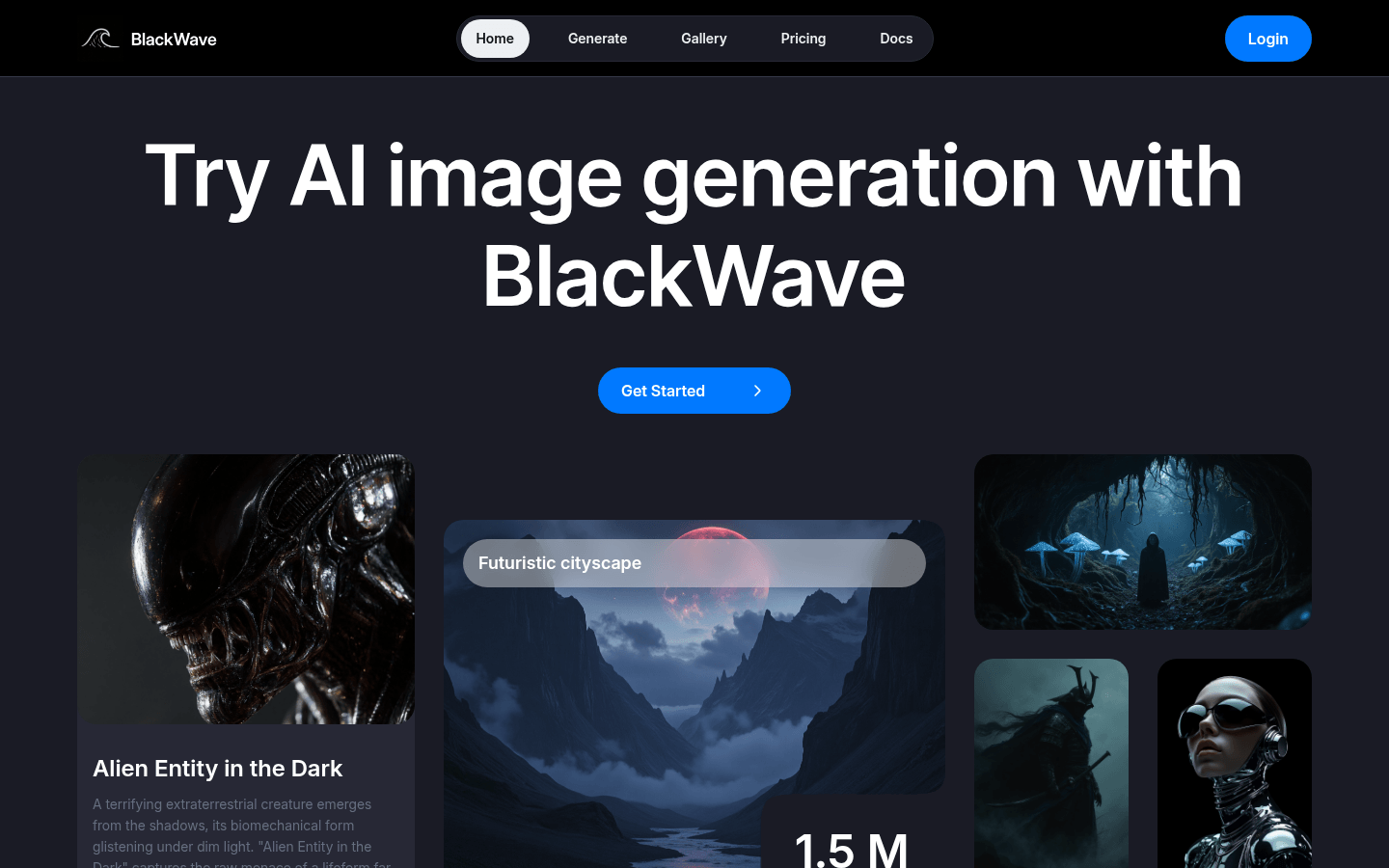
Screenshot archived from the listing page, for preview only.











