
BlackBox AI
AI code chat and generation pluginCode completion and search in your editor
Highlights
What you can do with it
- Complete code as you type in a supported editor
- Search for a snippet instead of writing it from scratch
- Generate a first draft of a function from a description
How to use it
- 1 Install the BlackBox AI plugin in your editor.
- 2 Sign in and start with the free trial.
- 3 Use auto completion while you write code.
- 4 Search for snippets when you need a pattern.
- 5 Ask the chat or generation feature for a first draft, then review it.
Who it is for
Pros
- Several languages supported
- Completion, search and generation in one plugin
- Free trial before paying
- Fits into an existing editor workflow
Limitations
- Free trial limits and subscription pricing apply
- Suggestions can be wrong or outdated
- Generated code needs review and testing
- Quality varies by language and context
What BlackBox AI is
BlackBox AI is an editor plugin that mixes chat with code generation. The idea is to keep help next to the cursor: as you type, it suggests completions, and when you are stuck it can search for existing code or generate a draft from your description. The listed language support includes Python, JavaScript, TypeScript, Go and R, which covers a good slice of day to day development. Pricing is split between a free trial and paid subscriptions, and the target user is anyone who writes code regularly.
What you can do with it
- Get code auto completion while you type.
- Search for snippets and patterns instead of rewriting them.
- Generate a first draft of a function from a plain description.
- Chat about code inside the editor.
Who it is for
- Developers who want completion and search in a single tool.
- Teams that want a shared AI assistant across editors.
- Learners who need example code quickly.
What to watch out for
The free trial has limits and continued use requires a paid subscription, so check the current plan before you depend on it daily. Suggestions are not guaranteed to be correct, secure or up to date, and generated code can look confident while being wrong, so review and test everything. Coverage and quality differ by language, so a great experience in one may be weaker in another. As with any assistant that reads your files, be careful about sending proprietary or sensitive code to a cloud service. Start with a small sample to confirm the output meets your expectations before processing the full batch. Free tiers and usage limits can change, so check the current rules on the official page before relying on it long term.
FAQ
What does BlackBox AI do?
It combines chat and generative AI code, offering auto completion, code search and AI code generation.
Which languages does it support?
Including Python, JavaScript, TypeScript, Go and R.
Is there a free option?
Yes. It offers free trials as well as paid subscriptions.
Who is it for?
Individual developers and teams who want to write code faster.
Why it is free
What the official page says: free trial
Free limits, trial length and features are decided by the official site and can change at any time.
Product preview
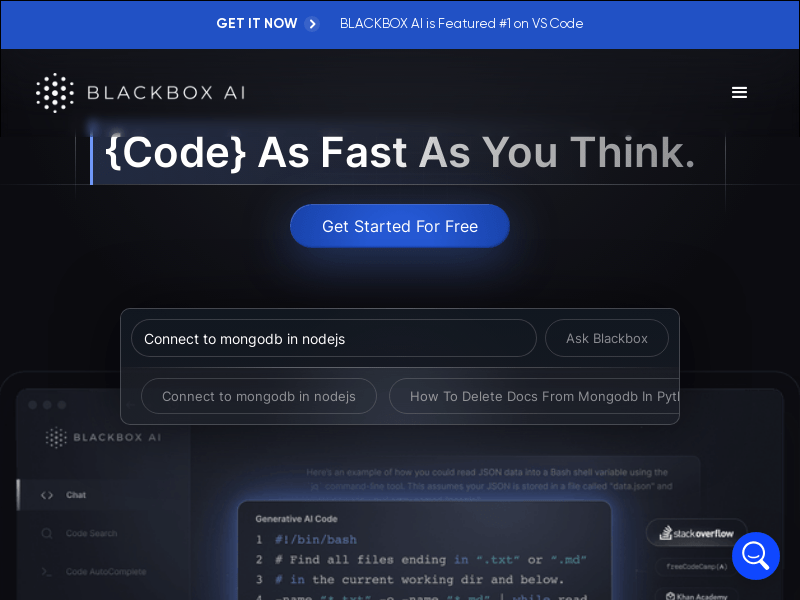
Screenshot archived from the listing page, for preview only.











