
BlabbyAI Speech to text
Chrome extension for speech to textVoice type on any website
Highlights
What you can do with it
- Transcribing meeting notes in real time
- Dictating an article draft instead of typing it
- Capturing lecture points during class
How to use it
- 1 Install the BlabbyAI extension from its site.
- 2 Click the extension icon to activate it.
- 3 Open any text box and start speaking.
- 4 Use voice commands for punctuation, then click again to stop.
Who it is for
Pros
- Works across sites rather than in one app
- Handles both quick dictation and longer transcription
- Voice commands reduce keyboard use further
Limitations
- Recognition accuracy varies with accent and background noise
- Free trial terms and later pricing can change
- Chrome only, so it does not help in other browsers
What BlabbyAI Speech to text is
BlabbyAI is an AI speech to text tool delivered as a Chrome extension. Once installed, it lets you speak into any text box on any website and have your words appear as text. The stated value is input speed, especially where typing is slow or inconvenient. Beyond simple dictation, it offers transcription for longer audio such as meetings and lectures, and voice commands that let you insert punctuation or start a new paragraph without touching the keyboard.
What you can do with it
- Voice type into email, documents, and web forms.
- Transcribe long recordings into readable text.
- Use voice commands for punctuation and paragraph breaks.
- Capture ideas while walking or doing something else.
Who it is for
- Writers and copywriters who produce large volumes of text.
- Business people who process many documents and emails daily.
- Students who need notes and papers written quickly.
- Anyone who finds typing slower than thinking.
What to watch out for
Speech recognition accuracy still varies with accent, microphone quality, and background noise, so plan to edit the output. It runs in Chrome, so it will not help you in Firefox, Safari, or native applications. The free trial and any later paid plan can change price or scope without notice. Transcribing meetings or lectures also raises consent questions, so make sure the people being recorded know about it. For team use, agree on naming and editing conventions in advance to avoid version conflicts or duplicated work. Name and archive exported files consistently so you can find and reuse them, and keep a backup copy of key data. Behavior may vary across browsers and devices, so test before production use and consult the help docs if errors appear.
FAQ
Where can I use it?
On any website in Chrome, including email, articles, and forms.
Can it transcribe long recordings?
Yes, AI transcription is listed for long content such as meetings and lectures.
Does it support voice commands?
Yes, you can speak instructions such as punctuation and paragraph breaks.
Why it is free
What the official page says: free trial
Free limits, trial length and features are decided by the official site and can change at any time.
Product preview
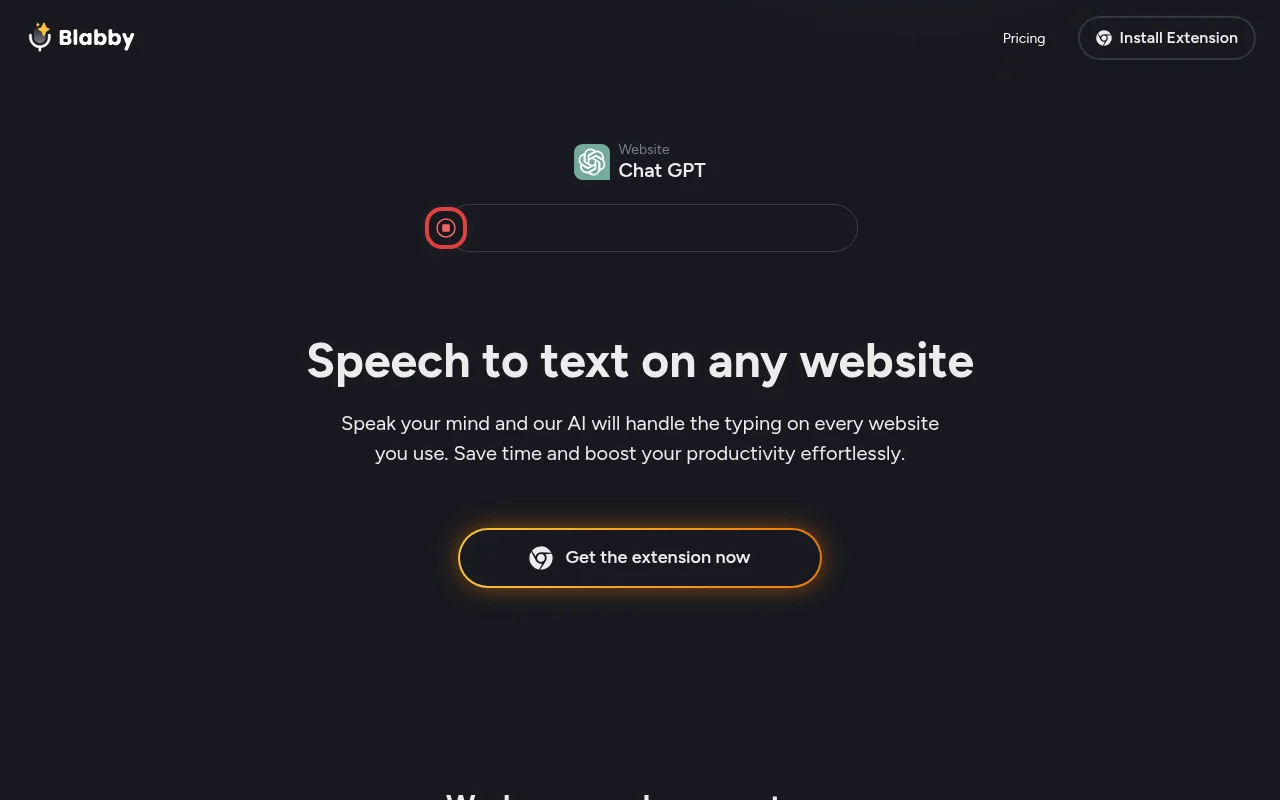
Screenshot archived from the listing page, for preview only.











