
Bilibili Editor
Bilibili's official video editor for creatorsEdit, subtitle, and publish to Bilibili
Highlights
What you can do with it
- Edit and publish game commentary videos
- Build travel vlogs with the material and music library
- Make instructional videos with automatic subtitles
How to use it
- 1 Download and install the Bilibili Editor app
- 2 Log in with your Bilibili account
- 3 Import or choose your video material
- 4 Edit with trimming, effects, and frame-by-frame tools
- 5 Generate voice subtitles and add music
- 6 Publish to Bilibili with one-click submission
Who it is for
Pros
- Publishing flow is built directly into the editor
- Voice subtitles save a great deal of typing
- Free for creators on the platform
Limitations
- Tied to the Bilibili ecosystem, so it suits that platform best
- Screen recording is limited to the Windows version
- Several features assume a Bilibili account
- Desktop app availability and terms can change
What Bilibili Editor is
Bilibili Editor is the official video editing tool produced by Bilibili, designed specifically for UP owners and video creators. It bundles the pieces a creator needs in one place: a rich material library, a wide selection of background music, voice subtitles that convert speech to text with automatic alignment, and direct submission to Bilibili with one click. There is also a one-click three-link feature for quickly adding linked content, HD screen recording on the Windows version for game commentary, and full-track display with frame-by-frame editing for more precise work. The tool is free for UP owners, which is part of how Bilibili attracts and retains creators on the platform.
What you can do with it
- Edit video on a full timeline with frame-by-frame control
- Generate subtitles automatically from speech
- Add music and material from the built-in libraries
- Record your screen in HD on the Windows version
- Publish straight to Bilibili with one-click submission
Who it is for
- Bilibili UP owners who publish on a schedule
- Video bloggers who need music and material assets without sourcing them
- Game commentary creators using screen recording
- Educators producing teaching videos with subtitles
What to watch out for
The tool is tightly bound to the Bilibili ecosystem. Its best features, including direct submission and the three-link function, assume you have a Bilibili account and are publishing there, so it is a weaker choice if your main platform is elsewhere. Screen recording is limited to the Windows desktop version, so Mac and mobile users do not get that capability. It is also a desktop application rather than a browser tool, which means installs and updates to manage. As a free platform-provided tool, feature availability and terms can change with Bilibili's product decisions, so check the official page before relying on a specific function.
FAQ
Who makes Bilibili Editor?
It is the official video editing tool produced by Bilibili.
What is the three-link feature?
It is a Bilibili-specific feature that lets users quickly add linked content into a video.
Can I record my screen?
The Windows version on PC supports one-click HD screen recording for game commentary.
Why it is free
What the official page says: 免费
Free limits, trial length and features are decided by the official site and can change at any time.
Product preview
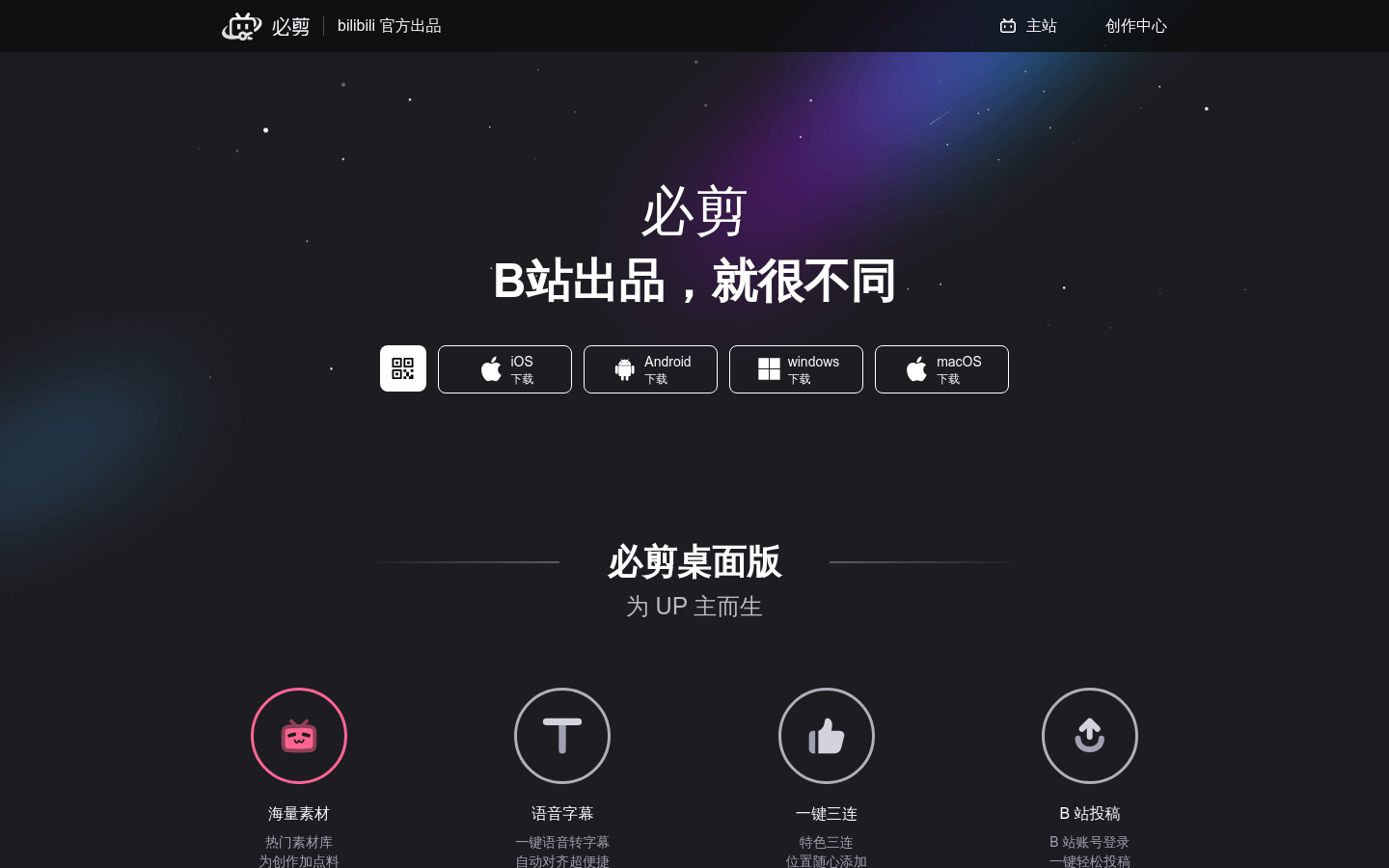
Screenshot archived from the listing page, for preview only.











