
BestMaker AI
AI image and video generation platformText or photo in, 4K visuals out
Highlights
What you can do with it
- A creator generates clear visuals for a video series
- A marketer produces campaign images and clips faster
- A studio keeps multiple projects in one workspace
How to use it
- 1 Register and claim the free daily quota
- 2 Pick a function such as text to image or image to video
- 3 Enter a prompt or upload a photo
- 4 Wait for generation, then edit as needed
- 5 Publish or download the result
Who it is for
Pros
- A free daily quota allows regular light use
- 4K output suits professional delivery
- Templates shorten the time to first result
Limitations
- Daily free quota limits heavy production
- Generated images and video need quality review
- Complex prompts may miss the mark and need retries
- Quota rules and pricing can change
What BestMaker AI is
BestMaker AI is a generative platform for visual content. It creates images and video from text prompts or uploaded photos, converts scripts and stills into moving clips, and handles photo editing through natural language instructions such as removing objects or changing backgrounds. The page lists 4K output, multiple AI models, and a template library, and it offers a free daily quota so creators can test without paying. The audience is creators, marketers, and studios that publish visuals regularly.
What you can do with it
- Generate images from text descriptions
- Turn scripts or photos into video clips
- Edit photos by describing the change you want
- Use templates to start faster and export at 4K
Who it is for
- Content creators who publish visuals regularly
- Marketers who need campaign images and clips
- Studios that want generation and editing in one place
What to watch out for
The free daily quota caps how much you can produce, so serious volume requires a paid plan whose terms can change, and queues during busy periods can slow work. Generated output needs review: hands, text, and fine details often need retries or cleanup before anything goes public. Complex prompts do not always land, so budget time for iteration and keep a library of prompts that work. Check usage rights before using generated visuals in commercial work, and confirm the current quota and pricing on the official site. Name and archive exported files consistently so you can find and reuse them, and keep a backup copy of key data. When quality matters, export a small draft first to confirm the result before producing the final file.
FAQ
What can BestMaker AI generate?
Images and video from text or photos, including text to video, image to video, and photo editing.
Is there a free option?
Yes, the page mentions a free daily quota for registered users.
What resolution is supported?
The site says 4K video output is supported for professional delivery.
Why it is free
What the official page says: 免费
Free limits, trial length and features are decided by the official site and can change at any time.
Product preview
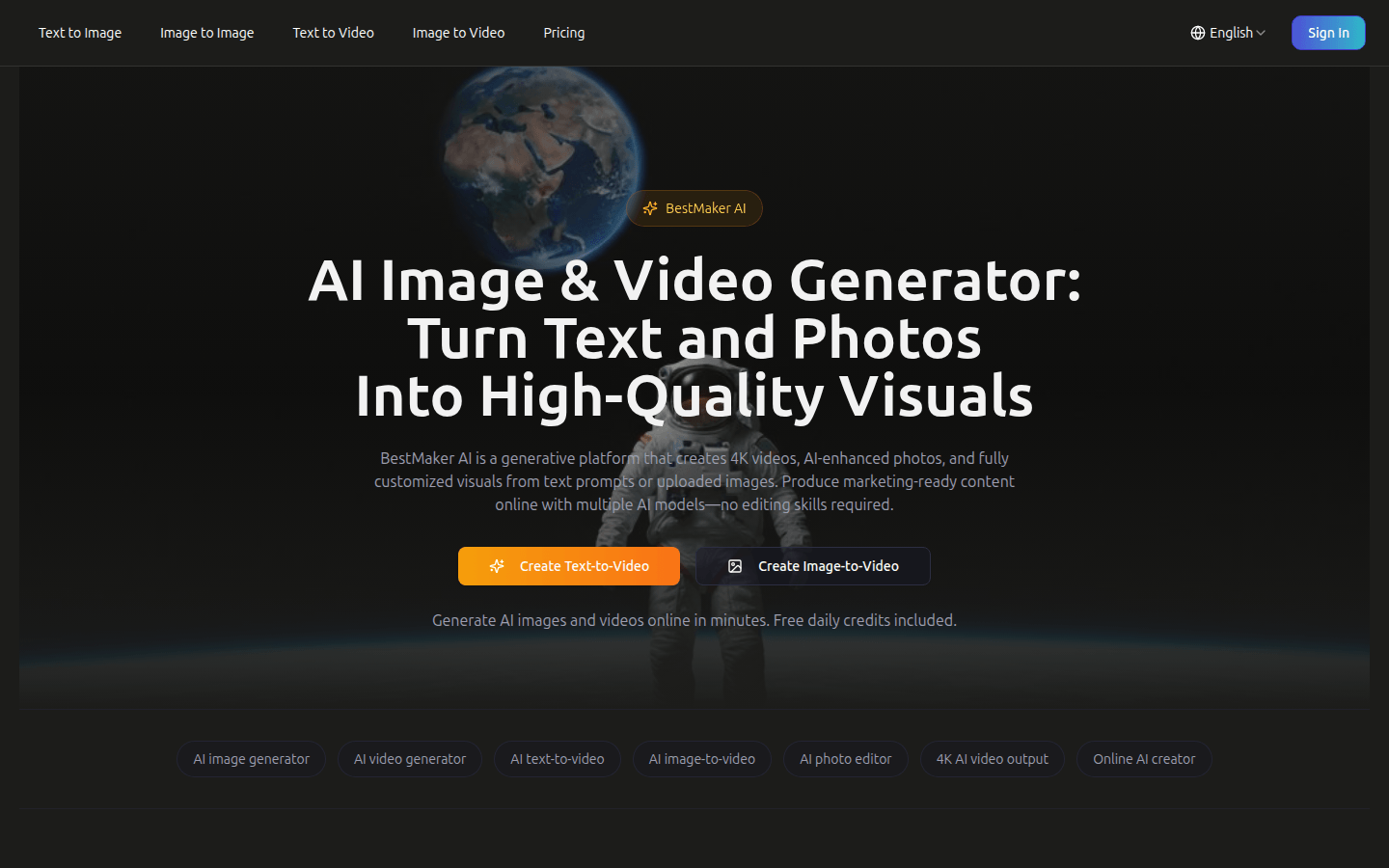
Screenshot archived from the listing page, for preview only.











