
Best Image to Video AI
Turn images into short AI videosPhotos to video with motion prompts
Highlights
What you can do with it
- E-commerce merchants turn product photos into videos for detail pages.
- Social media bloggers animate AI art into short videos for more engagement.
- Advertising teams animate posters to improve campaign appeal.
How to use it
- 1 Choose a workflow: text-image to video, frame to video, or reference video.
- 2 Upload your product photo, portrait, poster, or AI image as input.
- 3 Describe the subject action and camera movement, plus style and lighting keywords.
- 4 Preview the result and regenerate only the segments that need adjusting before export.
Who it is for
Pros
- Simple workflow: upload an image, describe the motion, generate a clip.
- Multiple workflow options suit different sources and goals.
- New users get free usage limits to try the basics.
Limitations
- Free usage limits are capped, and higher usage, watermark-free export, and privacy control may need a paid plan.
- Free limits and paid pricing can change, so confirm current terms before relying on them.
- Results depend on the source image and the motion prompt, so some clips need several tries to look right.
What Best Image to Video AI is
Best Image to Video AI is an online workspace for turning still images into short AI videos. The idea is simple: you upload a picture, describe the motion you want, and the tool generates a clip. It is built for common marketing and social use cases, such as turning a product photo into a short demo, adding subtle motion to a portrait, animating a poster, or creating a draft social clip for Shorts, Reels, or paid social. There are several workflows to pick from, including text-image to video, frame to video, and reference video, so you can choose the method that fits your source material. New users get free usage limits after registration, which lowers the barrier to trying it.
What you can do with it
- Turn product photos into short demo videos with zoom, reveal, lighting changes, or rotation.
- Add subtle motion to portraits and characters, such as eye movement, hair, fabric, or camera moves.
- Animate posters, thumbnails, and AI artworks for landing pages and social posts.
- Create draft social clips for Shorts, Reels, paid social, and creative tests before final editing.
Who it is for
- Product marketers who need video assets across channels.
- Social media operators who want varied, attention-grabbing content.
- Creative workers who experiment with new visual formats.
What to watch out for
The free usage limits are capped, and the product notes that higher usage, watermark-free export, and some privacy control may require a paid plan, so budget accordingly if you need clean output at volume. Free limits and paid pricing can change over time, so confirm the current terms before you build a workflow around them. Quality depends heavily on the source image and how precisely you describe the motion; a vague prompt often leads to a clip you have to regenerate. Preview every result before export and compare workflow options so you only redo the segments that need adjustment. Keep your original images safe, since the tool works from what you upload.
FAQ
What does it do?
It converts images such as product photos, portraits, posters, and AI art into short AI videos by adding motion you describe.
Which workflows are available?
You can choose text-image to video, frame to video, or reference video depending on your source and goal.
Is it free?
New users get free usage limits after registration. Higher usage, watermark-free export, and extra privacy control may require a paid plan.
Why it is free
What the official page says: 免费额度免费
Free limits, trial length and features are decided by the official site and can change at any time.
Product preview
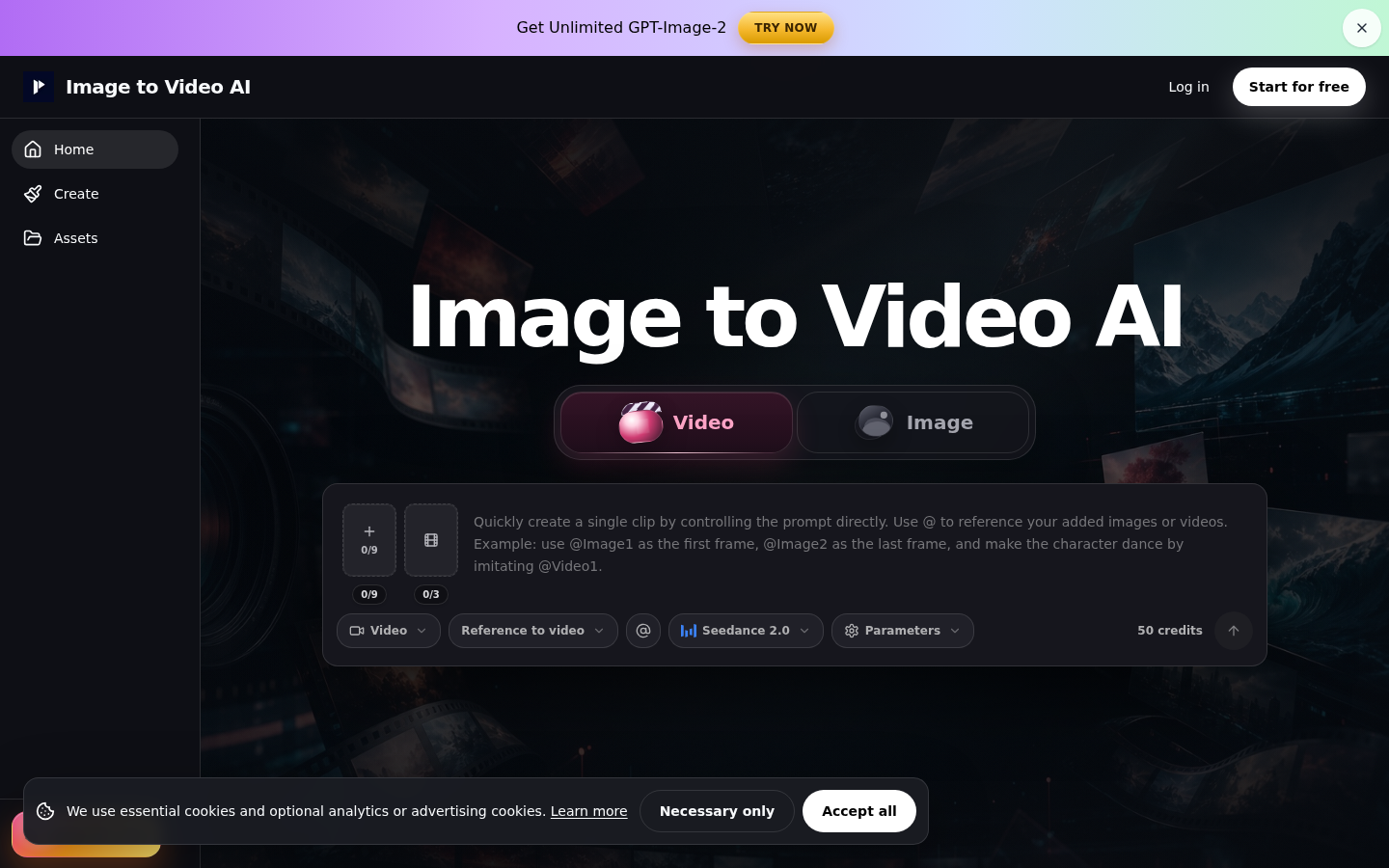
Screenshot archived from the listing page, for preview only.











