
Best AI Image to Video | Free, Cheapest Product Promo Maker
AI tool that turns photos into promo videosUpload a picture, get a watermark-free promo video
Highlights
What you can do with it
- Turn product photos into short promo clips for e-commerce listings
- Test a video idea with the free credits before buying more
- Create vertical clips for social media from still images
How to use it
- 1 Open image-to-video.app and register an account.
- 2 Choose image-to-video or switch to the text-to-video tab.
- 3 Upload a picture under 10MB or type your text description.
- 4 Pick a model such as Sora 2 Basic, Sora 2 Pro, or Veo 3 1.
- 5 Wait for generation, then download the MP4 file.
Who it is for
Pros
- Free credits for new users lower the barrier to trying the tool
- Paid-credit videos come out without a watermark
- Both image-to-video and text-to-video modes are supported
Limitations
- Credits run out after the trial, and model costs vary by clip length
- Uploads are capped at 10MB per image
- Free credit offers and pricing may change over time
What Image To Video is
Image To Video is an AI image-to-video tool built for people who need video fast. Upload a picture in one click, or switch to the text-to-video tab and describe the clip you want, then pick a model and wait for the render. New users start with 40 free credits, and the product page states that no skills are required. Videos generated with paid credits carry no watermark, which matters when the output goes on a product page. The tool accepts JPEG, PNG, and WebP files up to 10MB and exports MP4 at 720p or 1080p, in 16:9 landscape or 9:16 vertical. Several models sit behind the scenes, including Sora 2 Basic, Sora 2 Pro, and Veo 3 1, and each has its own generation time and credit cost. Templates and motion effects are included, and commercial use of the generated videos is permitted.
What you can do with it
- Turn product photos into short promotional videos for online stores
- Generate vertical 9:16 clips sized for social media feeds
- Create video from a text prompt with no source image
- Pick a model that matches your budget and quality needs
Who it is for
- Marketers who need promo videos for campaigns and social posts
- E-commerce store owners adding video to product pages
- Content creators and freelancers making short clips without editing skills
What to watch out for
The free credits are a one-time starter amount, not a standing balance. Once they run out, every generation consumes paid credits, and the cost depends on the model you choose and how long the clip runs. Uploads are capped at 10MB per image, so very large source files will not work. Generation time varies by model, which means a batch of videos can take a while to finish. The free credit offer, the model lineup, and the credit pricing are all subject to change, so check the current terms on the site before you plan a budget or a production schedule around the tool.
FAQ
Is Image To Video free to start?
Yes. New users get 40 free credits, though credits are consumed per generation and model costs vary by video length.
Do the videos have a watermark?
Videos generated with paid credits come out without a watermark, according to the product description.
What formats and sizes are supported?
You can upload JPEG, PNG, or WebP images up to 10MB, and downloads are MP4 at 720p or 1080p in 16:9 or 9:16.
Why it is free
What the official page says: for freefree credits
Free limits, trial length and features are decided by the official site and can change at any time.
Product preview
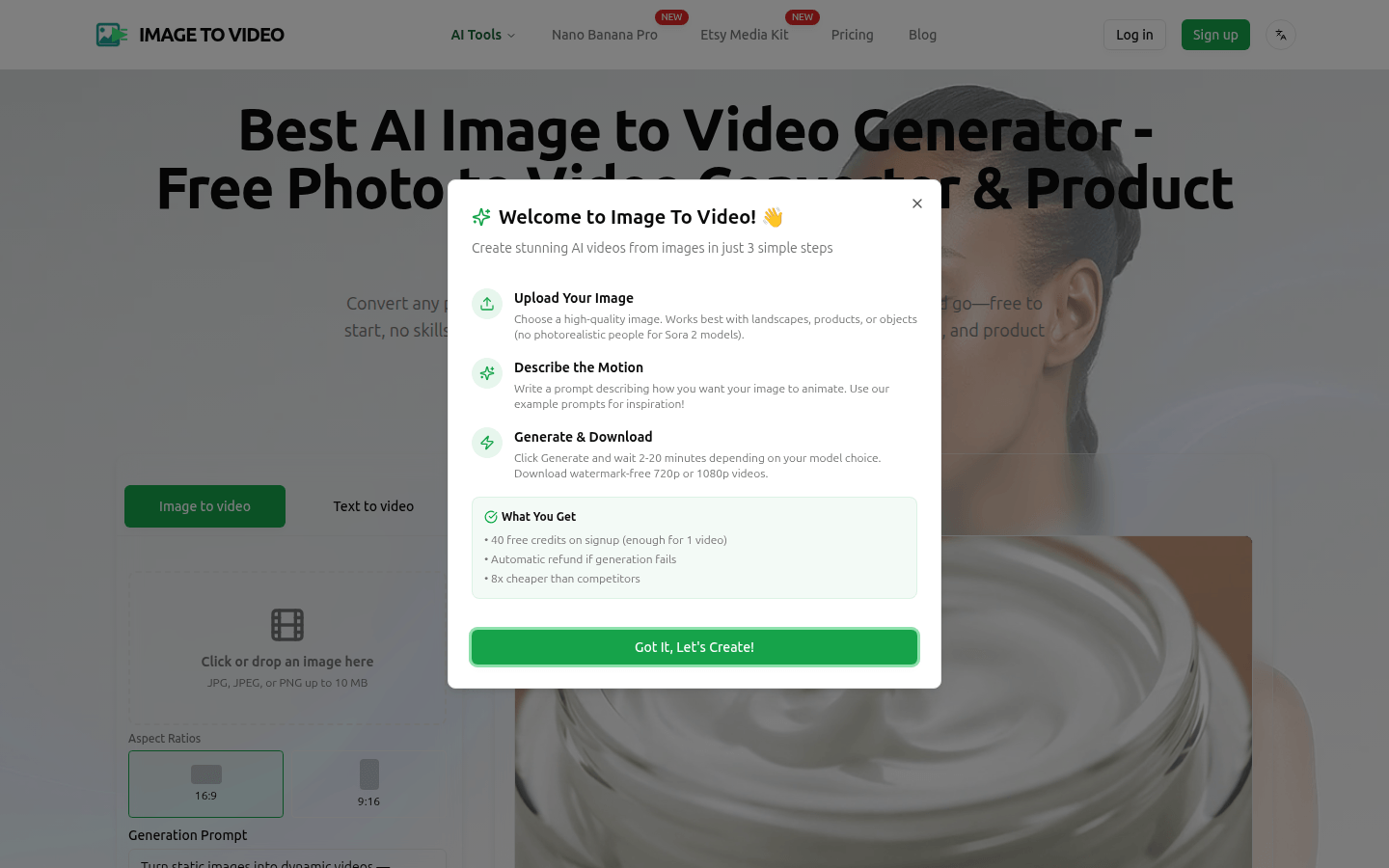
Screenshot archived from the listing page, for preview only.











