
Behind
Online depth effect editorAdd depth effects to photos online
Highlights
What you can do with it
- Add depth effects to a personal photo
- Create depth-enhanced images for social media
- Adjust color and depth on a photo without complex software
How to use it
- 1 Visit the website and create an account
- 2 Upload the image you want to edit
- 3 Choose depth effects and background color grading
- 4 Apply the effects and preview the edited image
- 5 Download or share the result
Who it is for
Pros
- Free to use
- Simple interface that is easy to start with
- Runs online, so nothing to install
Limitations
- Still in BETA, so features and behavior can change
- Free status during BETA may not last
- Scope is limited to depth effects and color grading
What Behind is
Behind, also listed as In Depth, is an online image editing tool for adding depth effects without specialized software. It runs in the browser, so there is nothing to install and no professional suite to learn. Alongside the depth effect itself it offers background color grading and a straightforward interface for getting started. The workflow is short: upload an image, choose the effects and color options you want, preview the result, then download or share it. The project is still in BETA and is free to use for anyone who wants to lift the look of an image quickly.
What you can do with it
- Apply a depth effect to a photo you upload.
- Grade the background color to taste.
- Preview the edit before you commit to it.
- Download or share the finished image.
Who it is for
- People editing personal photos who want a nicer look without a learning curve.
- Designers who need depth-enhanced social images in a few minutes.
- Photographers adjusting color and depth without opening complex software.
What to watch out for
BETA means exactly that. Features can appear, change, or disappear between visits, and the free usage offered now may not be the model later. The scope is also narrow: this is depth effects and color grading, not retouching, compositing, or batch processing. And because it is a small project on a personal domain, keep local copies of anything you make rather than assuming the site or your account will be there next month. For best results, start with a small test file and review the output carefully before working on anything important. Free tiers can change over time, so it is worth checking the current limits on the official page before you rely on the tool daily.
FAQ
Do I need special software?
No. Behind is an online tool for creating depth effects without specialized software.
Is it free?
Yes, it offers free usage while it is in BETA.
What can I adjust?
Depth effects and background color grading, with preview before you save.
Why it is free
What the official page says: 免费使用免费
Free limits, trial length and features are decided by the official site and can change at any time.
Product preview
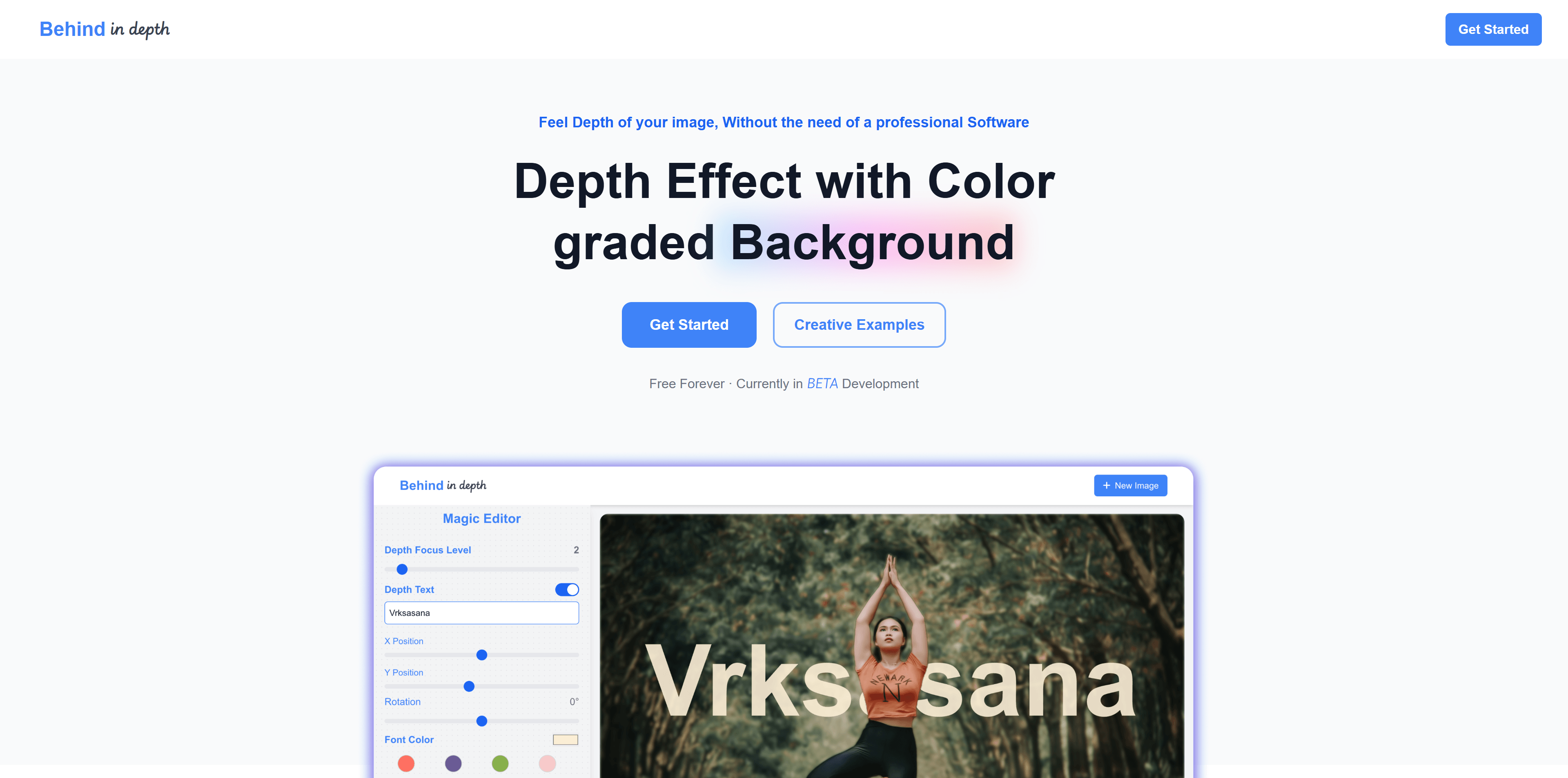
Screenshot archived from the listing page, for preview only.











